
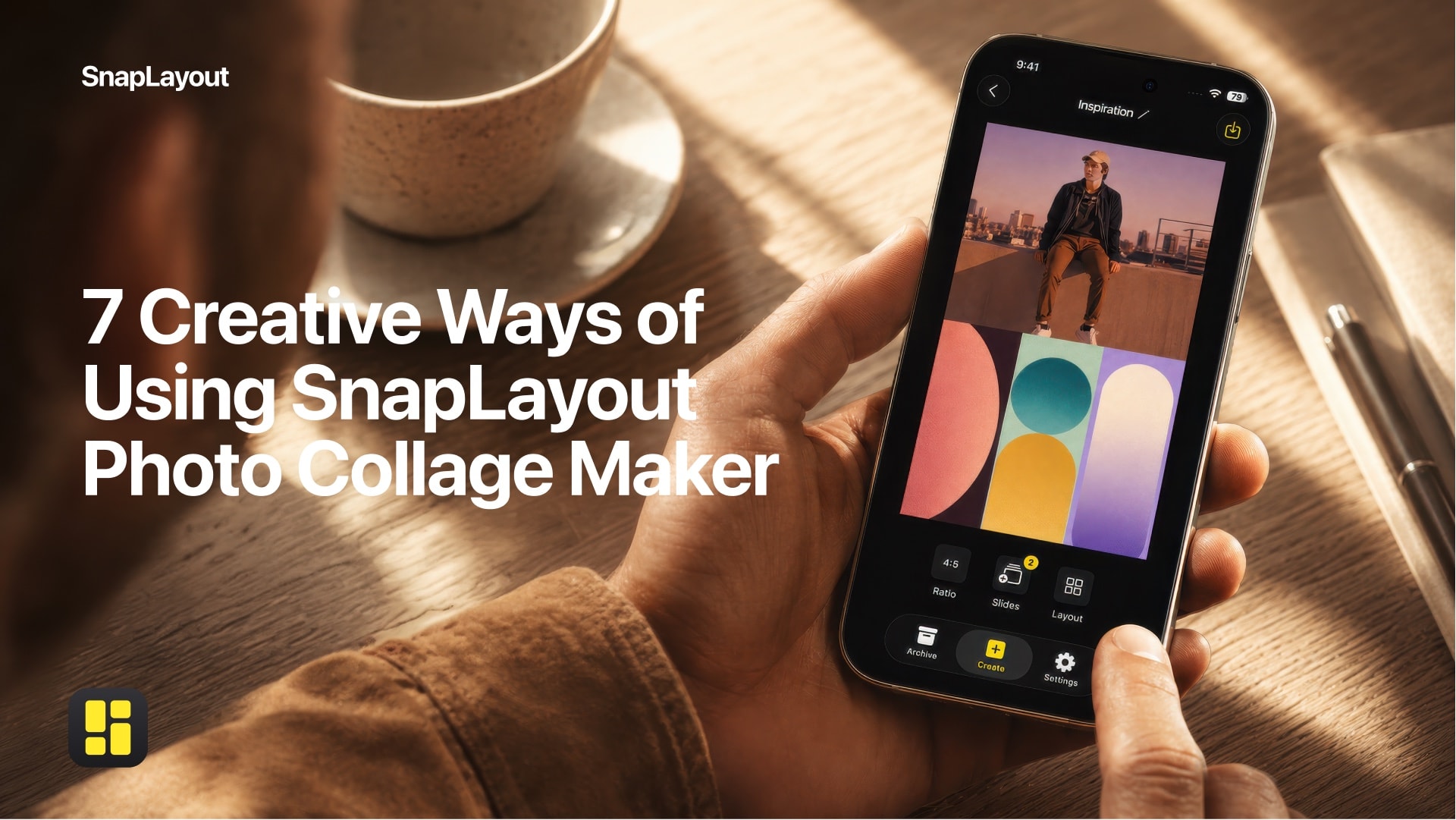

SnapLayout
Free · Photo Collage & Posts
Built for creators who want something fast, clean, and actually enjoyable to use.
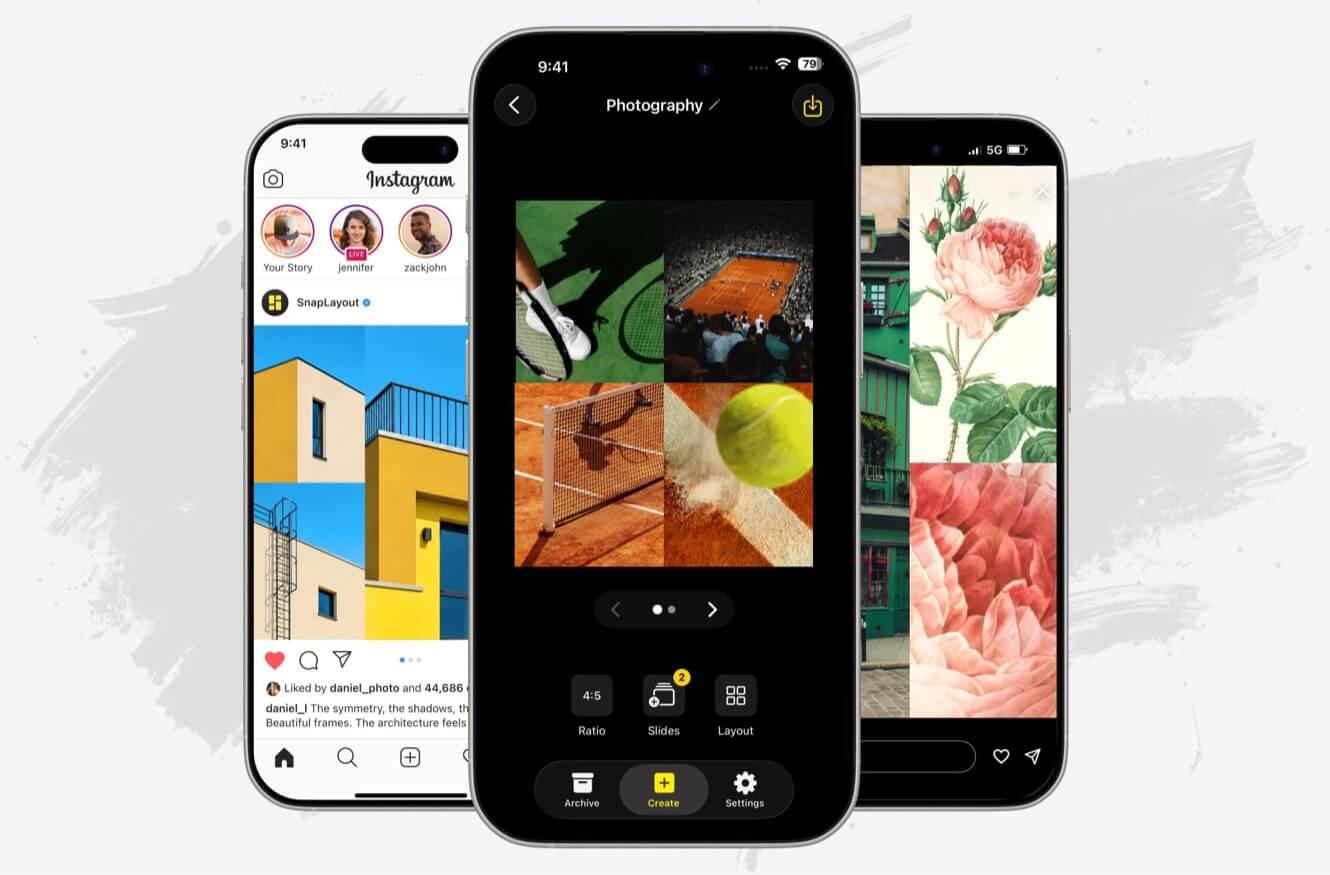
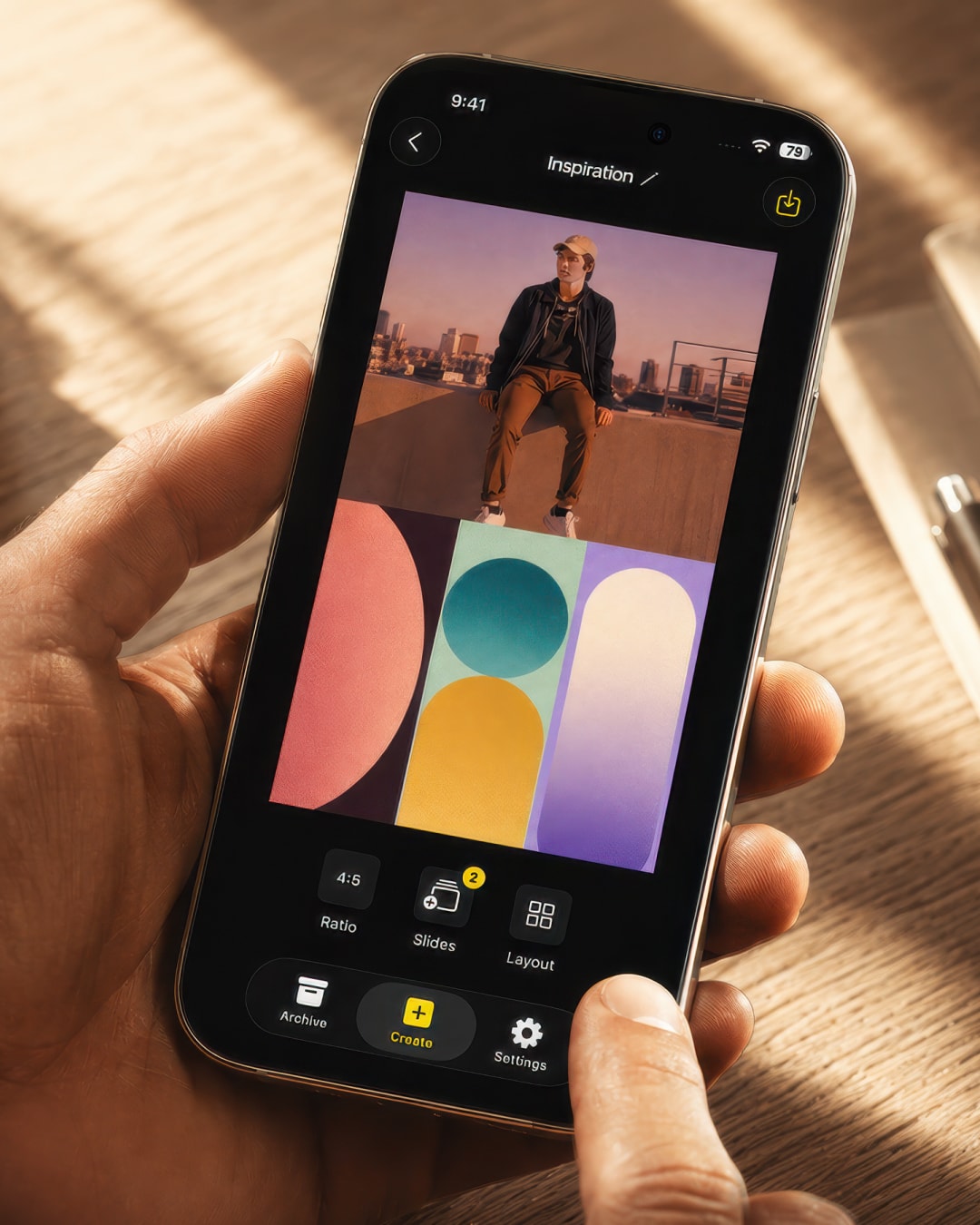
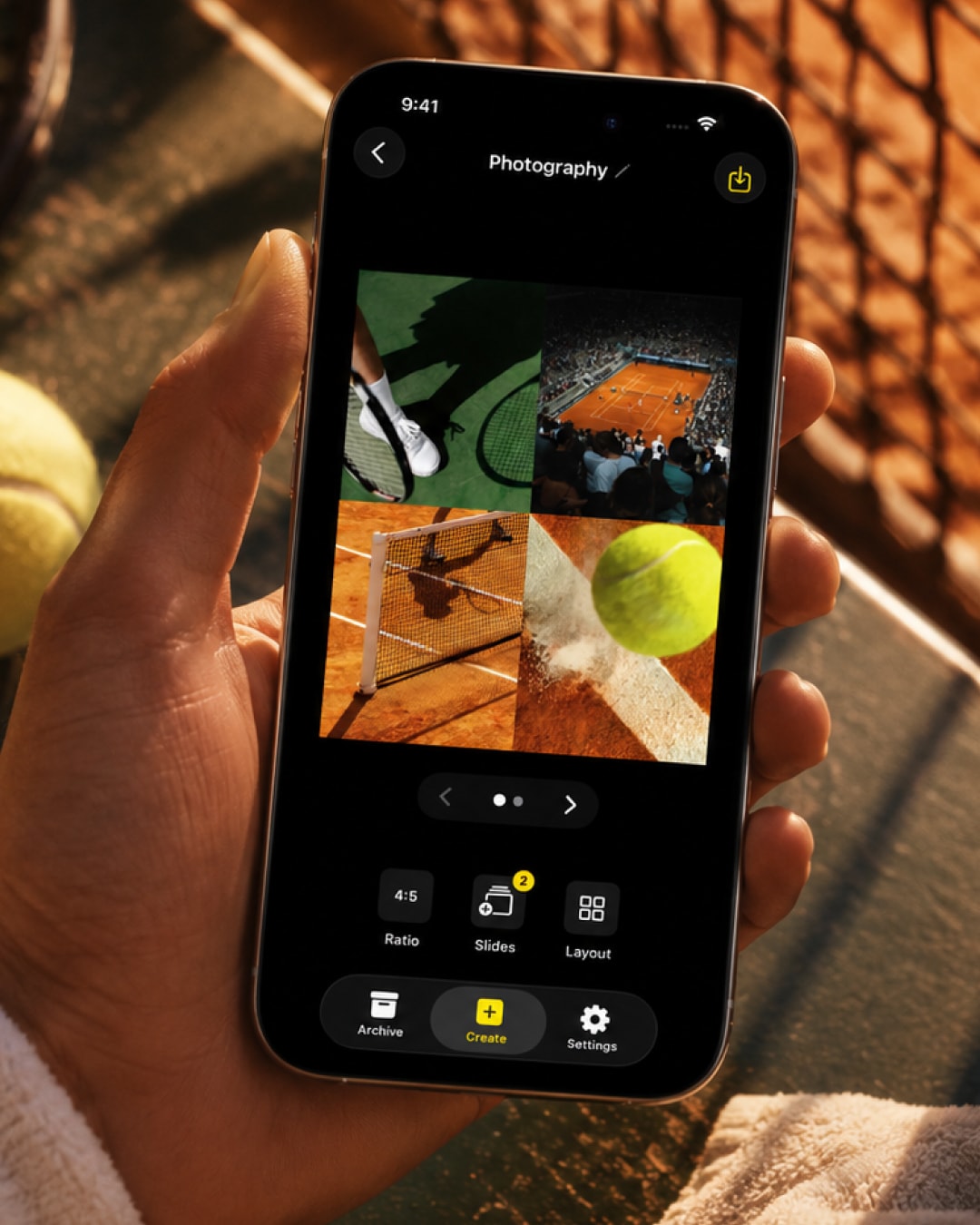
Pick a layout, drop in your photos — your post is ready before you second-guess it.
Fast collage
maker
From idea to post in seconds
Clean, modern
layouts
Designed to look good without trying
Every
platform
Instagram, TikTok, Pinterest & more
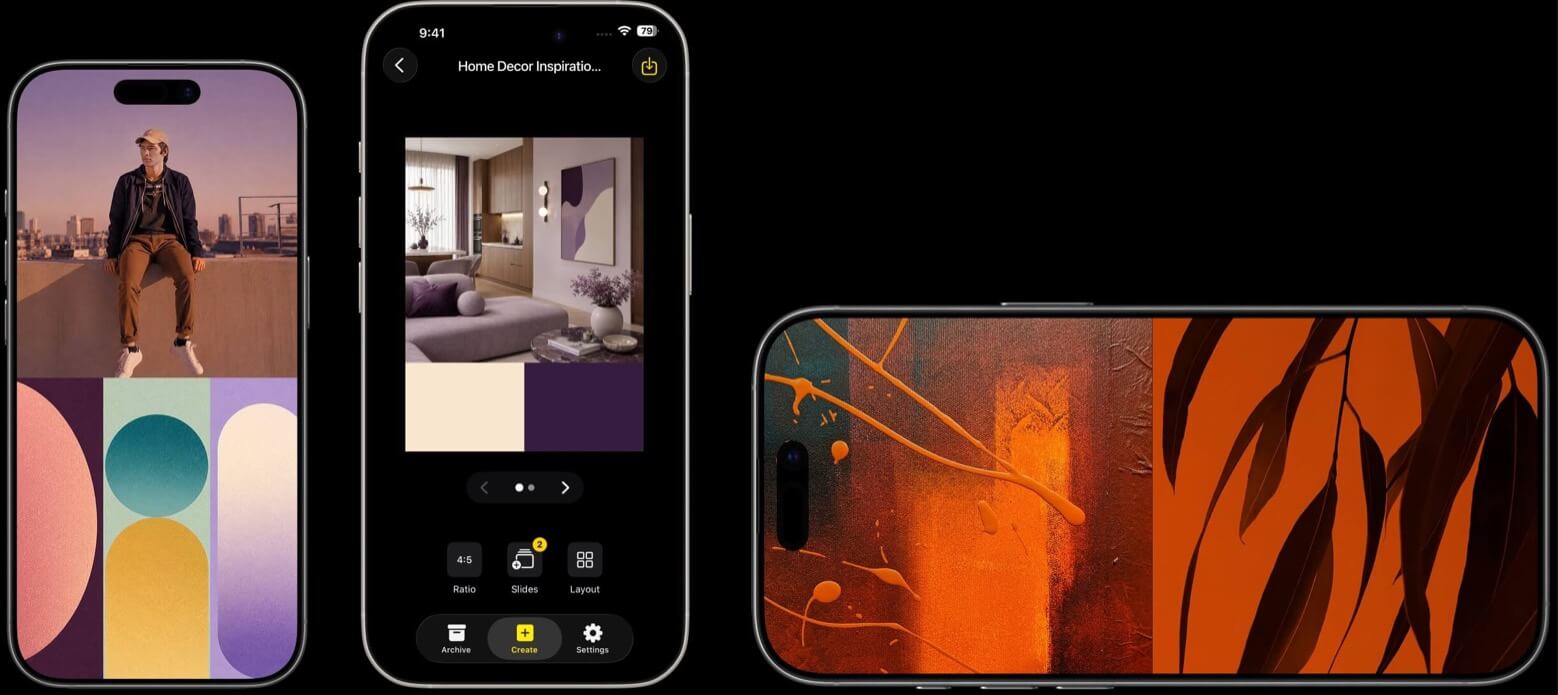
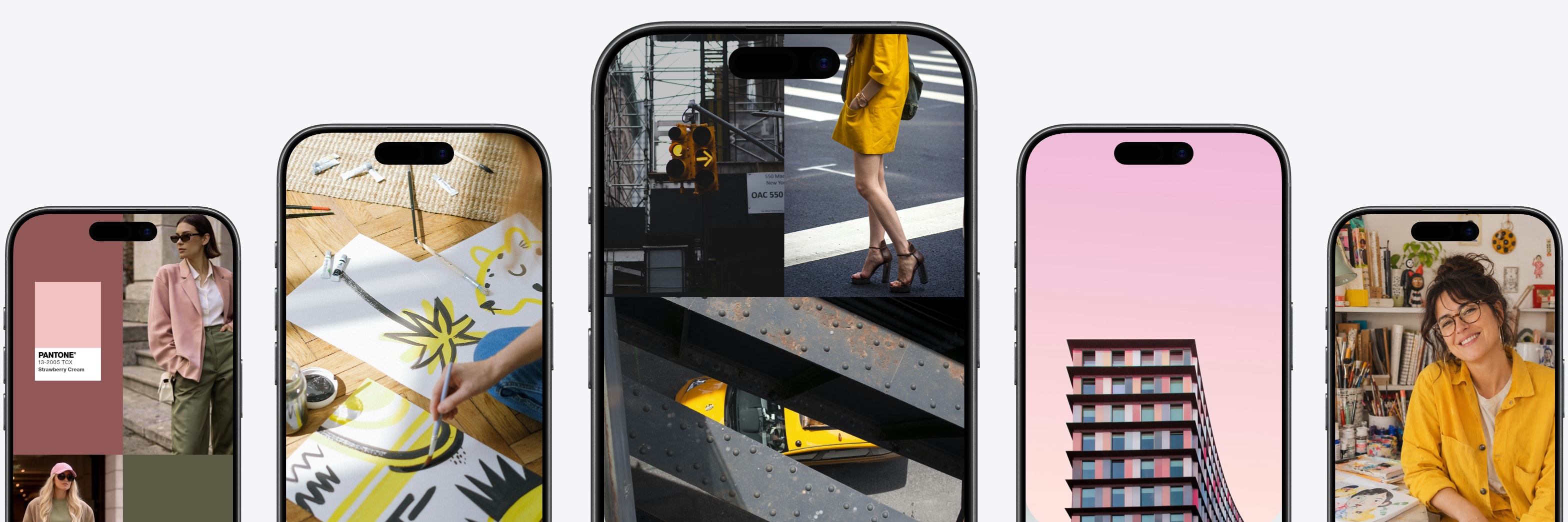
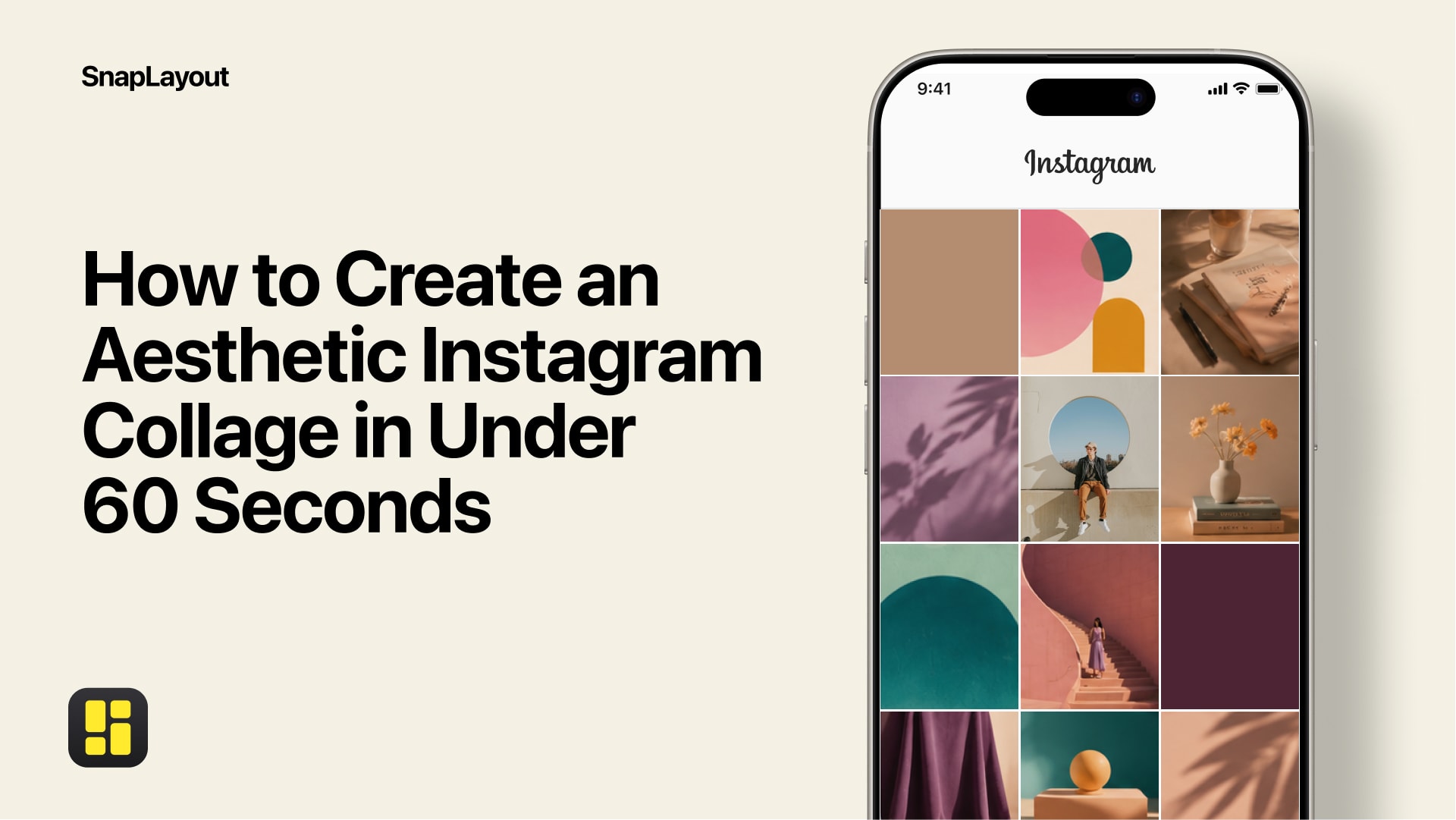
From interior design reveals and creative mood boards to photography portfolios and brand projects — SnapLayout gives you the layouts, formats, and tools to present anything beautifully on social media. Pick your format, drop in your photos, export at the perfect size for Instagram, TikTok, Pinterest, and more.
Every layout works across Instagram, TikTok, Facebook, YouTube, and LinkedIn — no adjustments needed.
Switch your collage between portrait, square, and landscape without starting over.
Design all 20 slides in one session — same layout, same style, consistent across your entire carousel.
Pick a layout, drop in your photos, export at the right size. That's it.
Download on App Store →Formats
Portrait, square, or landscape — SnapLayout instantly adapts your collage to the correct dimensions for every platform you post to. No starting over.
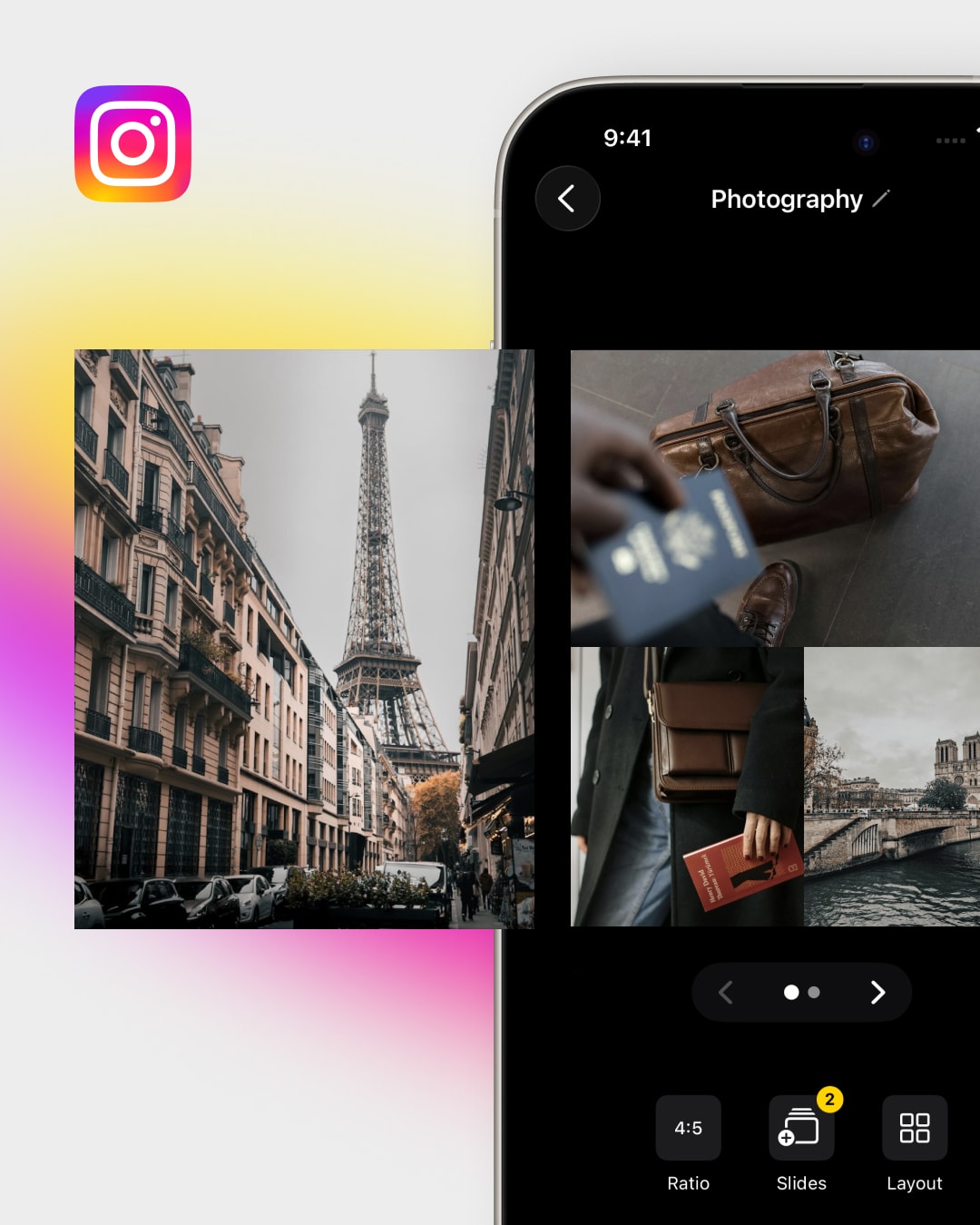
Instagram (Feed, Stories, Reels). Perfectly sized for every Instagram format in one tap.
TikTok, YouTube, Pinterest. One design adapted to every platform automatically.
Twitter / X and LinkedIn. Professional formats ready to publish in seconds.
Custom canvas sizes. Set any dimension for any use case or platform.
Carousels
Design your full carousel at once — consistent layout across every slide, perfectly sized for Instagram. No switching apps, no reformatting.
Every layout is designed to look intentional —
on your feed, in Stories, or anywhere you share.
"SnapLayout changed how I approach my Instagram feed. The layouts are gorgeous and the app is super fast."
"I've tried every collage app out there. SnapLayout is the only one that actually exports at the right resolution."
"I post carousels every week and SnapLayout makes it so easy. I set up all 10 slides in minutes and they're always perfectly sized."
Stories & Insights
Learn how to make better collages, discover new layouts, and stay up to date with what's new.
Read all articlesGet all the latest news, blog posts and product updates from SnapLayout,
delivered directly to your inbox.
New layouts, format switching, and up to 20-slide carousels — all in the latest update.
Learn more →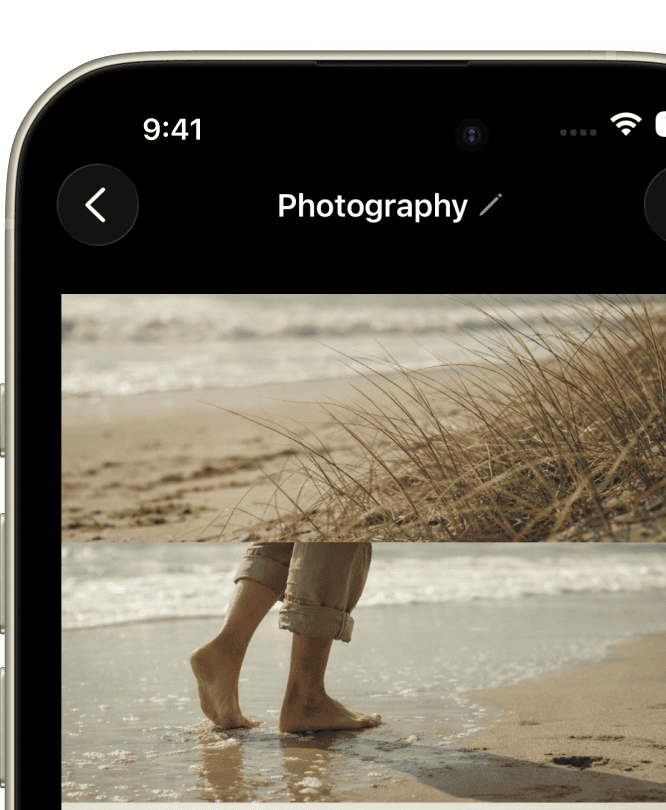
Switch formats, build 20-slide carousels, and export at the perfect size for Instagram, X, YouTube, and more.
Learn more →Questions? Answers.