Home bakers
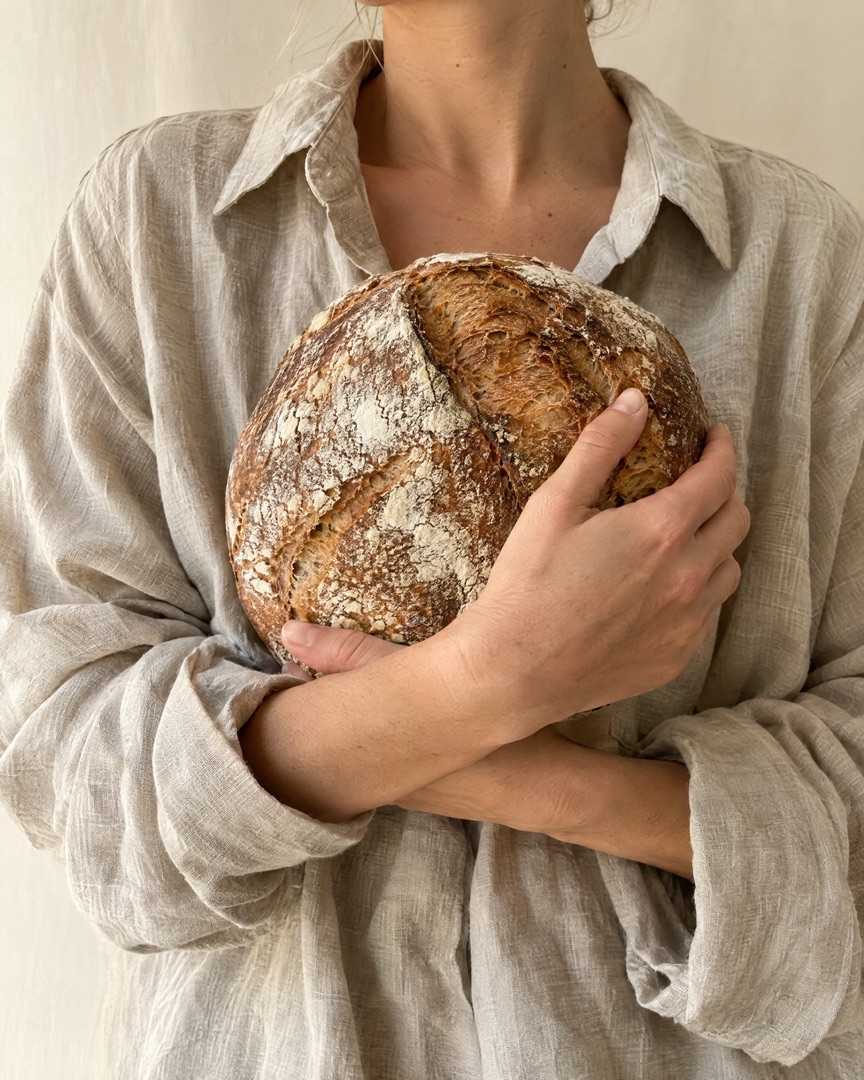
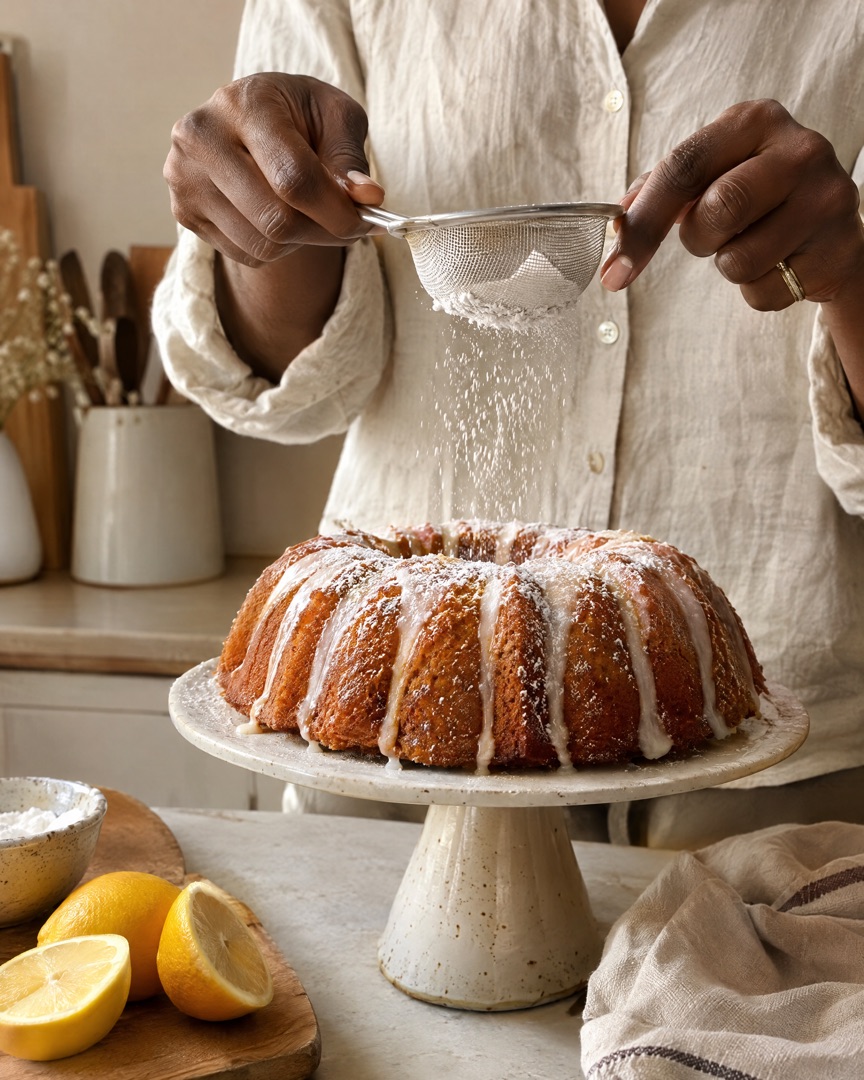
Birthday cakes, Sunday sourdough and the batter-covered helpers — collect the whole bake in one collage instead of ten separate photos.
Turn flour-dusted process shots and the big reveal into bake-to-reveal collages, custom order carousels and Stories your customers save — made on your iPhone in under a minute.
Download for Free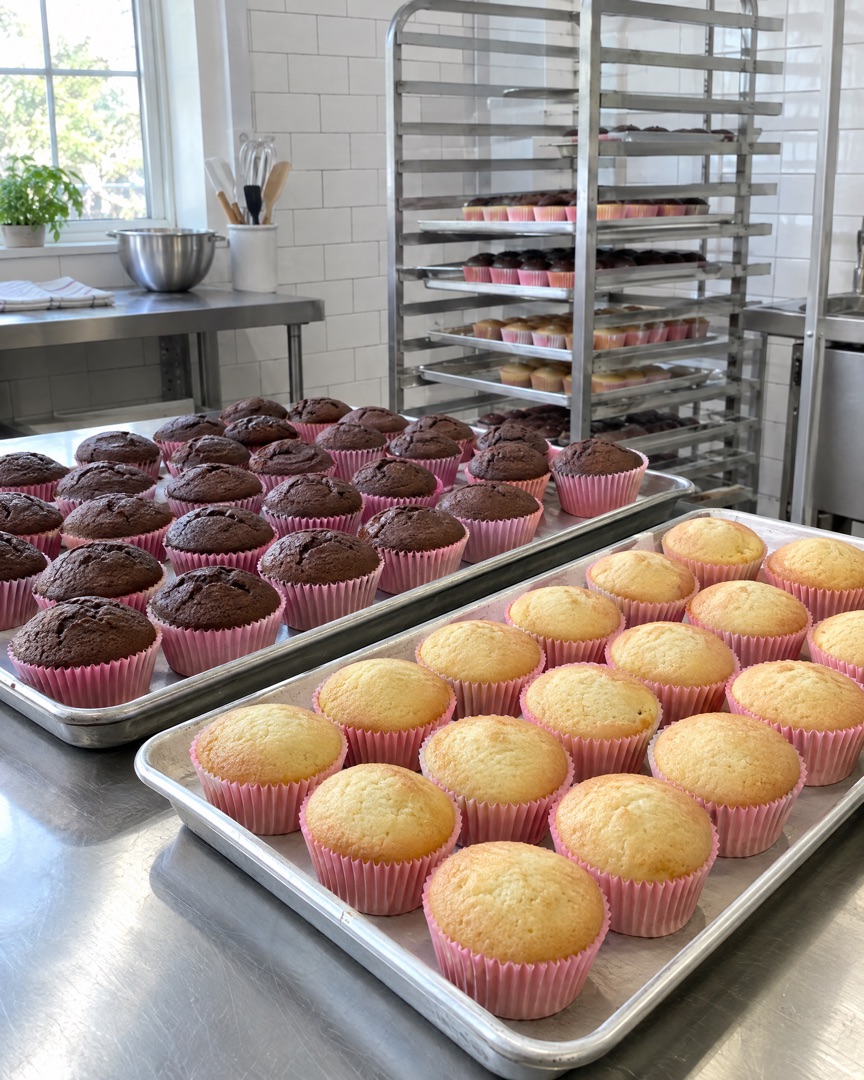
Made for bakers
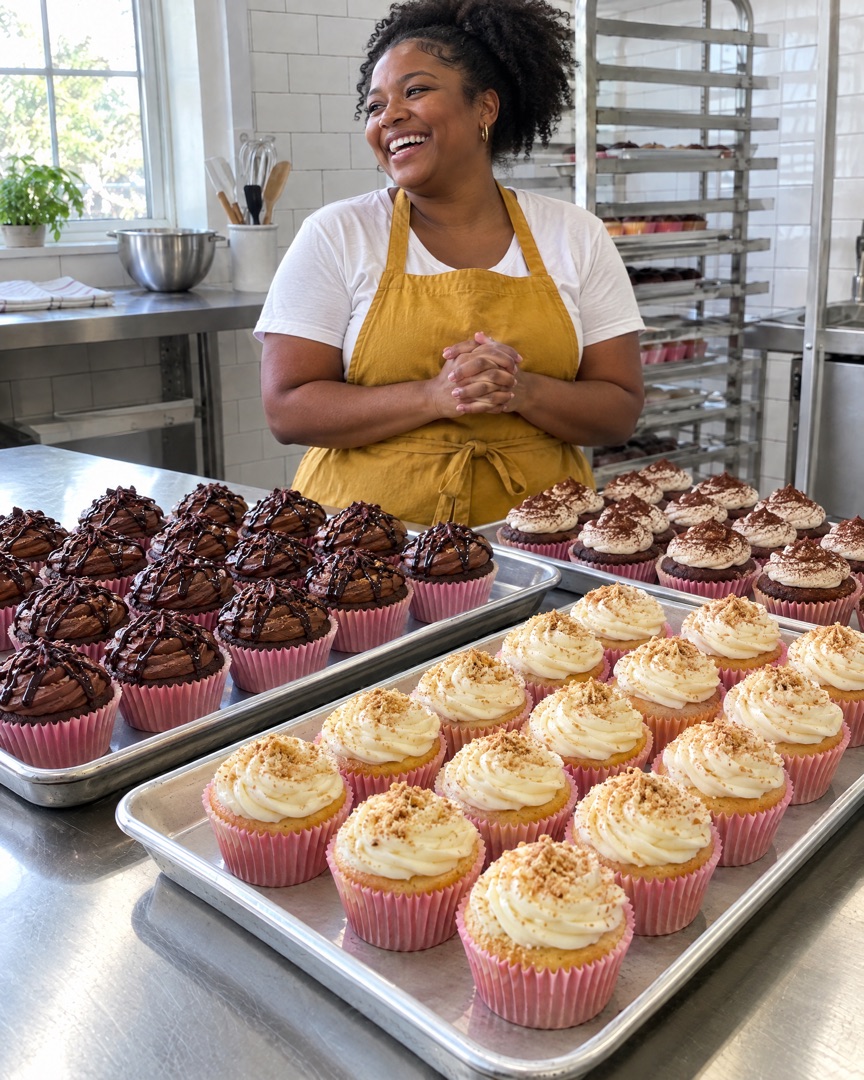
Whether you bake for your family, take custom orders from your kitchen or run a market stall every Saturday, SnapLayout turns your bake photos into posts that look professional.
Birthday cakes, Sunday sourdough and the batter-covered helpers — collect the whole bake in one collage instead of ten separate photos.
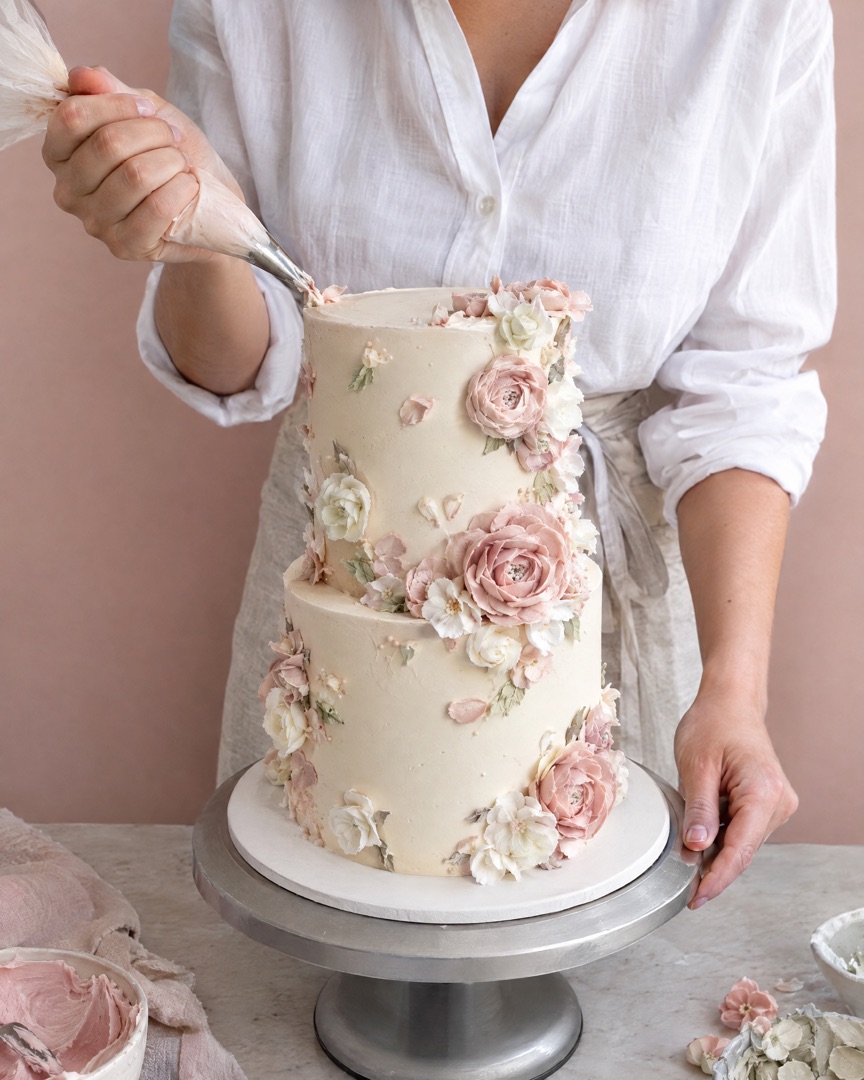
Show the sketch, the stacking and the finished tiers. Clean collages make your portfolio look as polished as your buttercream.
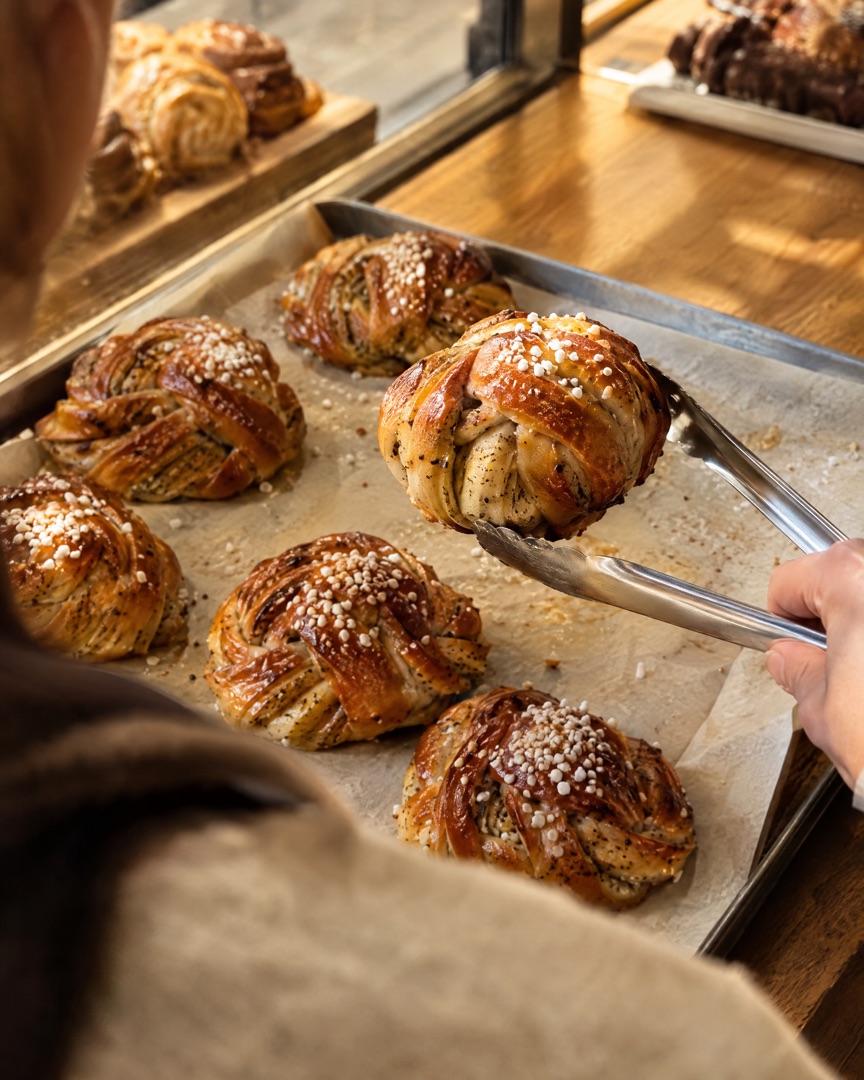
Post this week's menu, sold-out tables and new flavours at the exact size each platform wants.
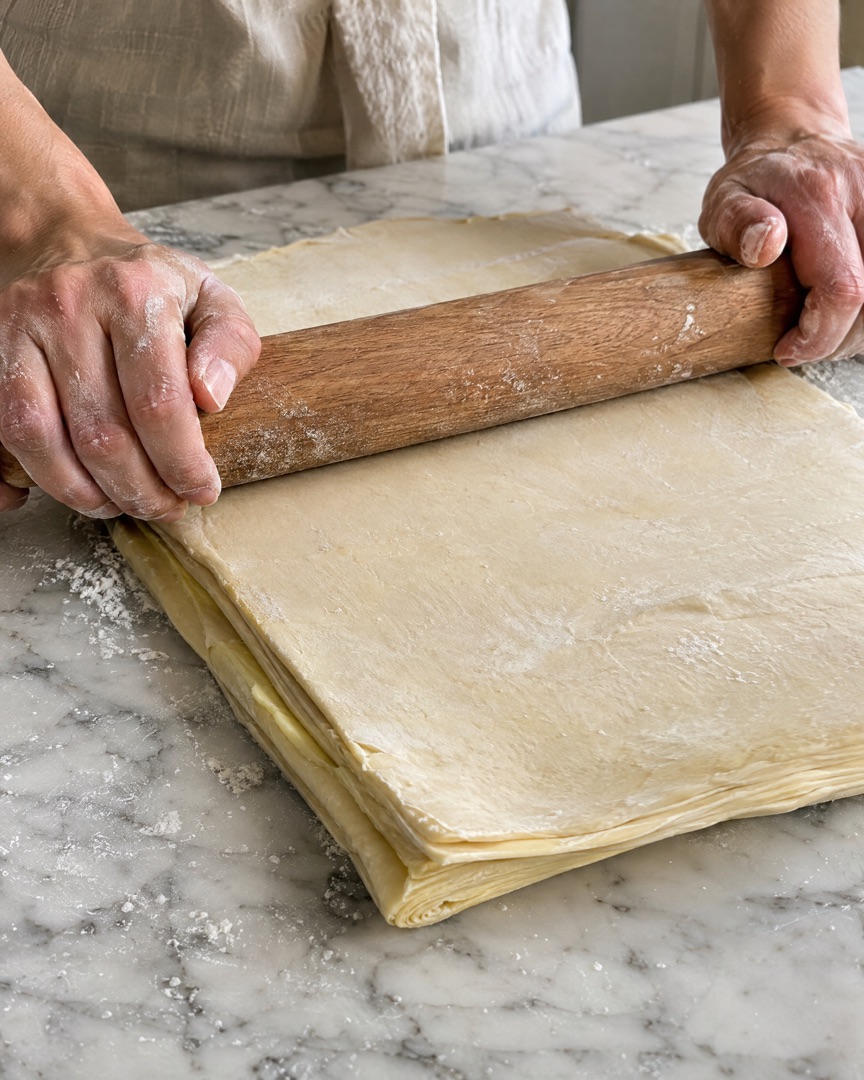 DOUGH
DOUGH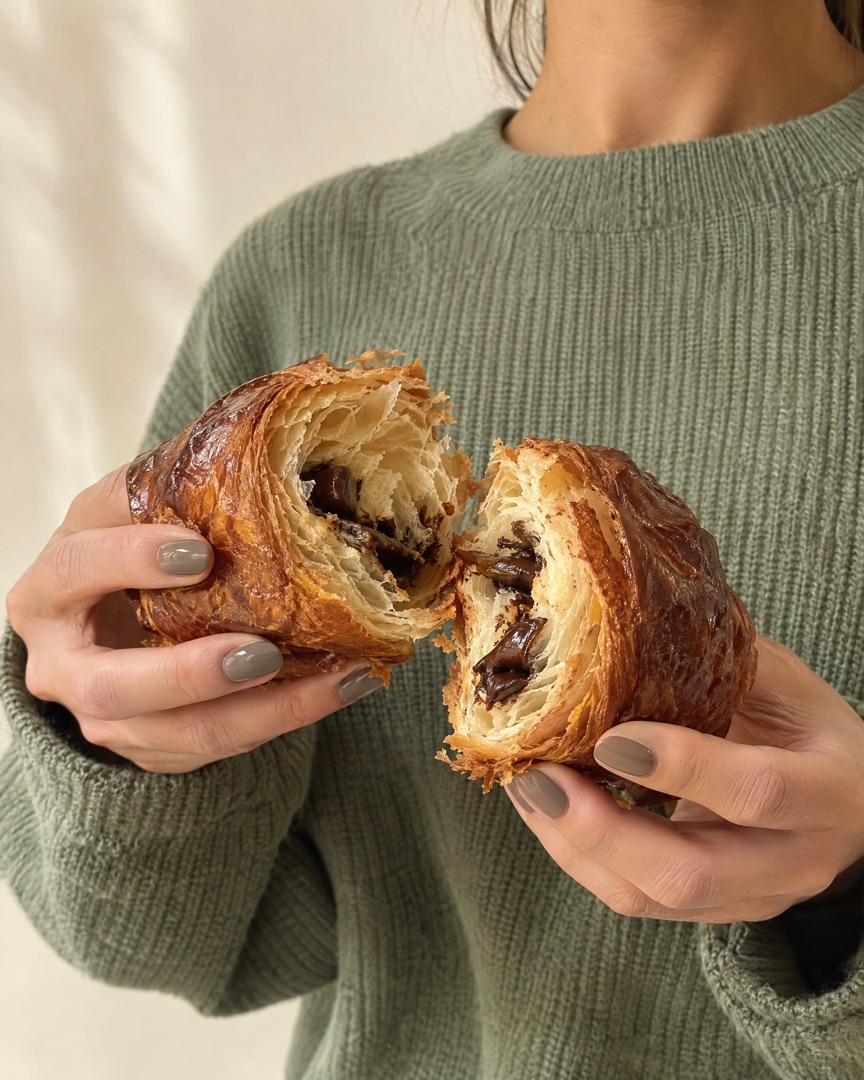 FIRST BITE
How it works
Choose the best shots of today's bake in your camera roll. With Instant, SnapLayout picks a layout that fits how many photos you chose.
Swap the layout, adjust spacing, borders and rounded corners, pick a background colour and add a caption. Every change is live.
Export in the right size for Instagram, TikTok, Facebook or Pinterest and post it before the customer has even picked up the box.
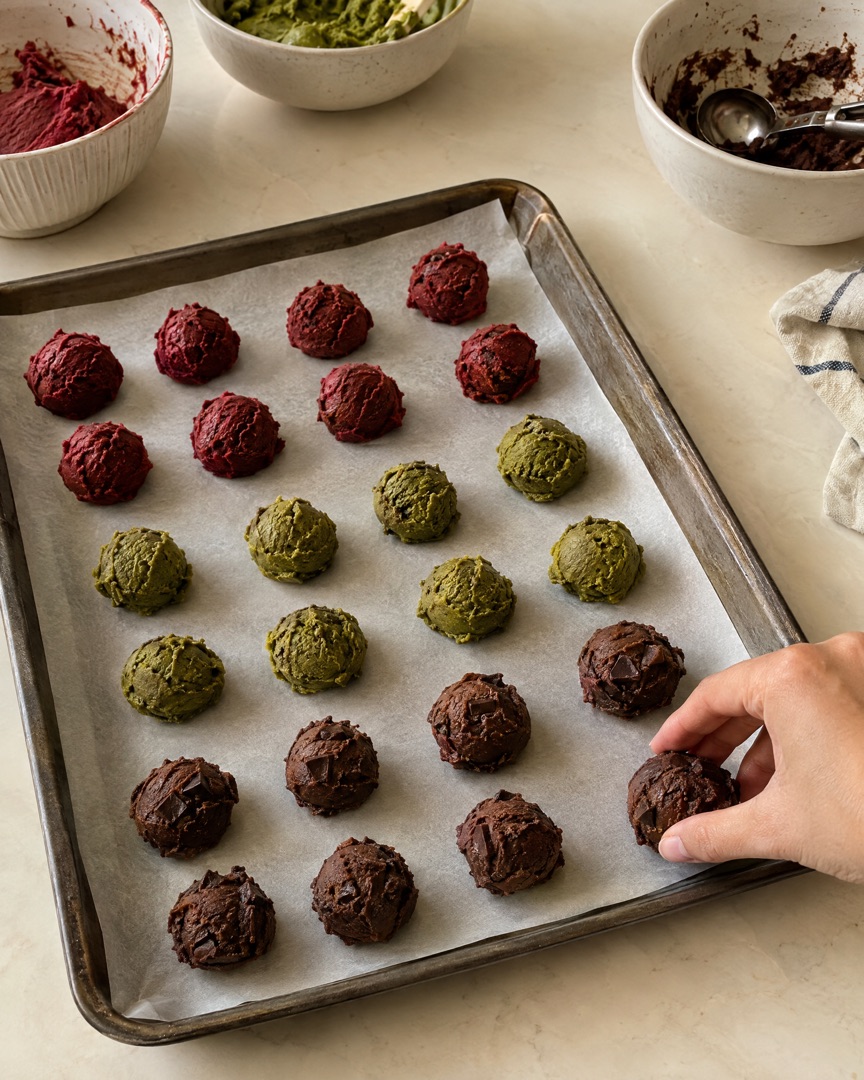
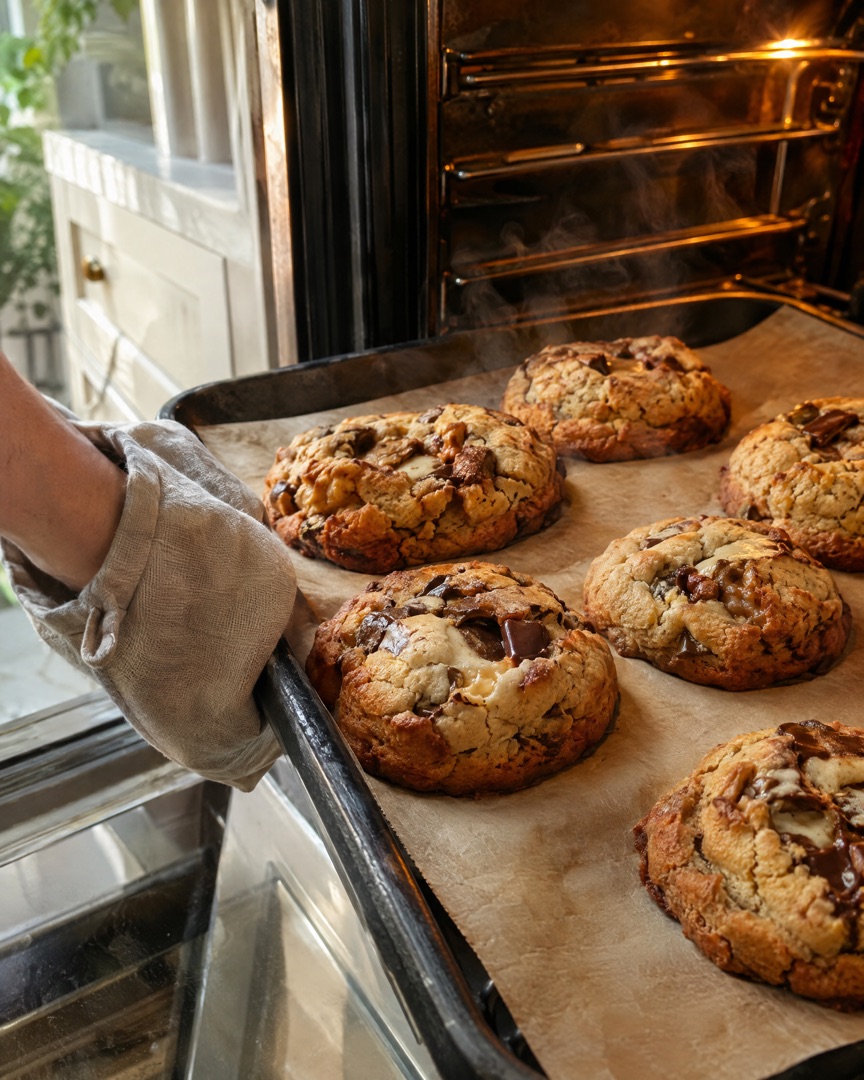
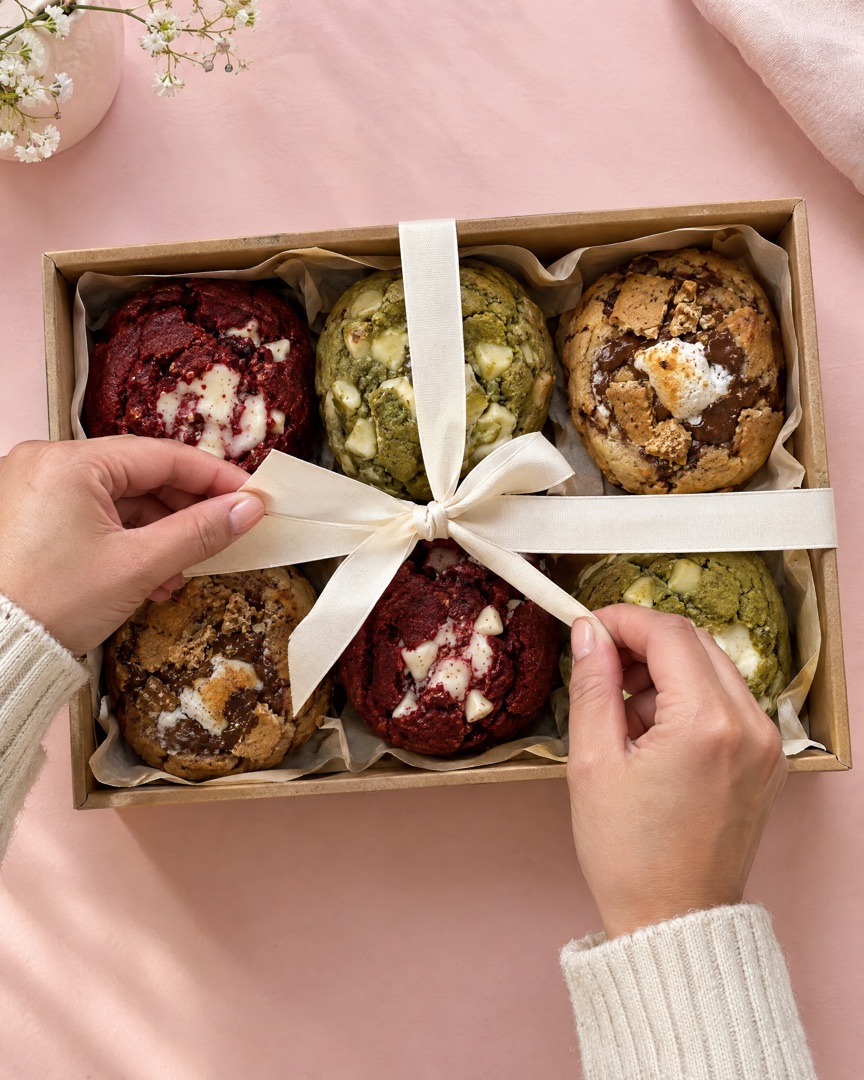
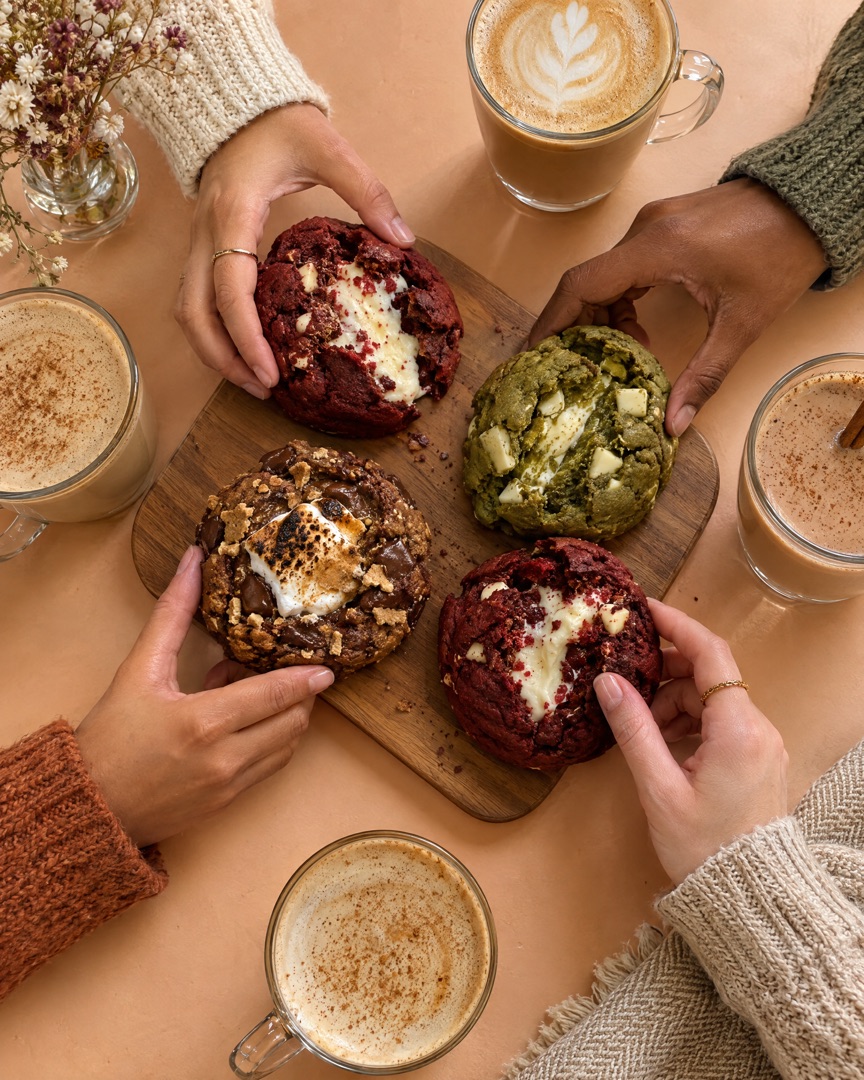 your.home.bakery
Inside the app
Everything happens in one simple editor on your iPhone. Choose a layout, switch the ratio, add a slide for each step of the order, then tap export and post.
Bake-day carousels
Follow one layer cake from the first whisk to the first slice. Add a slide for each step, then export them all at once as a swipeable Instagram carousel.
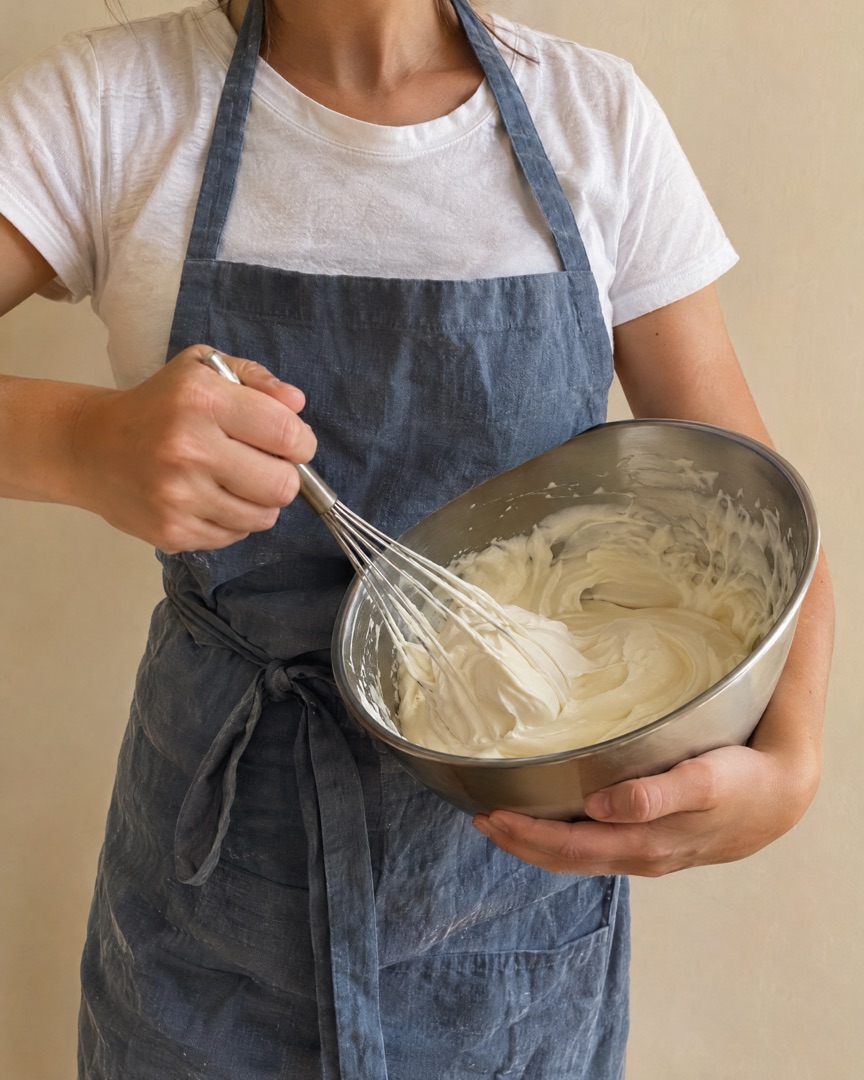 Bake day.
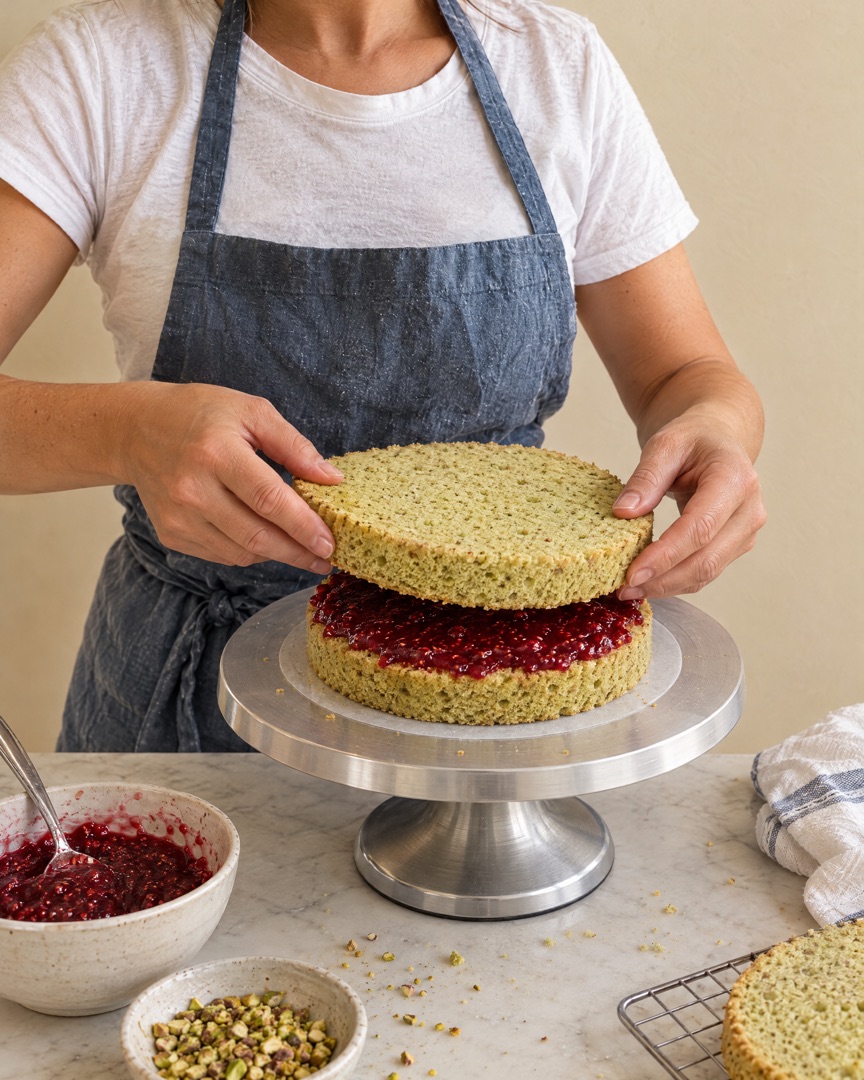 Layer by layer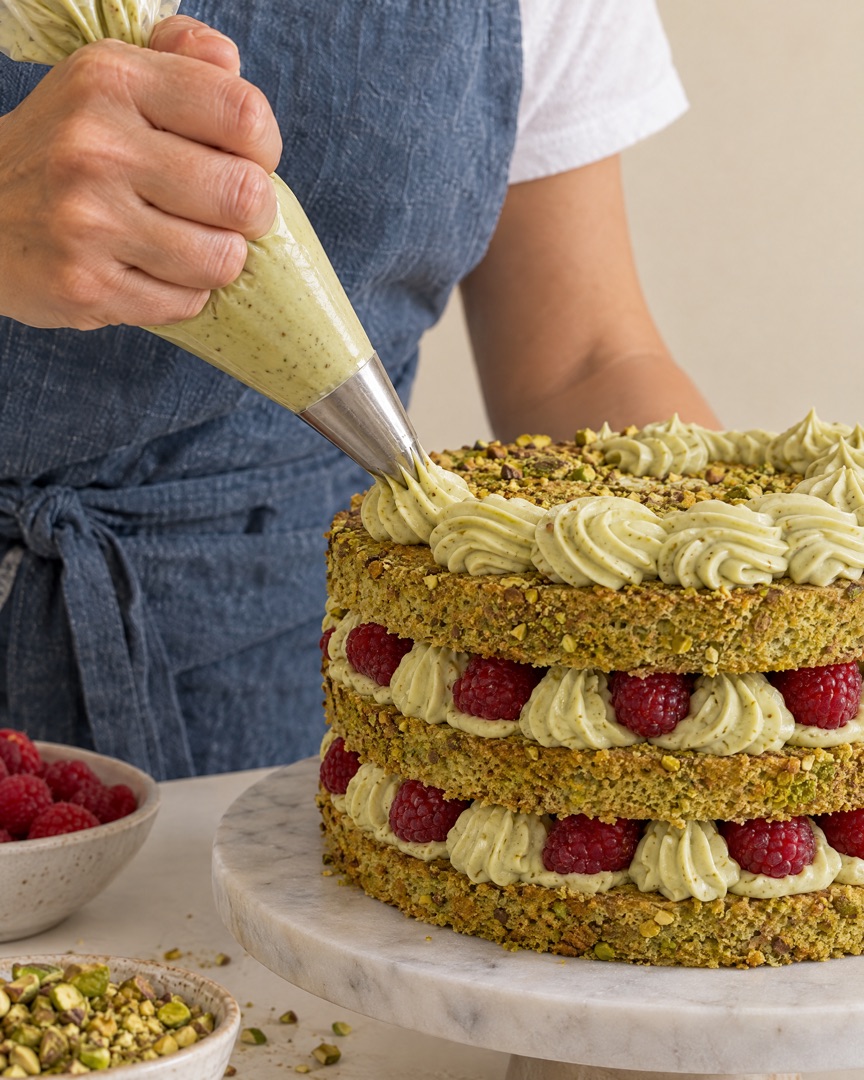
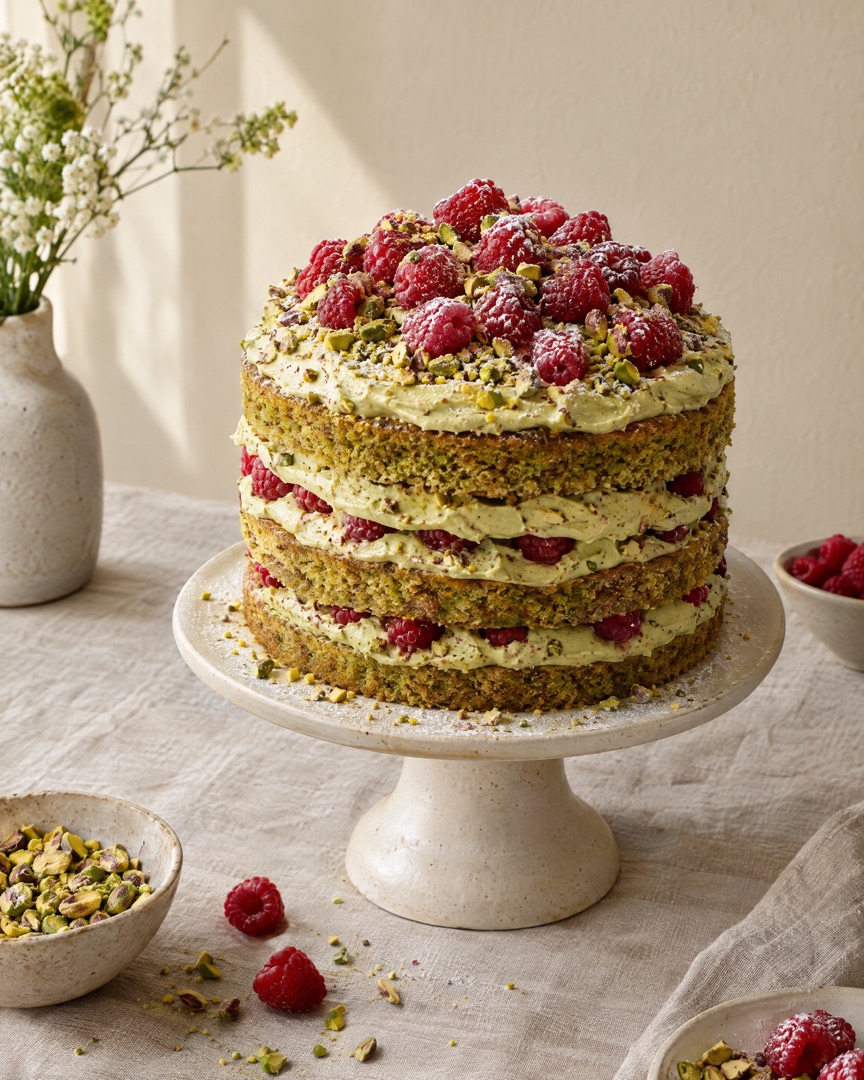 Pistachio & berries
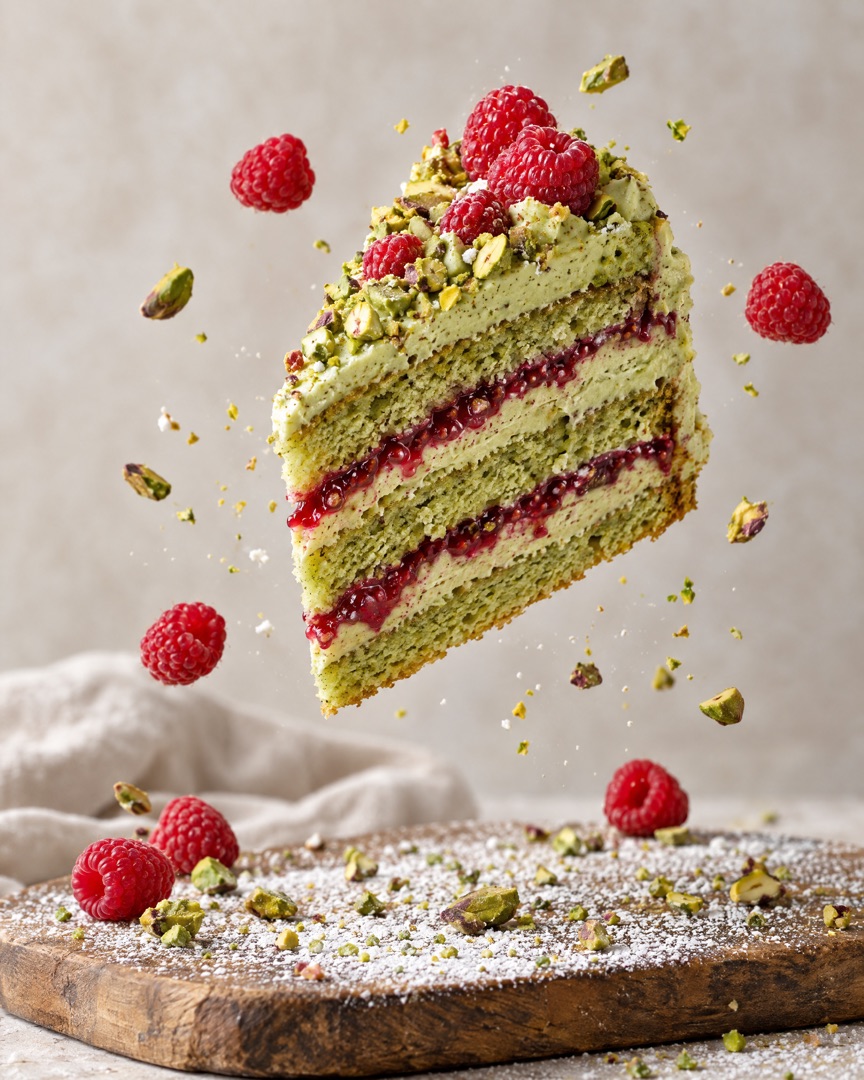 The first slice
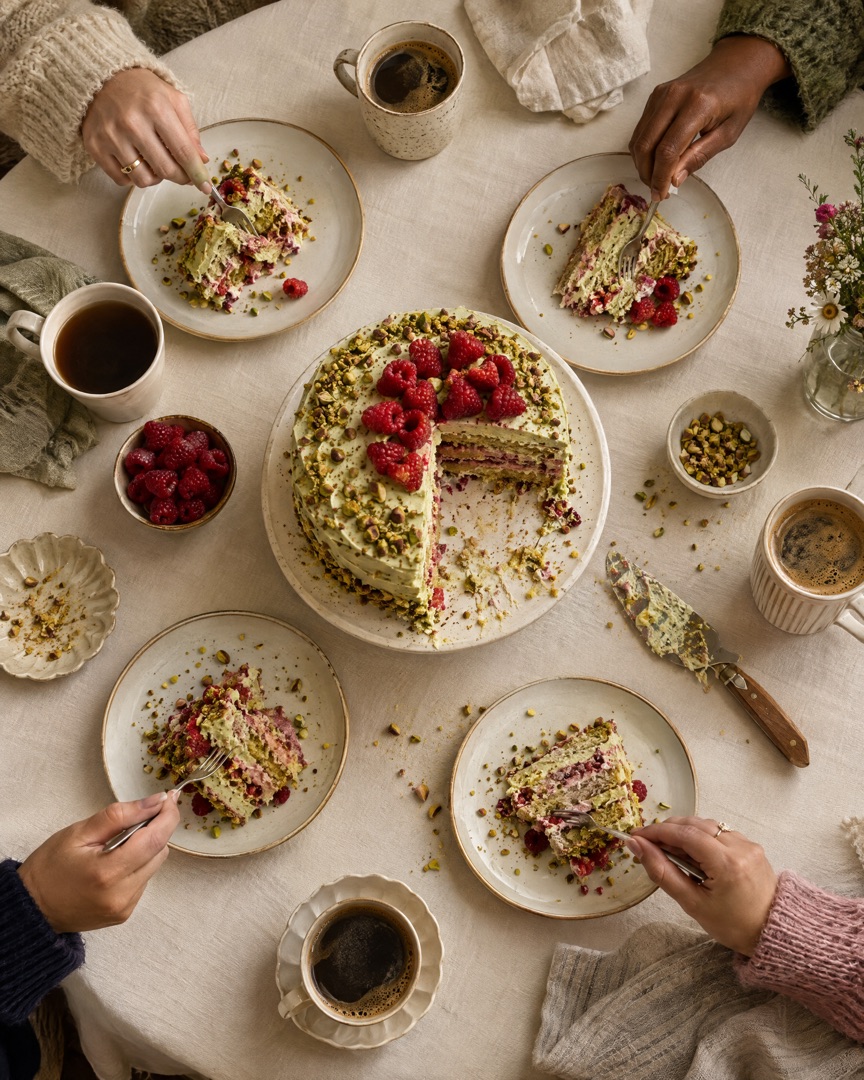 Gone in minutes
Every format
Design once and switch formats with a tap — your photos reflow into the new canvas without starting over.
Post ideas
Stuck on what to post this week? Start with one of these.
Raw batter on the left, the finished slice on the right. The simplest post that always makes people hungry.
2 photos · side by sideIngredients, mixing, layers, decorating, the reveal. Five slides that double as a mini recipe.
5 slides · carouselA grid of every cake and cookie box that left your kitchen this week. Great social proof for new customers.
4+ photos · gridOne new flavour, one big hero photo plus two close-ups of the crumb and the topping.
3 photos · one largeYour prettiest bake in 9:16 with a short caption telling followers which dates are still open.
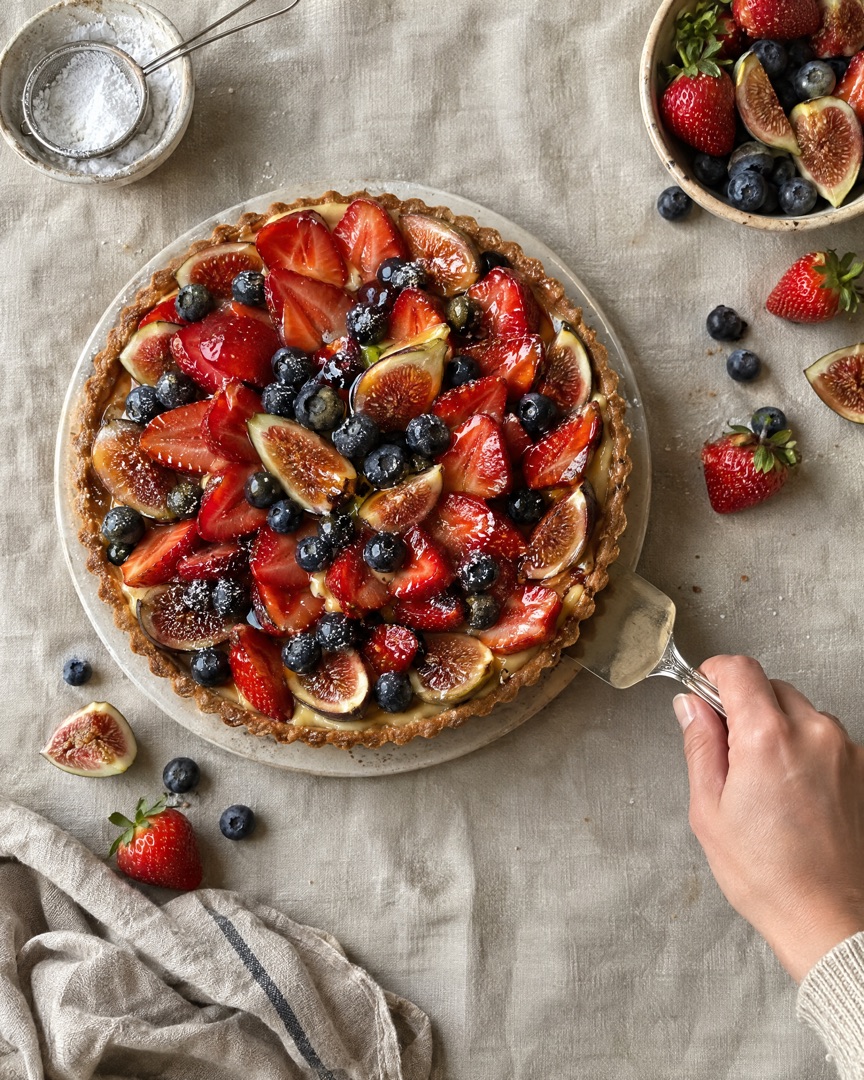
9:16 · StoryPumpkin loaves, Christmas cookies, summer berry tarts. Post the seasonal special before everyone else does.
2–3 photos · stackedFAQ
"I take custom cake orders from my kitchen. A batter-to-slice collage gets more enquiries than anything else I post, and it takes me two minutes."
"My portfolio finally looks consistent. Same layout, same spacing for every cake, and couples tell me that's why they messaged me."
"Every Friday I post a grid of what's coming to the market. People come to the stall asking for the exact cakes they saw."
Related
Also see: Instagram Carousel Maker and Instagram Stories Collage Maker.
Download SnapLayout and make your first baking collage in under a minute — no design skills needed.
Download for Free