Nail technicians
Post every set between clients. Clean, consistent collages turn your feed into a portfolio people book from.
Turn bare nails, the process and the final reveal into before and after collages, set menus and Stories your clients screenshot — made on your iPhone in under a minute.
Download for Free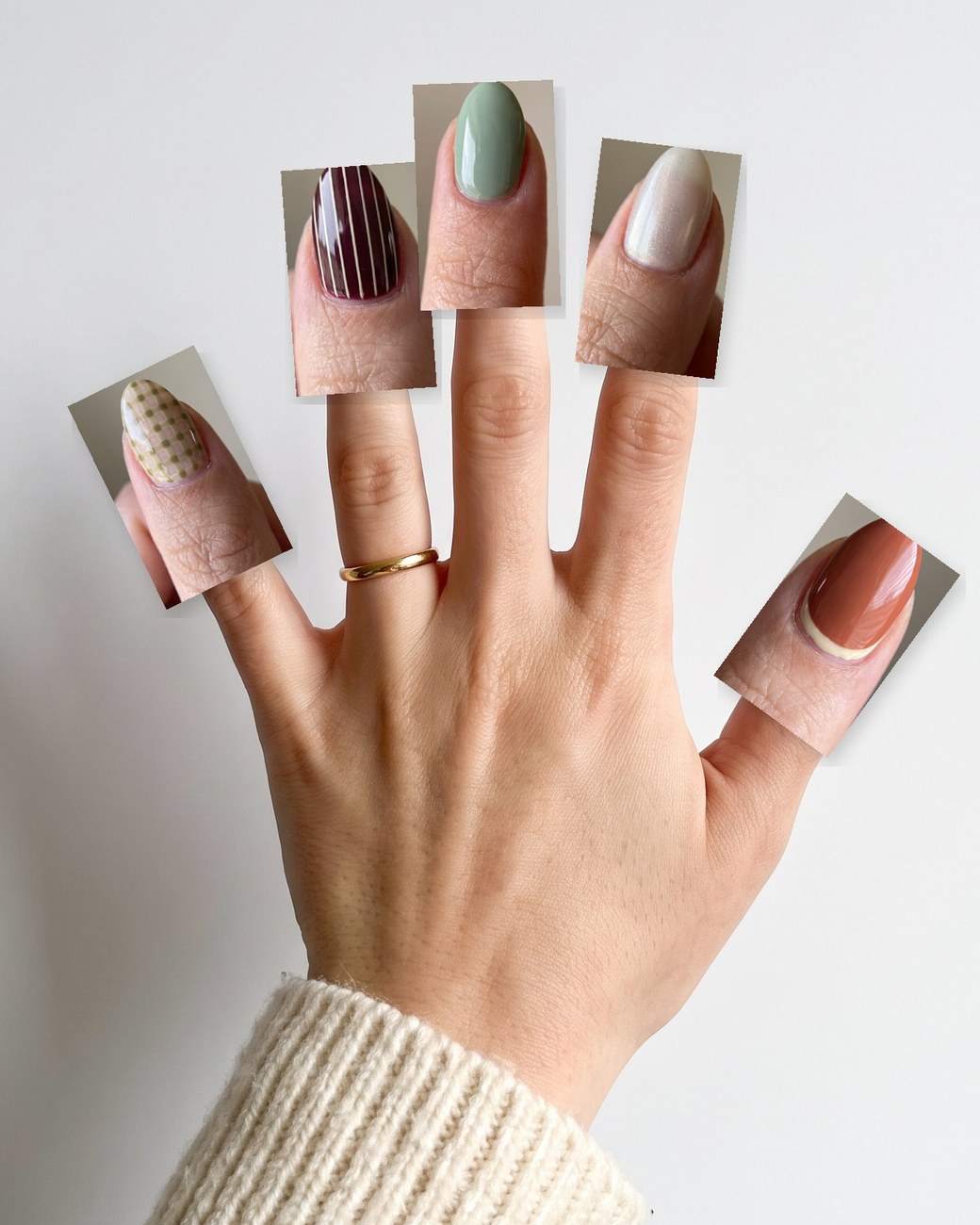
Made for the nail world
Whether you run a busy nail bar, work from a home studio or sell press-ons online, SnapLayout turns your nail photos into posts that look as polished as your sets.
Post every set between clients. Clean, consistent collages turn your feed into a portfolio people book from.
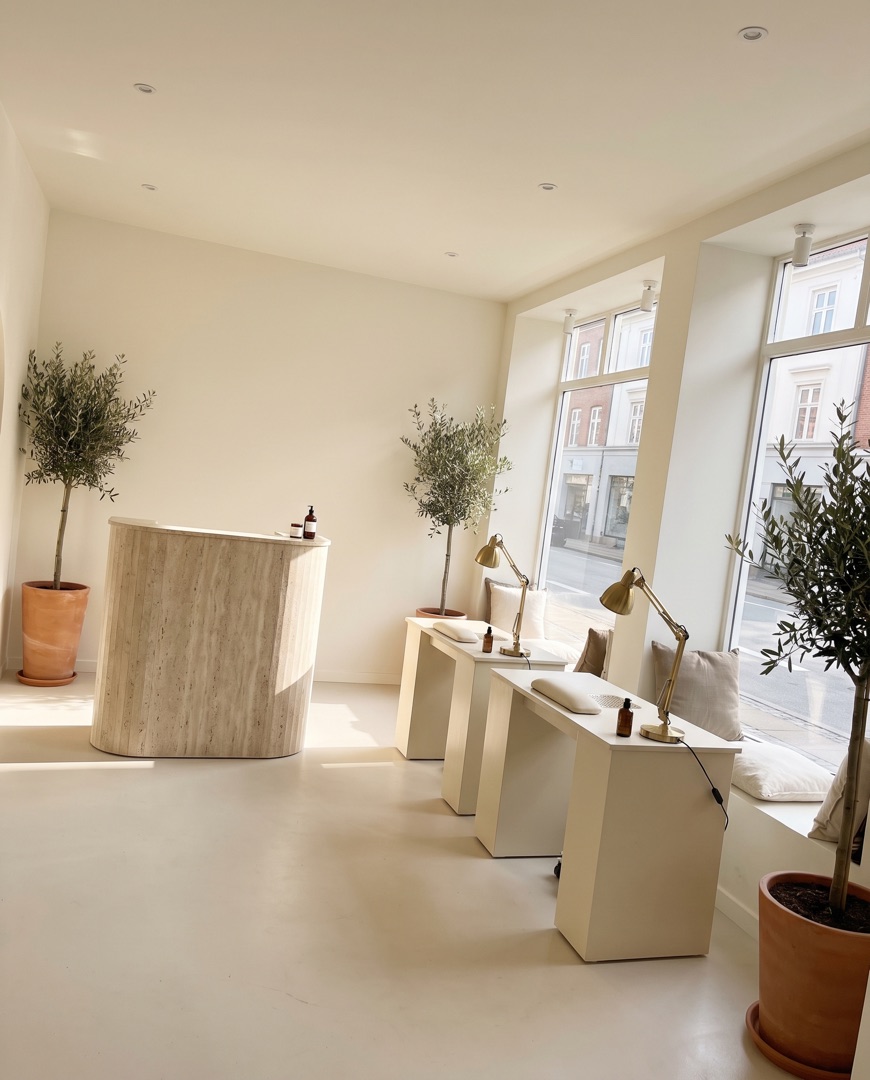
Show off the whole team's work, weekly set menus and new colours at the exact size each platform wants.
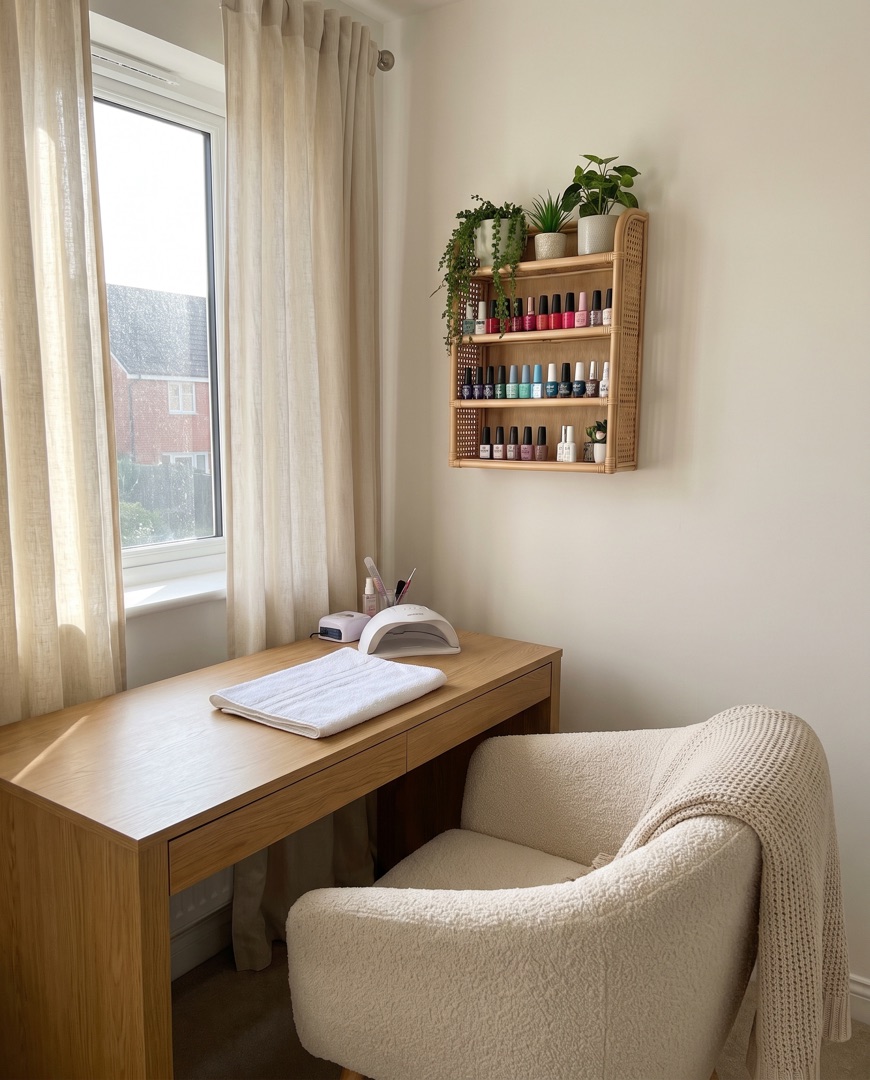
Working from a cosy spare room? Show off your space and your sets in posts that look as polished as a big salon.
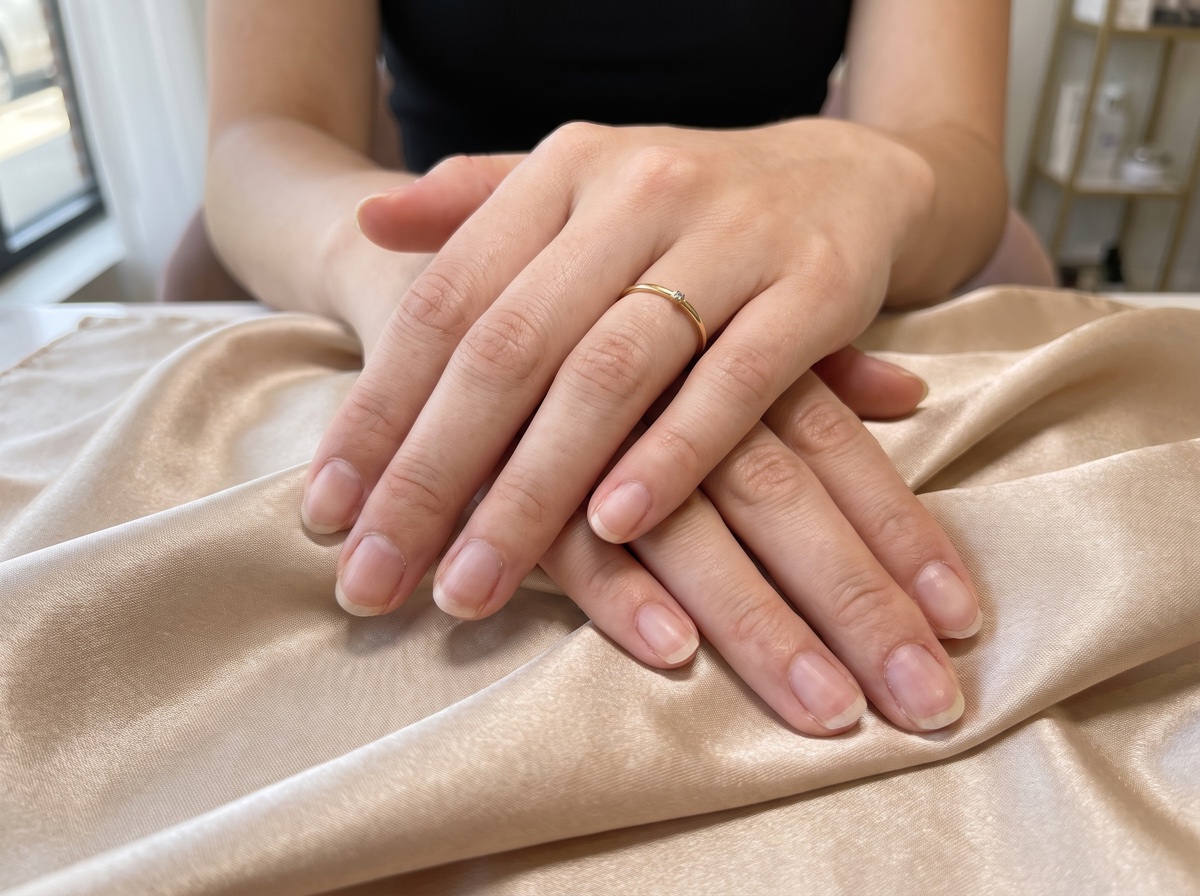 BEFORE
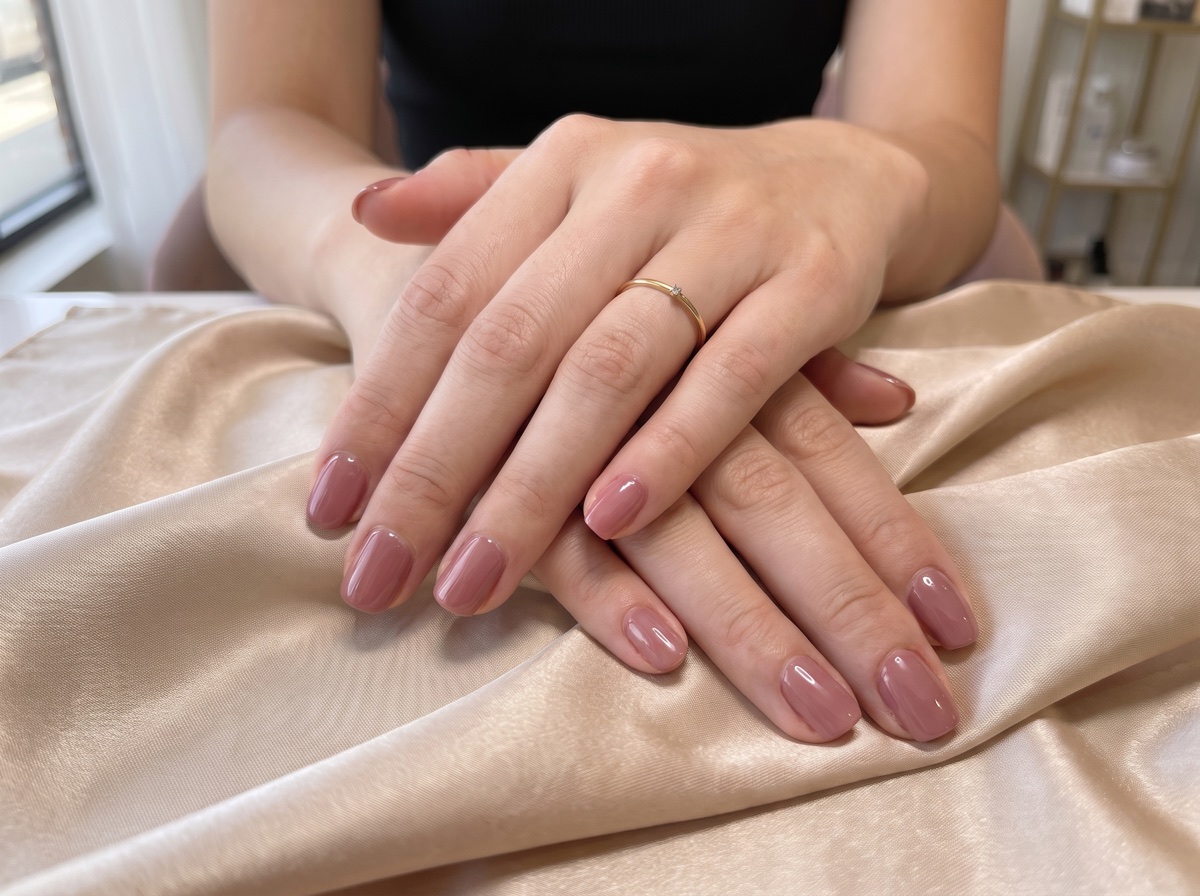 AFTER
AFTERHow it works
Choose the shots of today's sets in your camera roll. With Instant, SnapLayout picks a layout that fits how many photos you chose.
Swap the layout, adjust spacing, borders and rounded corners, pick a background colour and add a caption. Every change is live.
Export in the right size for Instagram, TikTok, Facebook or Pinterest and share it before your client has even left the chair.
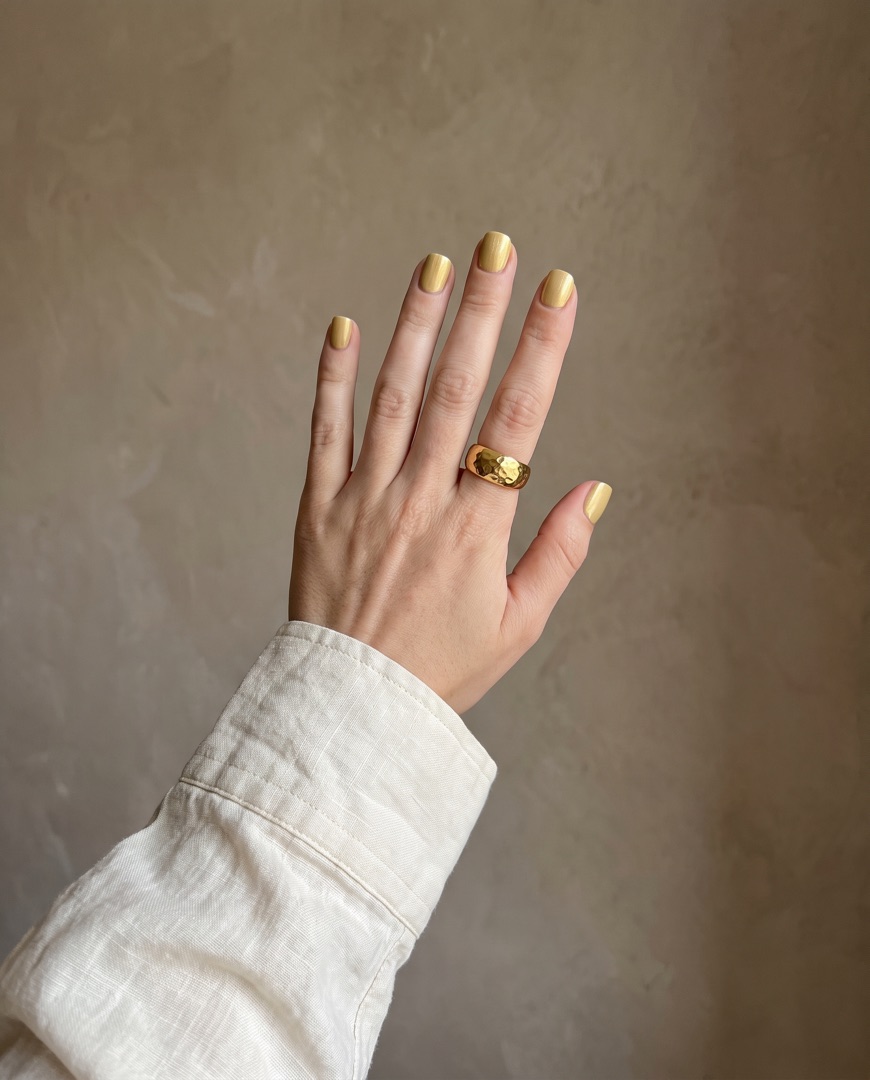
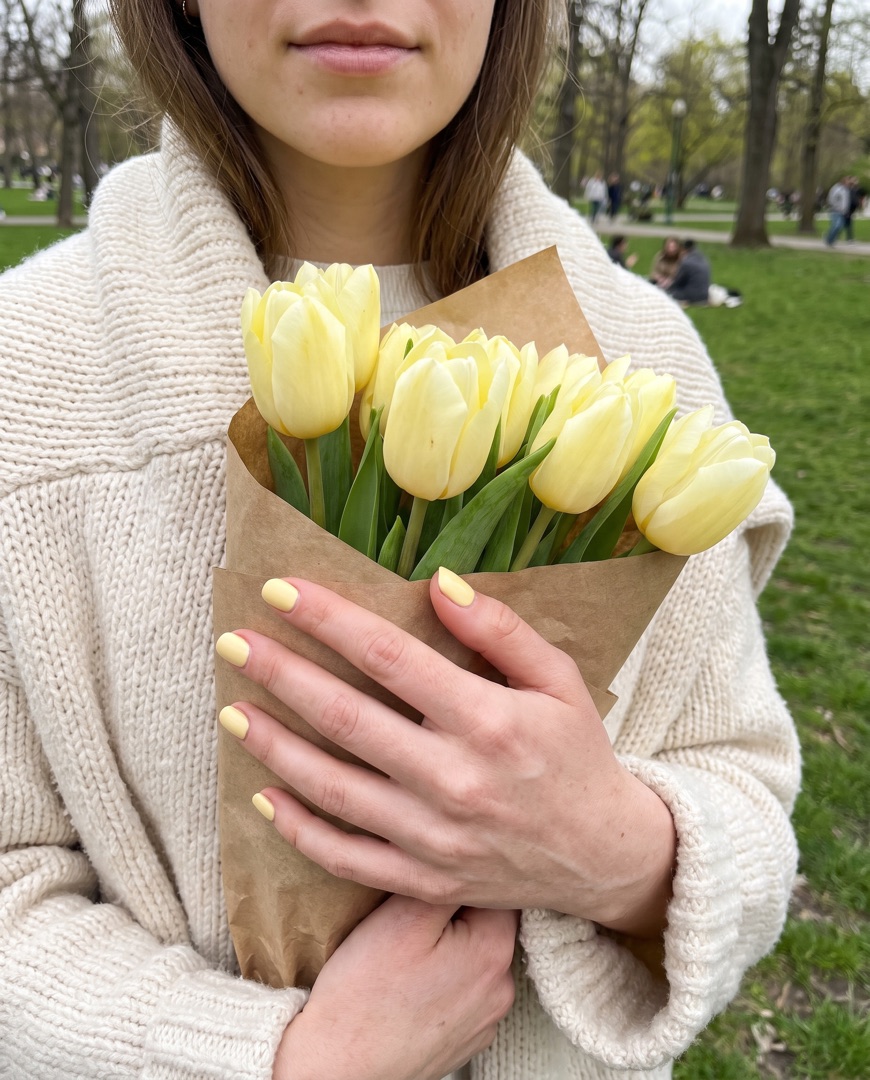
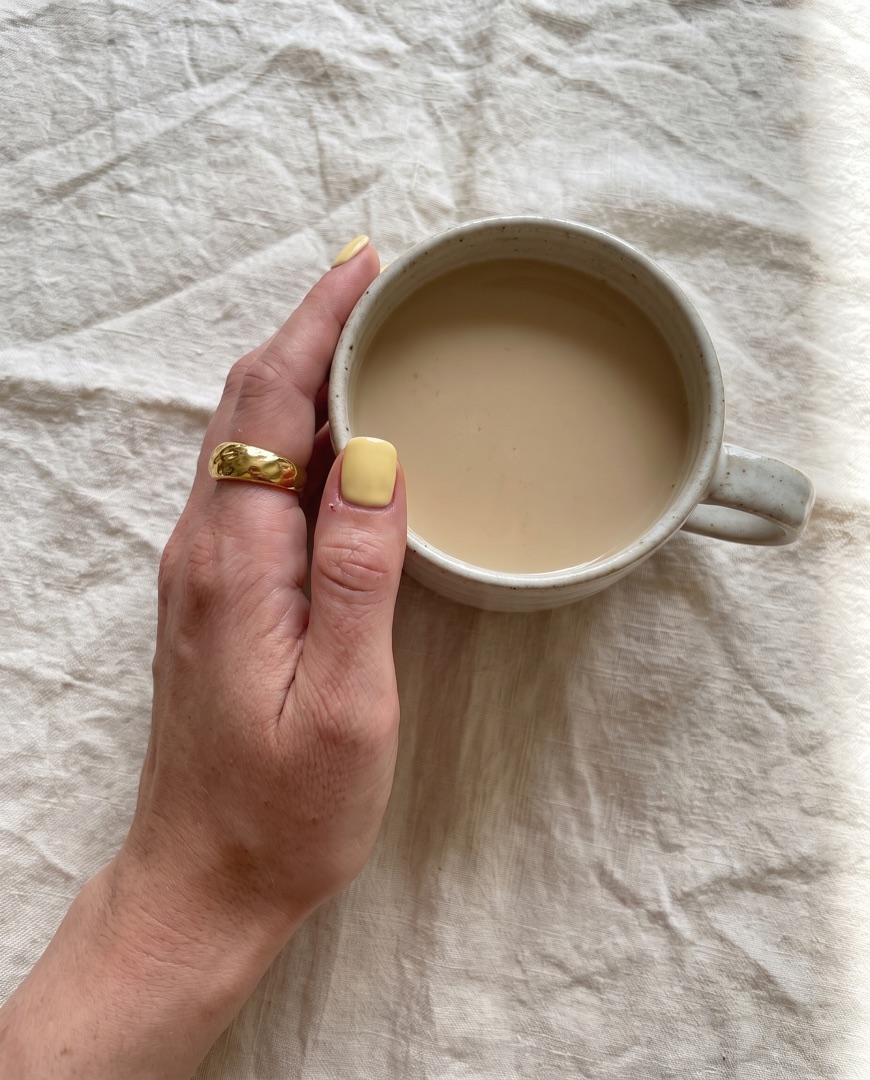 your.nail.studio
Inside the app
Everything happens in one simple editor on your iPhone. Choose a layout, switch the ratio, add a slide for each design, then tap export and post.
Set carousels
Follow one client from picking the colour to the street-style reveal. Add a slide for each step, then export them all at once as a swipeable Instagram carousel.
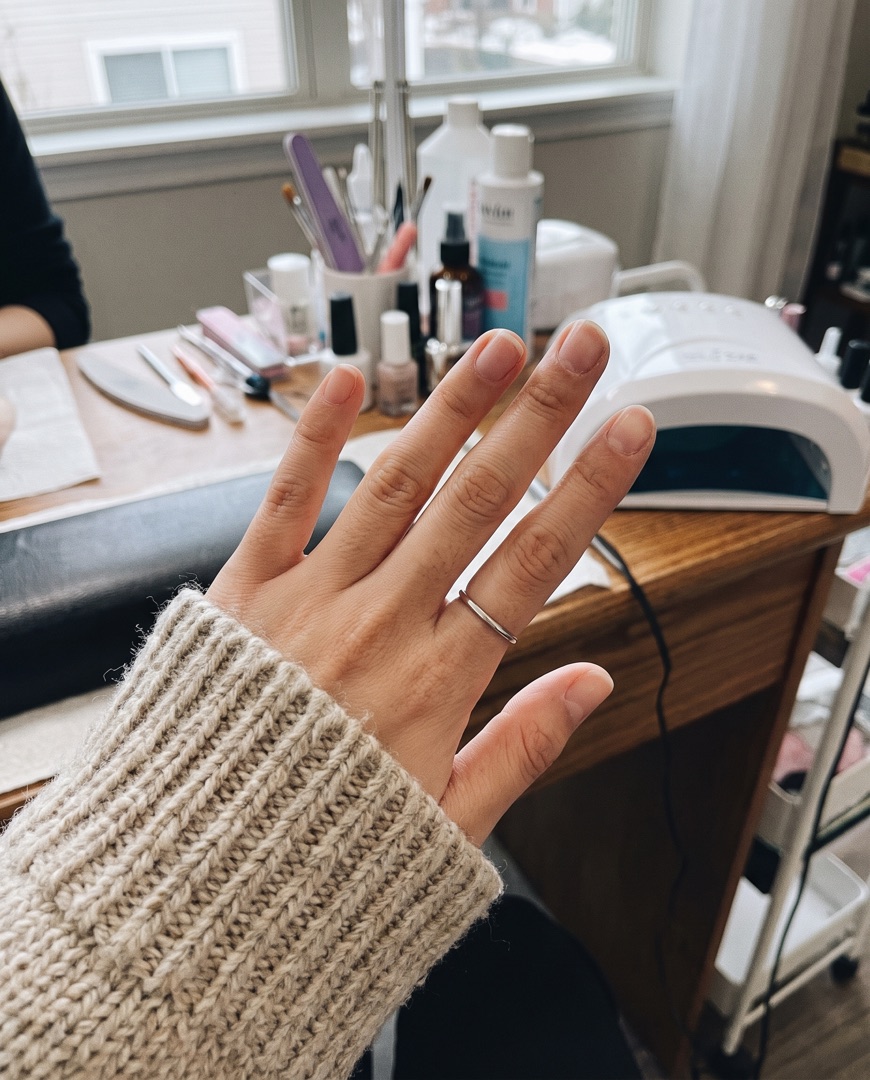 Ready for a fresh set.
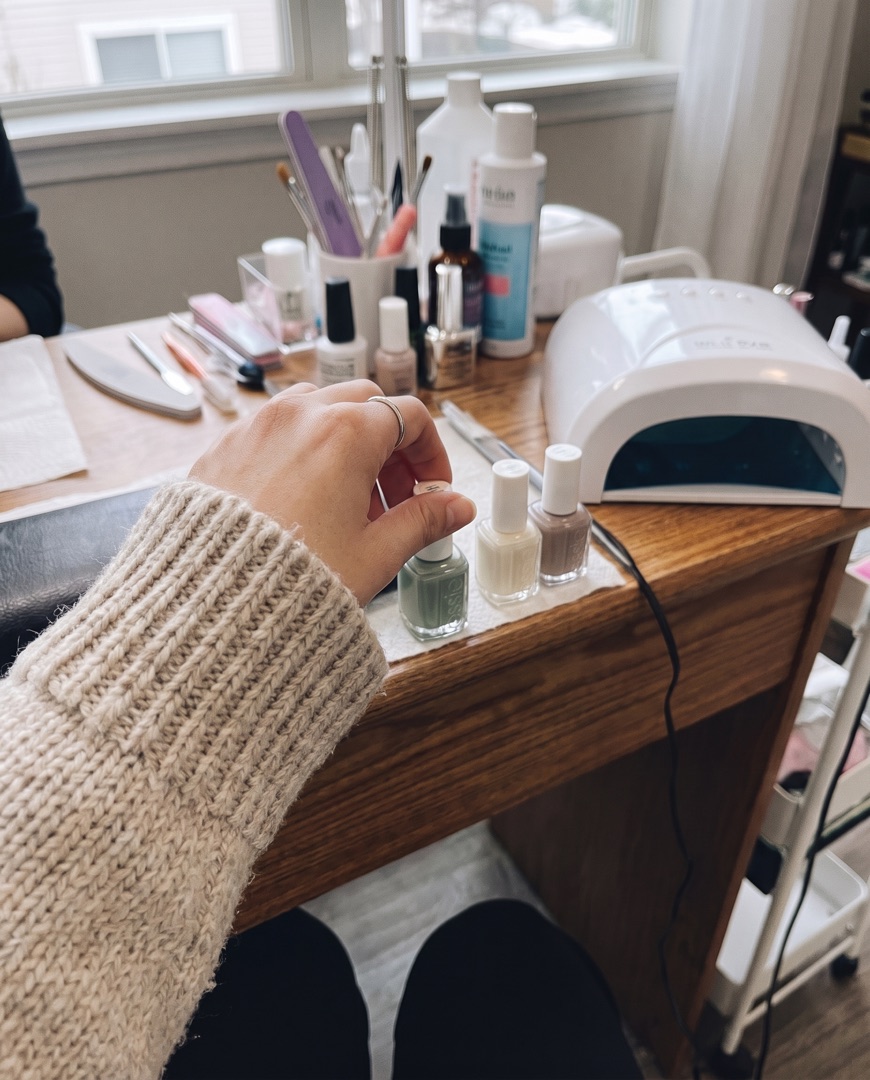 Shade picked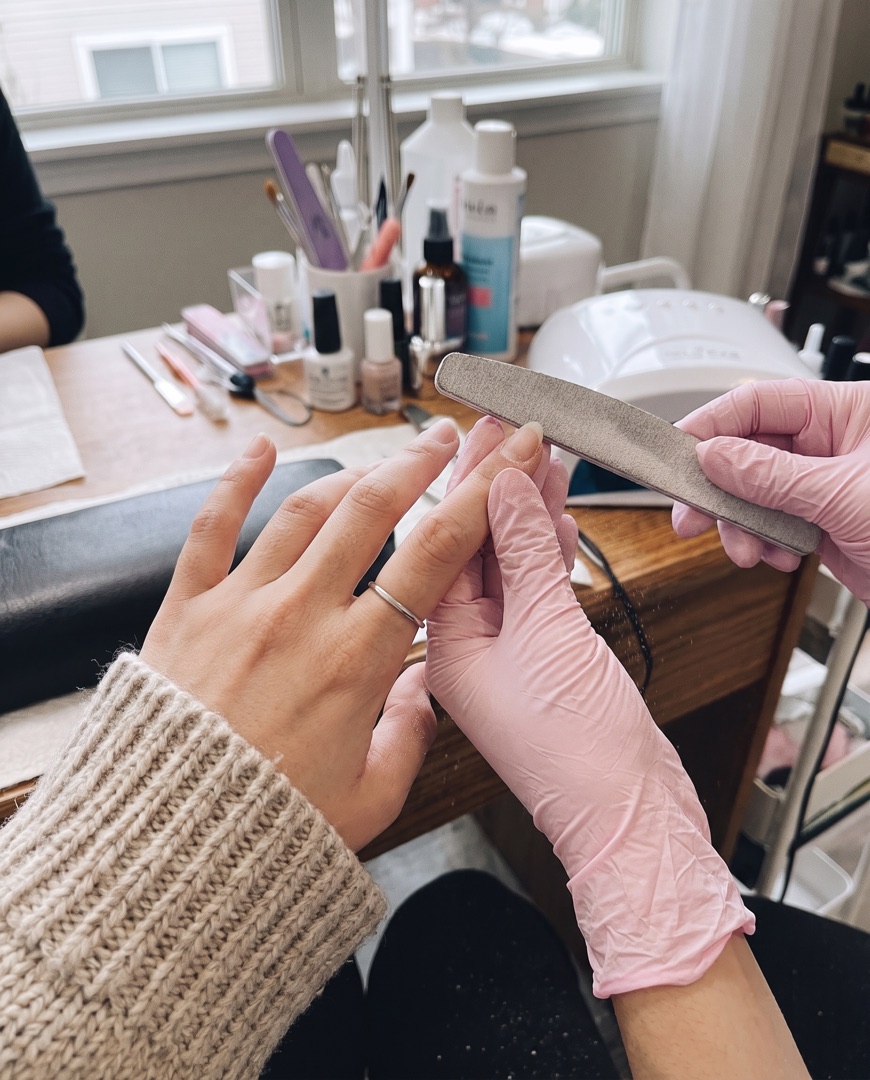
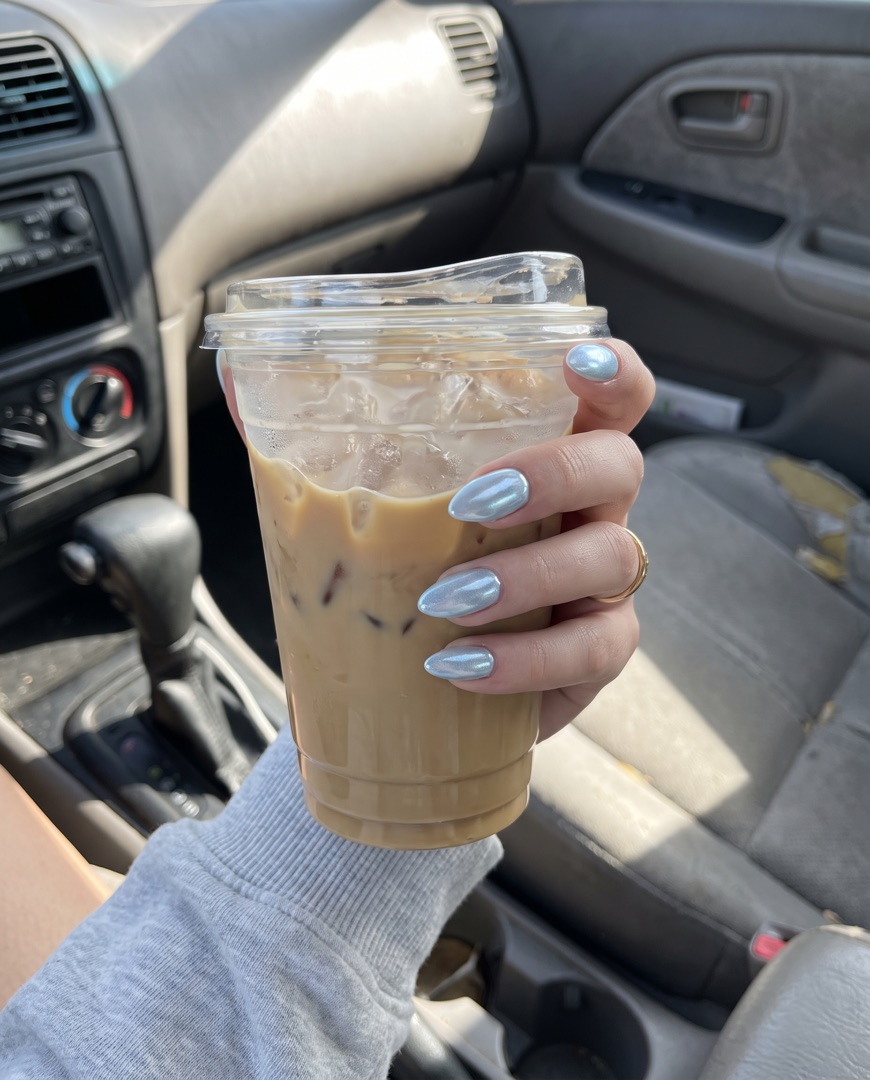
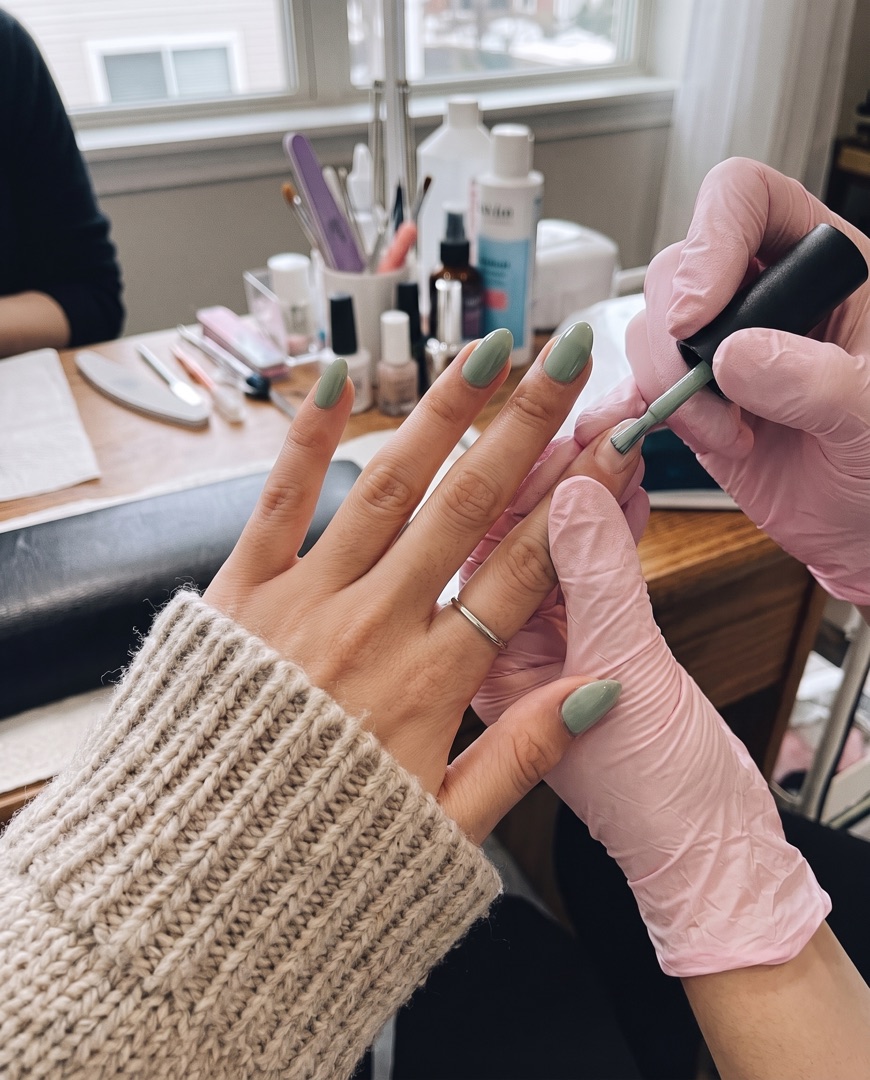 Shape & gel
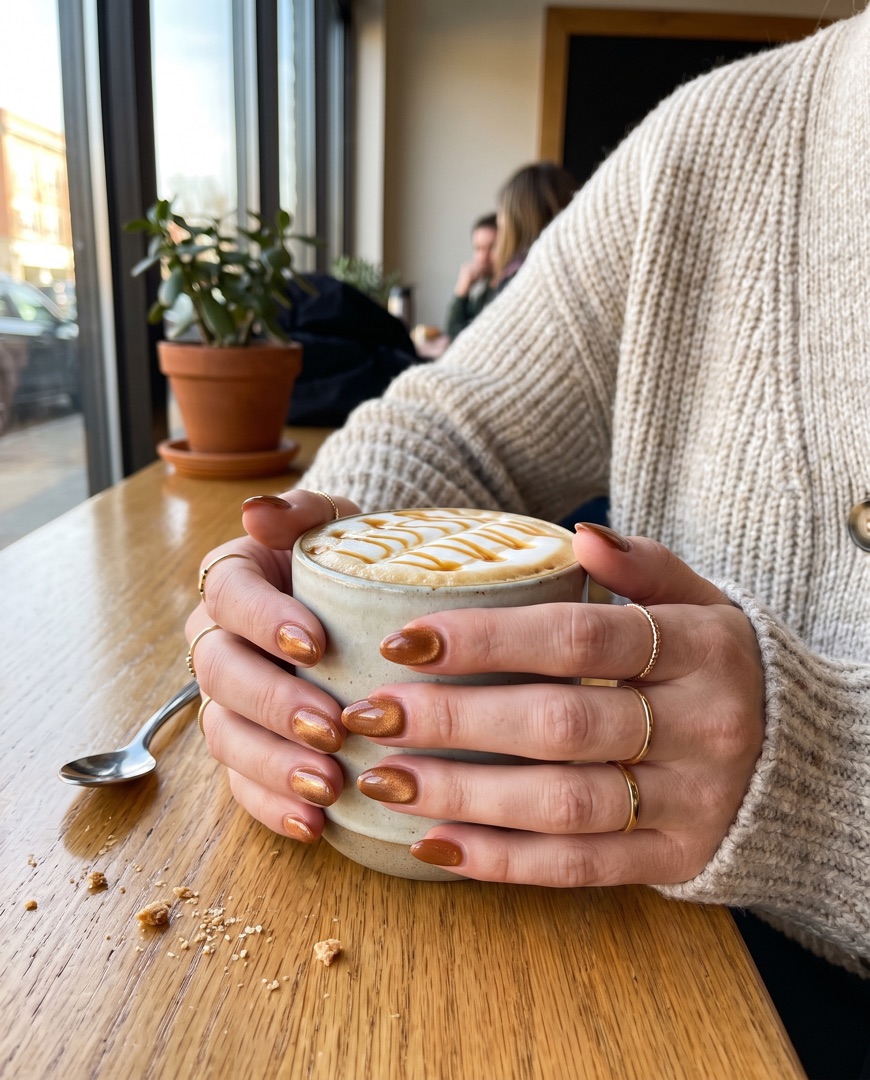
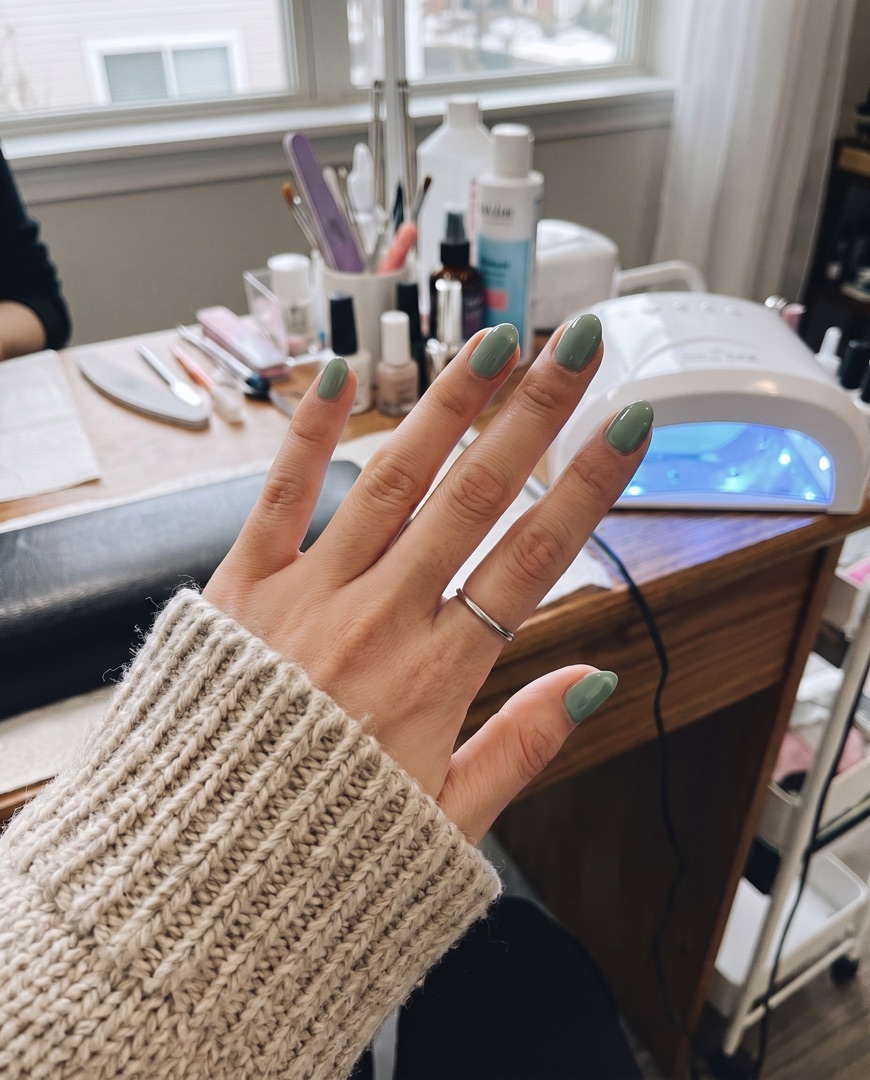 Under the lamp
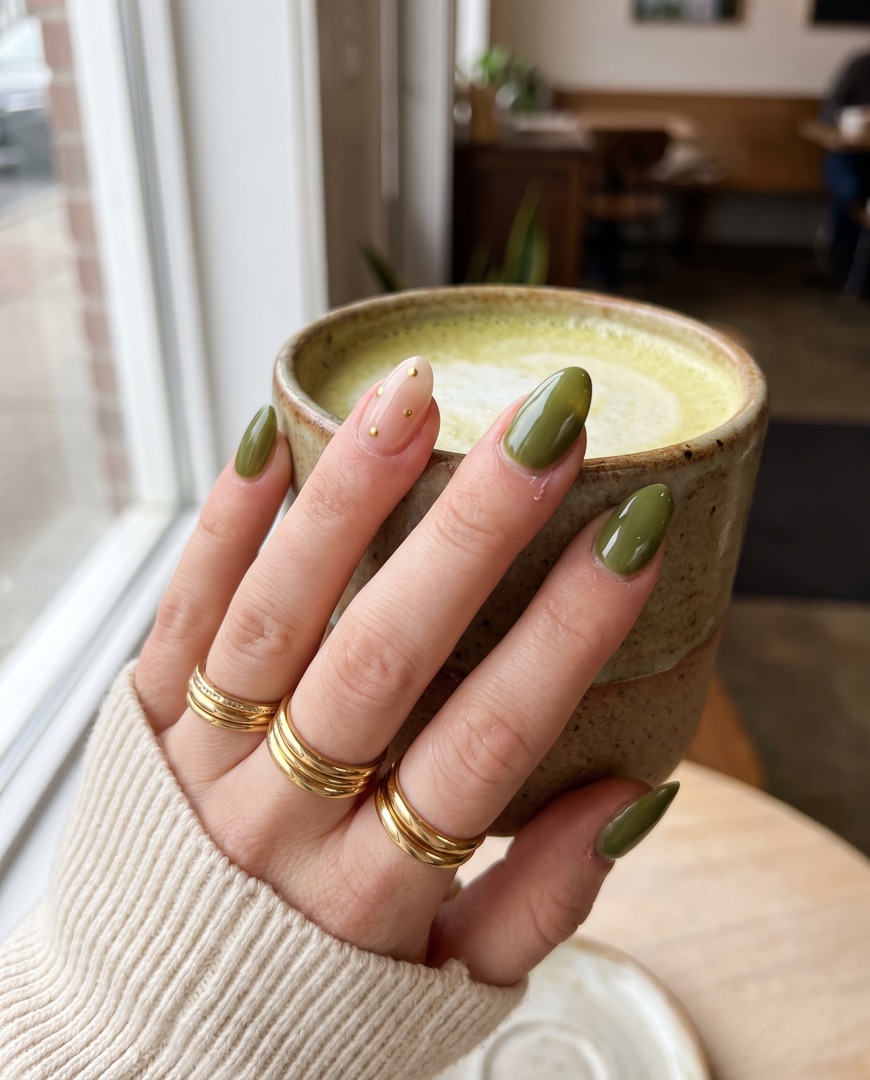
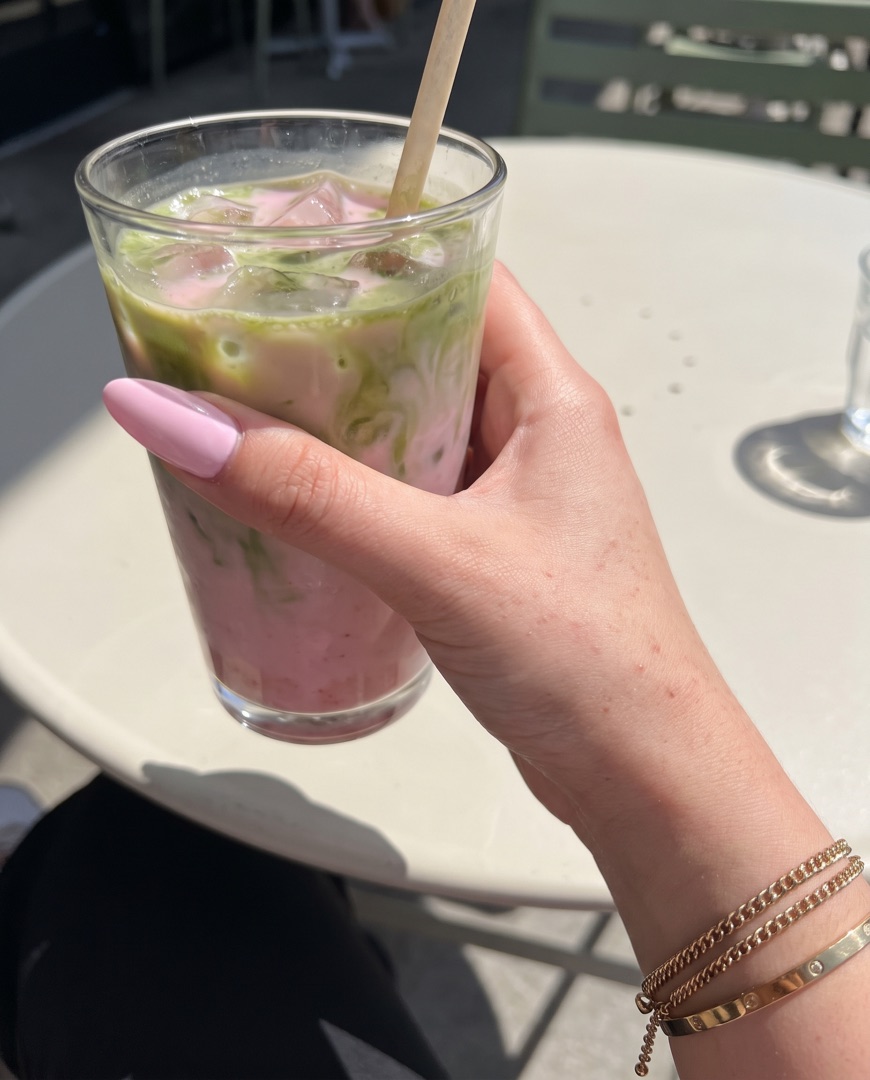
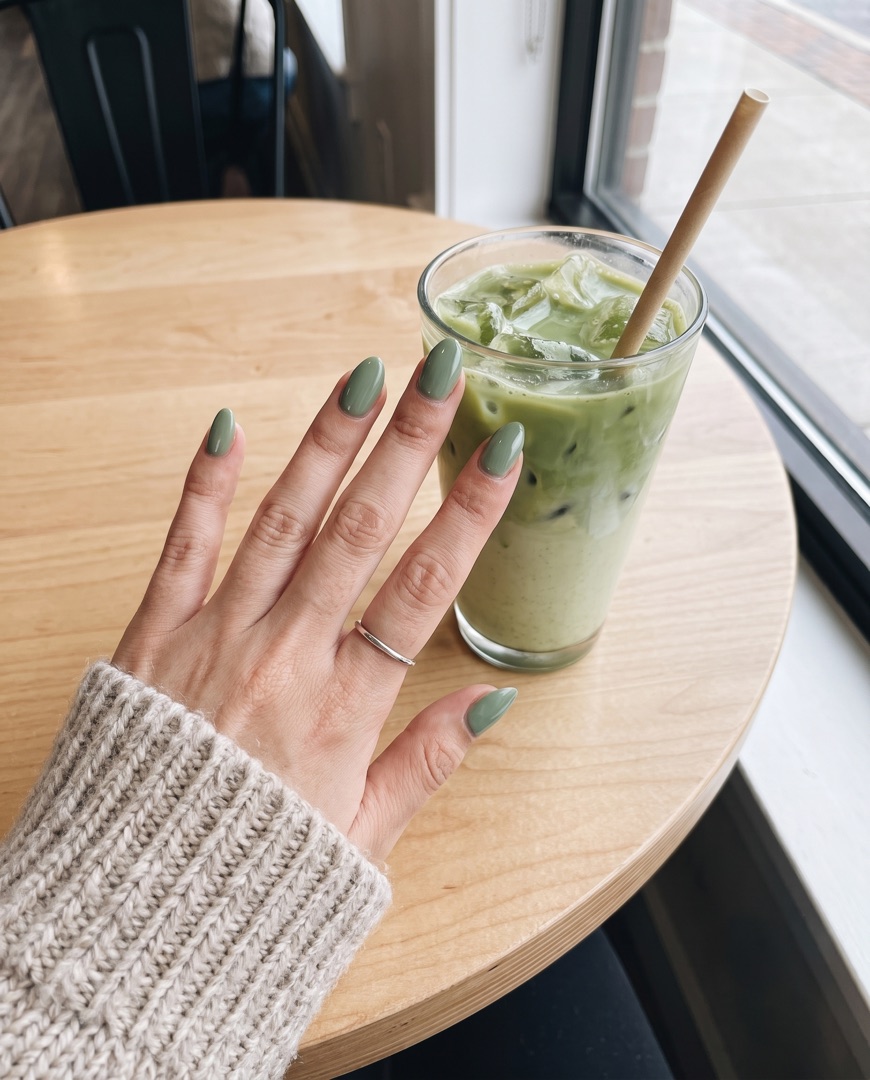 Matcha to match
Every format
Design once and switch formats with a tap — your photos reflow into the new canvas without starting over.
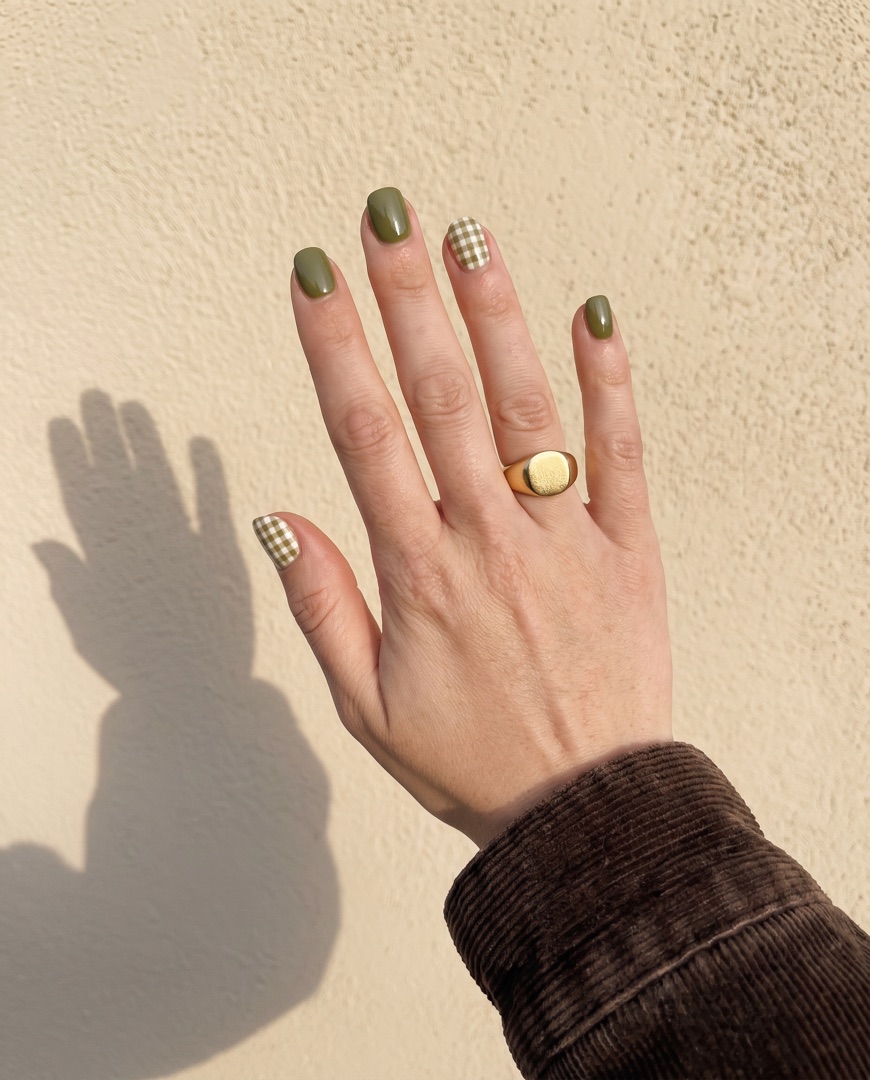
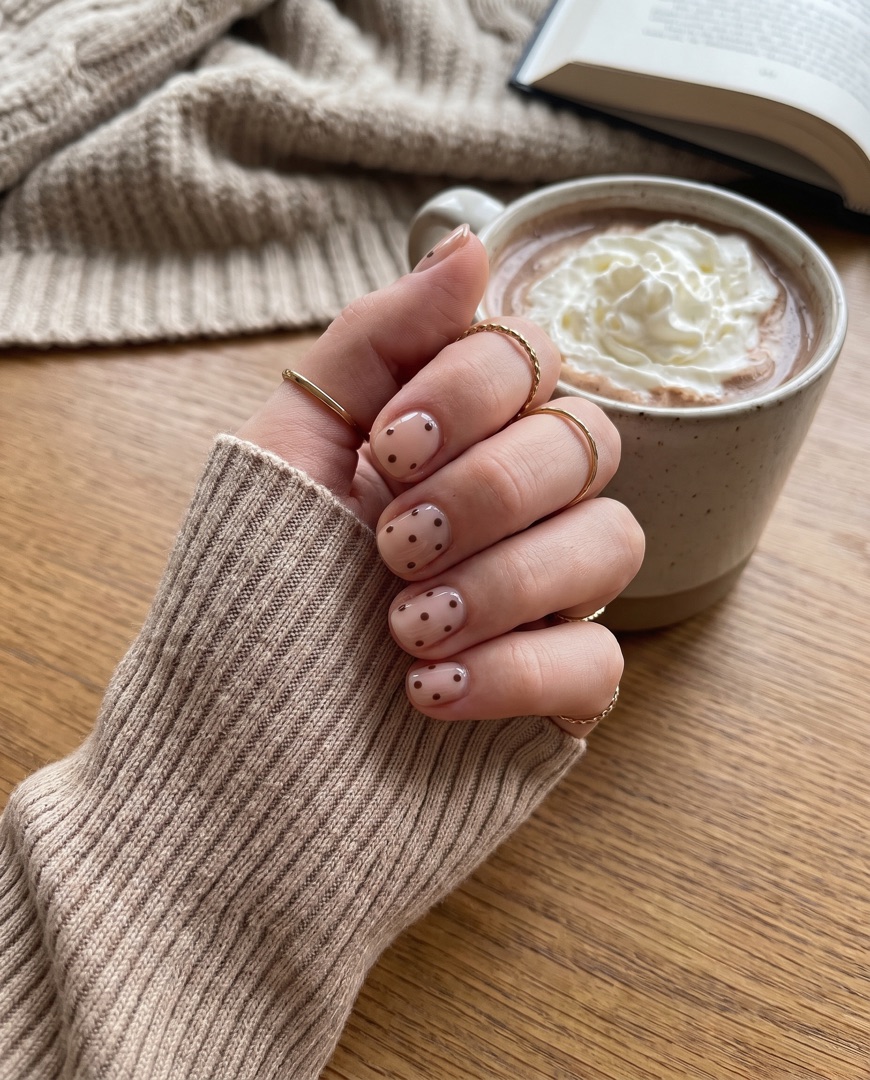

Post ideas
Stuck on what to post this week? Start with one of these.
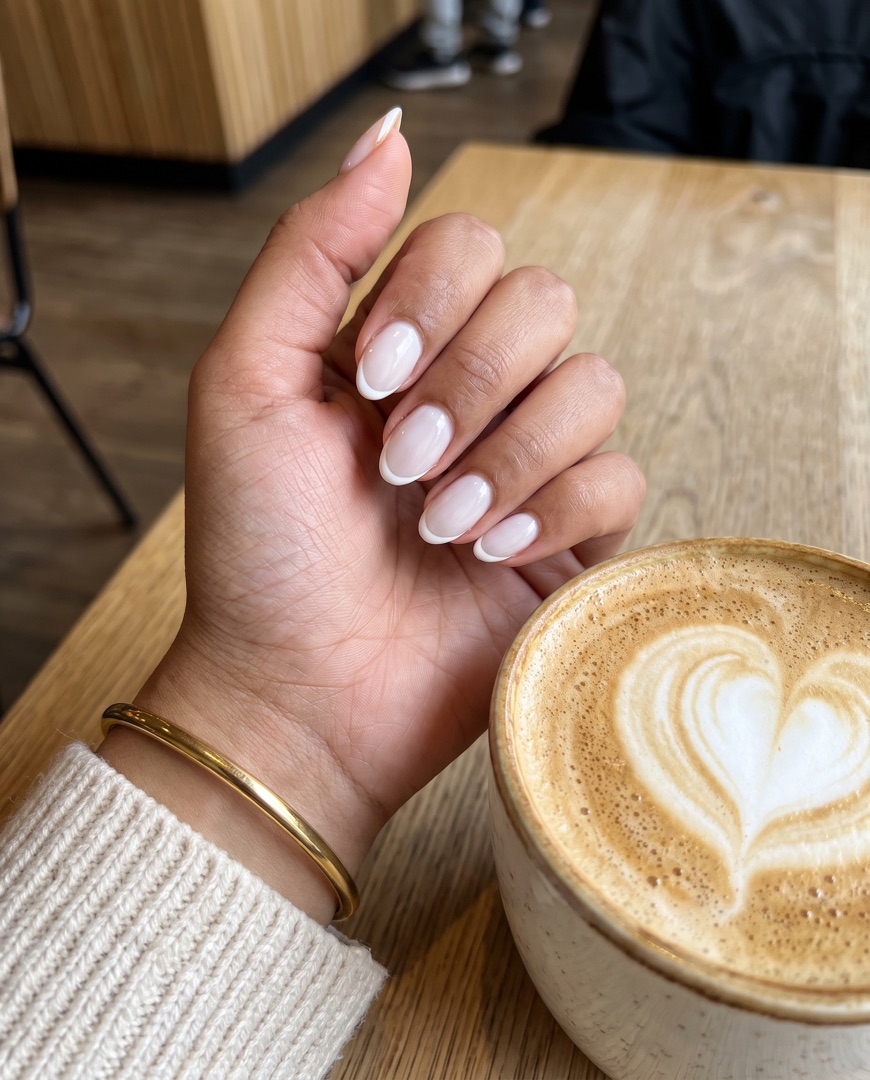
Bare nails on the left, the finished set on the right. Same angle, same light — the contrast does the selling.
2 photos · side by sideColour choice, prep, gel, nail art, reveal. Five slides that keep people swiping and show off your detail work.
5 slides · carouselA grid of every set from the week. Clients love spotting their hands and sharing the post with friends.
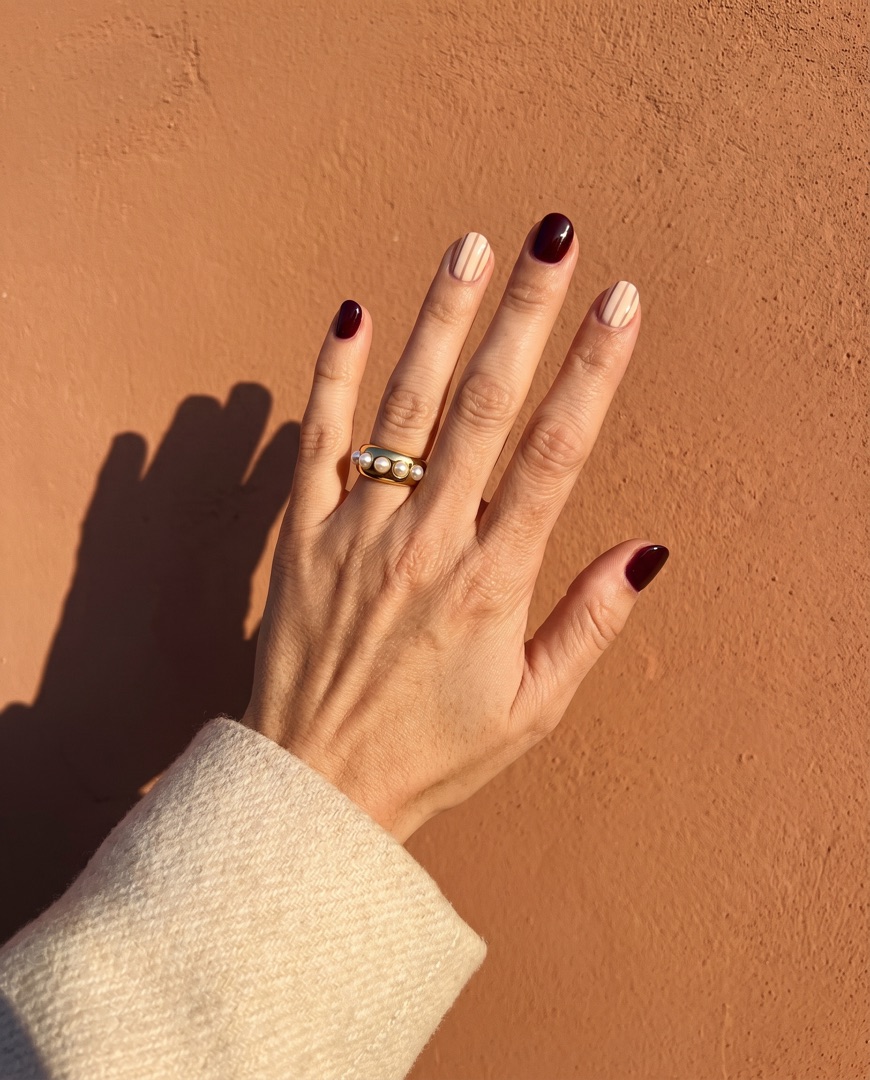
4+ photos · gridOne hand, a different design on every fingertip. The easiest way to show your whole seasonal menu in a single post.
5 designs · one handThe colour wall, the lamp, the tiny brush. Quick 9:16 collages for Stories that feel real, not staged.
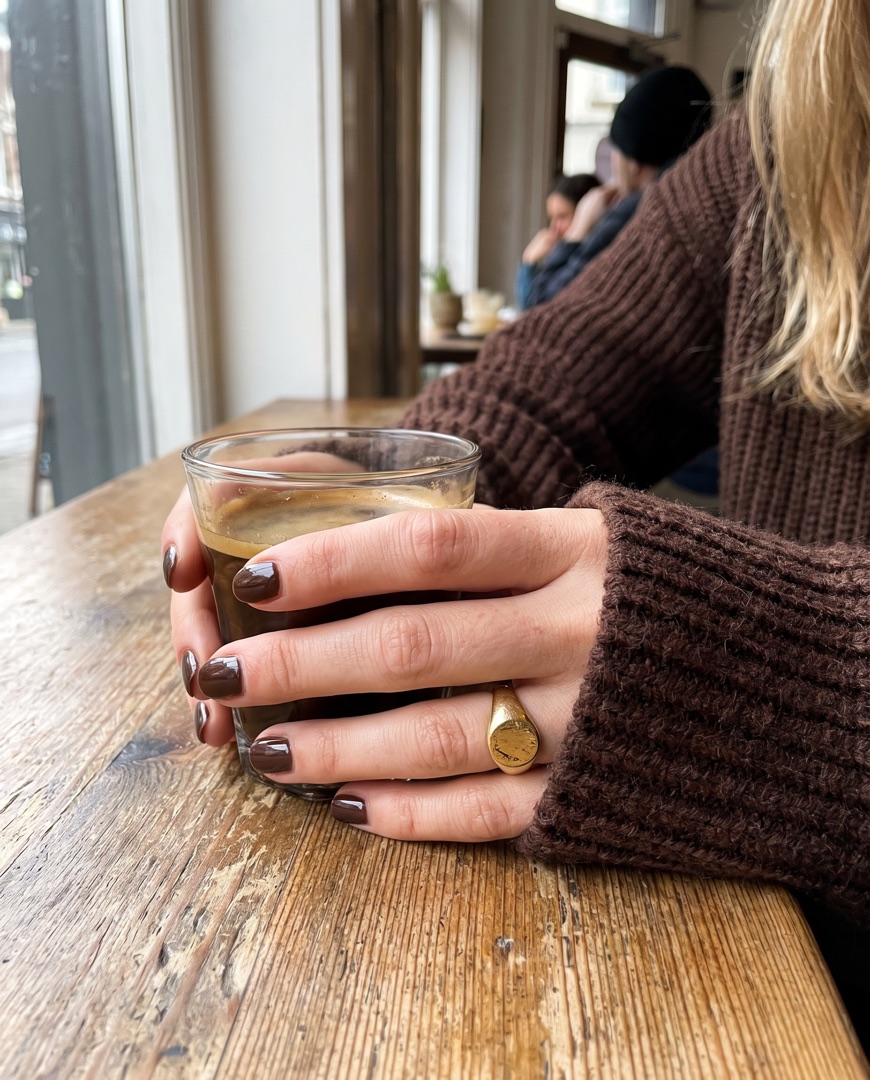
9:16 · StoryFall cherry, winter chrome or summer brights. Post the new colours with a short caption before the rush.
2–3 photos · stackedFAQ
"I post every set before the next client sits down. My before and after collages are how most new clients find me now."
"Our nail bar feed finally looks consistent. Same layout every week, and clients book the exact sets they saw in our set menu post."
"I sell press-ons online. A carousel with the set on a tray and on real hands sells out a drop faster than anything else I've tried."
Related
Also see: Instagram Carousel Maker and Instagram Stories Collage Maker.
Download SnapLayout and make your first nail collage in under a minute — no design skills needed.
Download for Free