Groomers & salons
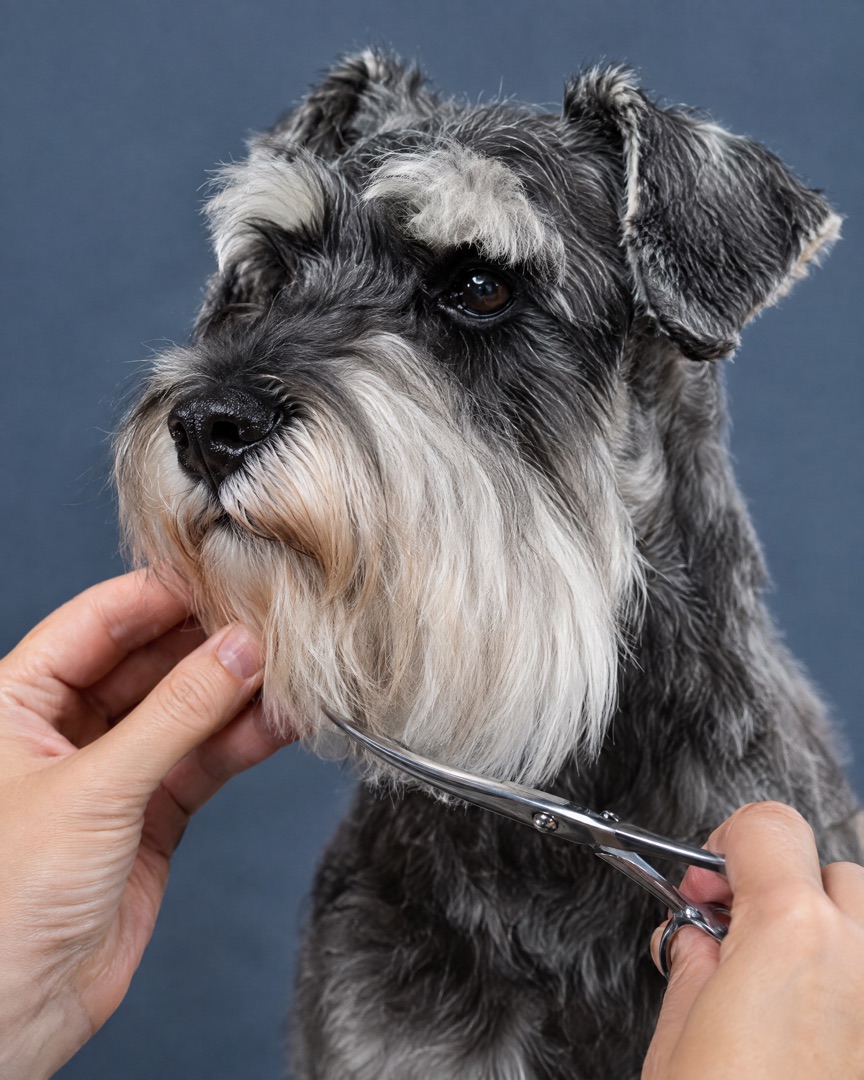
Post today's best transformations between appointments. Consistent, clean collages make your page look as professional as your work.
Turn bath-day chaos into before and after collages, grooming carousels and Stories your clients actually share — made on your iPhone in under a minute.
Download for Free
Made for the grooming world
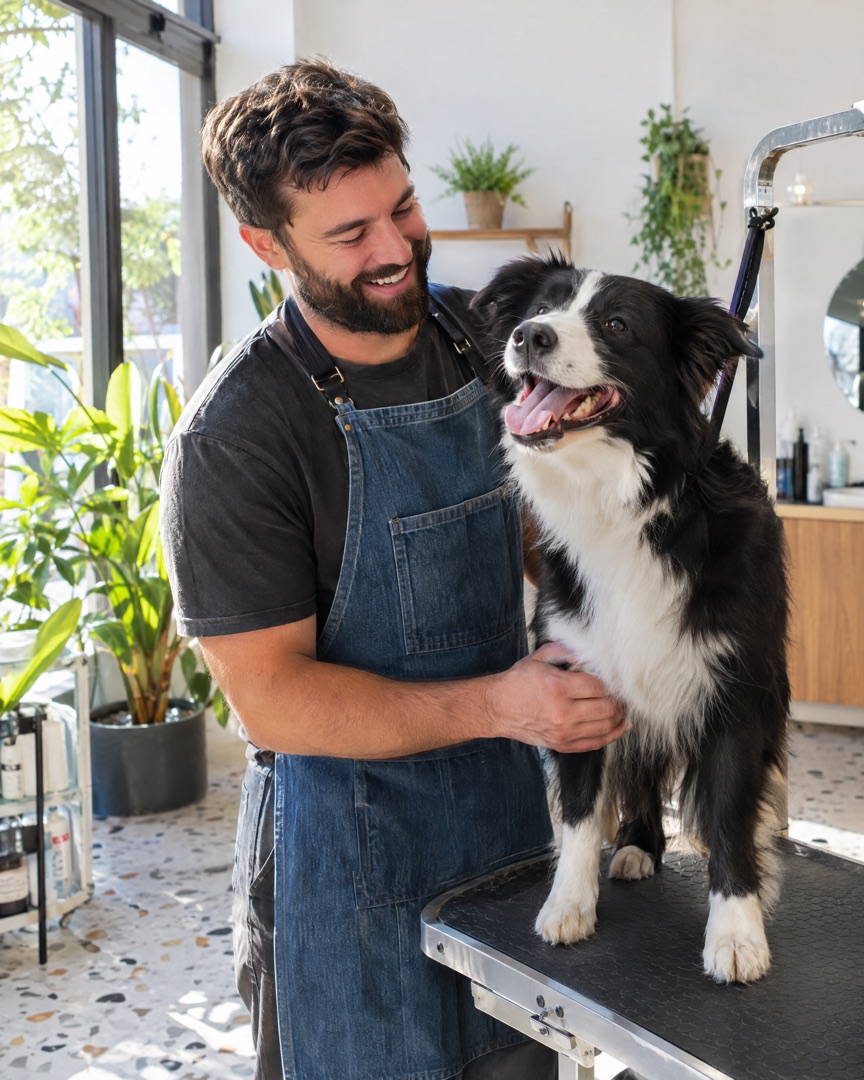
Whether you run a busy salon or just survived bath night at home, SnapLayout turns your pet photos into posts that look planned.
Post today's best transformations between appointments. Consistent, clean collages make your page look as professional as your work.
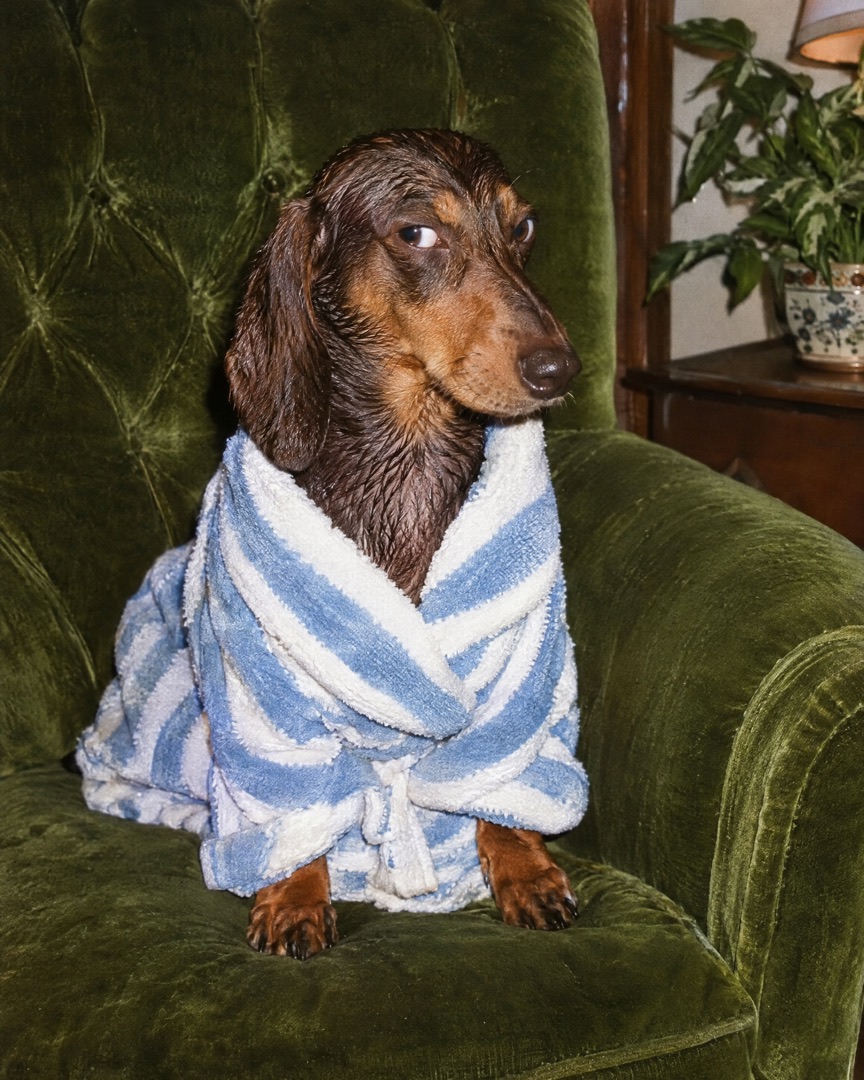
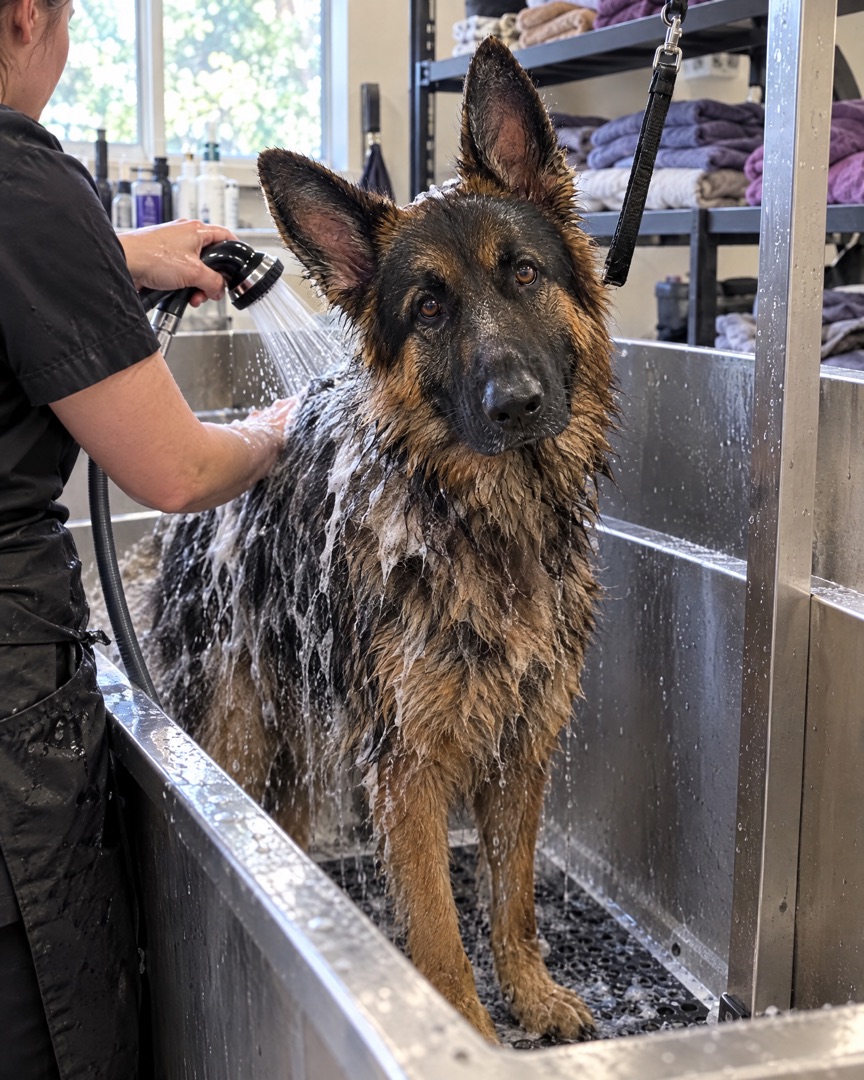
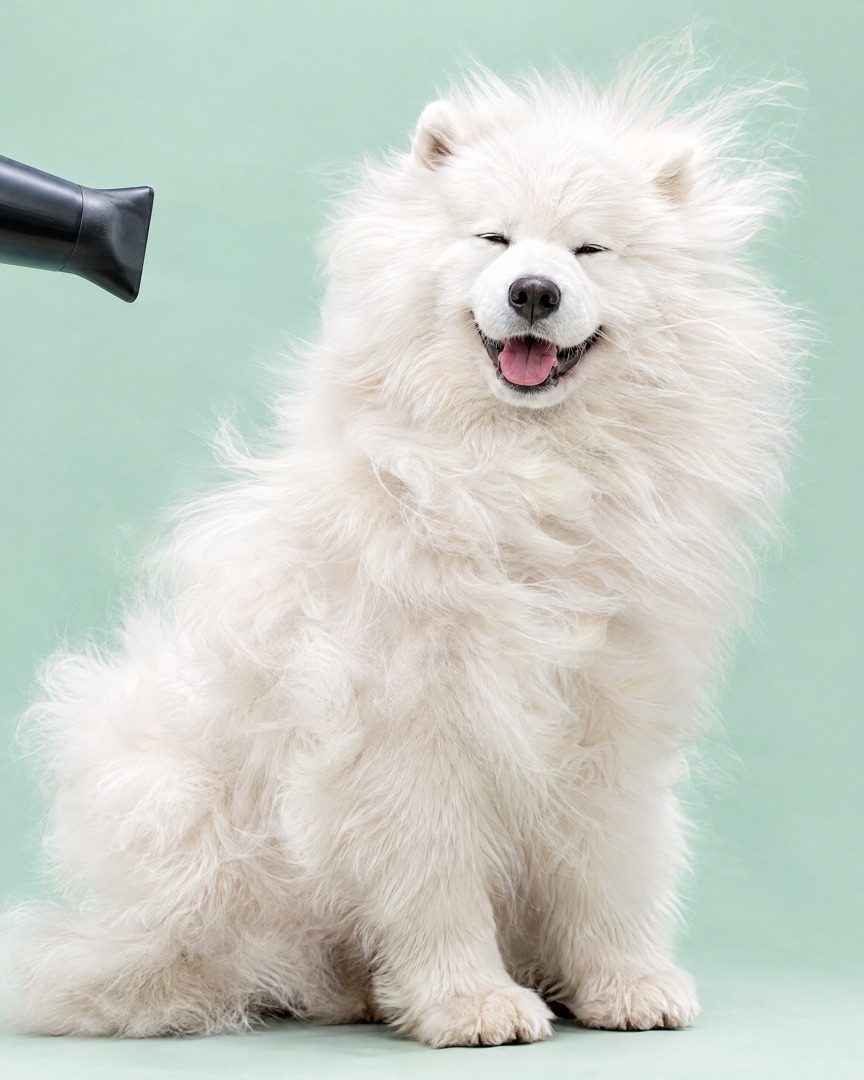
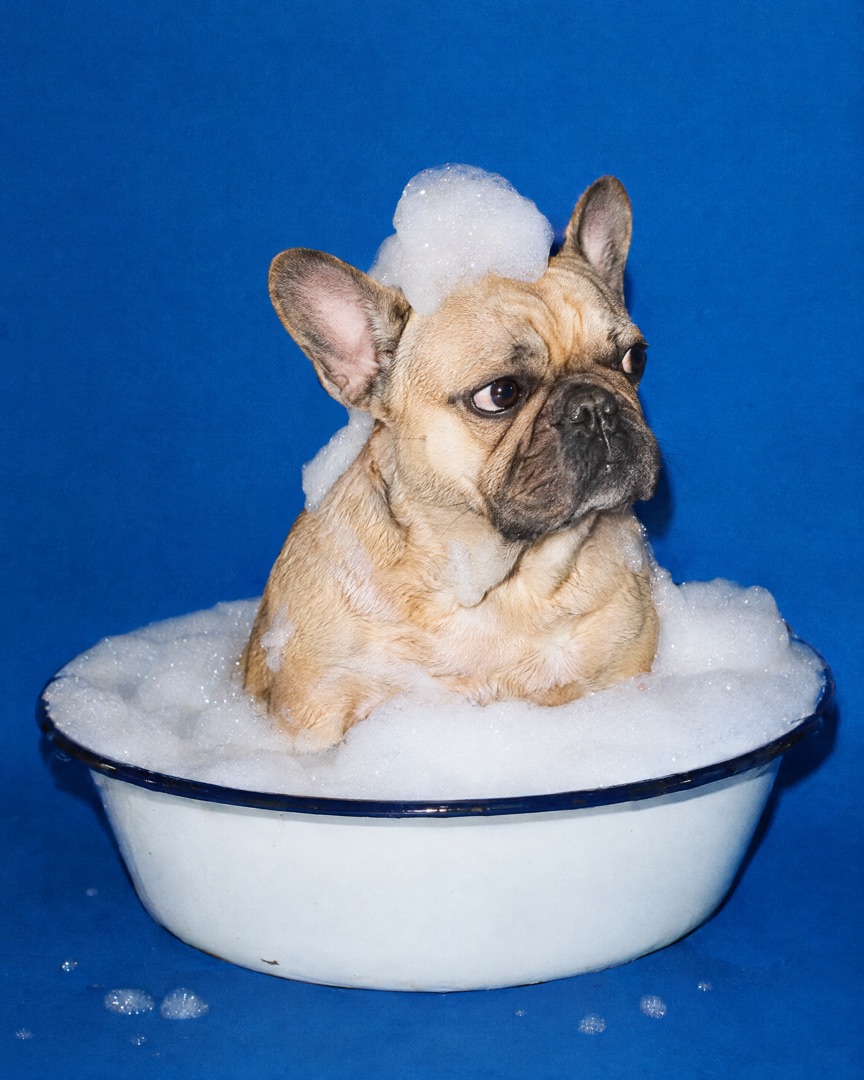
Bath day, first haircut, the fluffy after-dry look — collect the moments in one collage instead of flooding your Stories with ten photos.
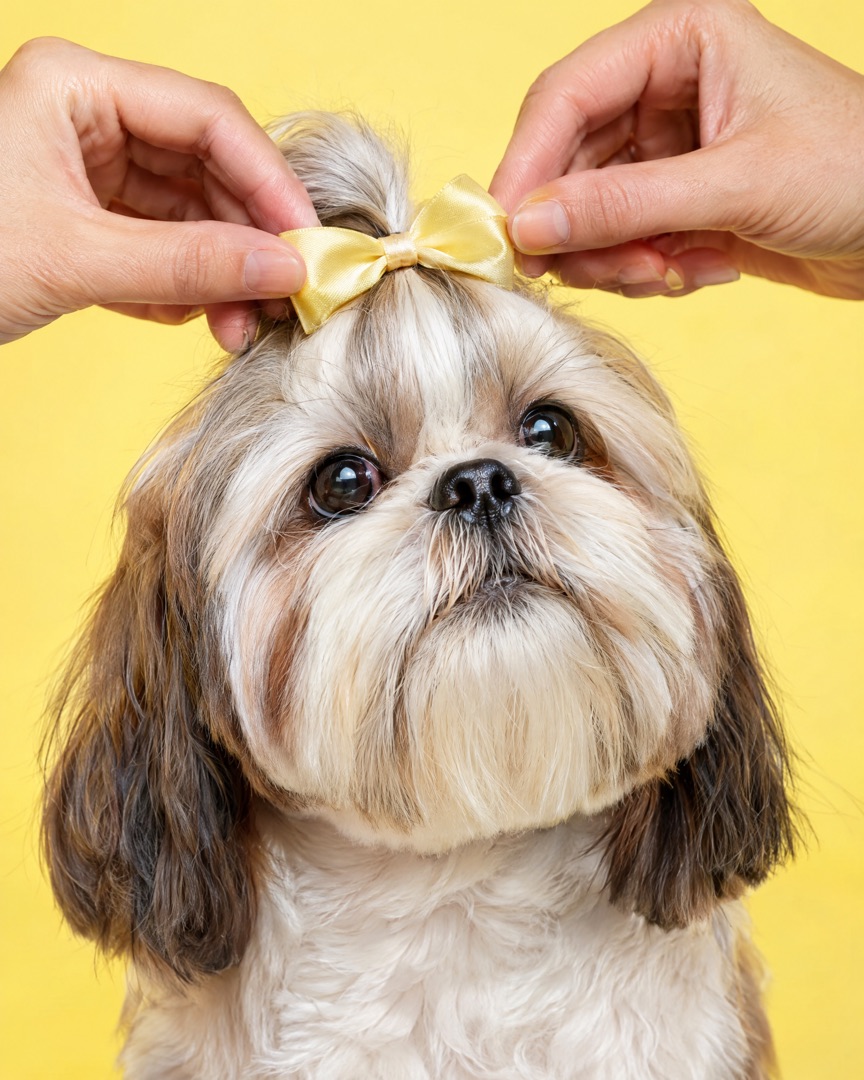
Shampoo launches, accessory drops, breed spotlights — build carousels and Stories at the exact size each platform wants.
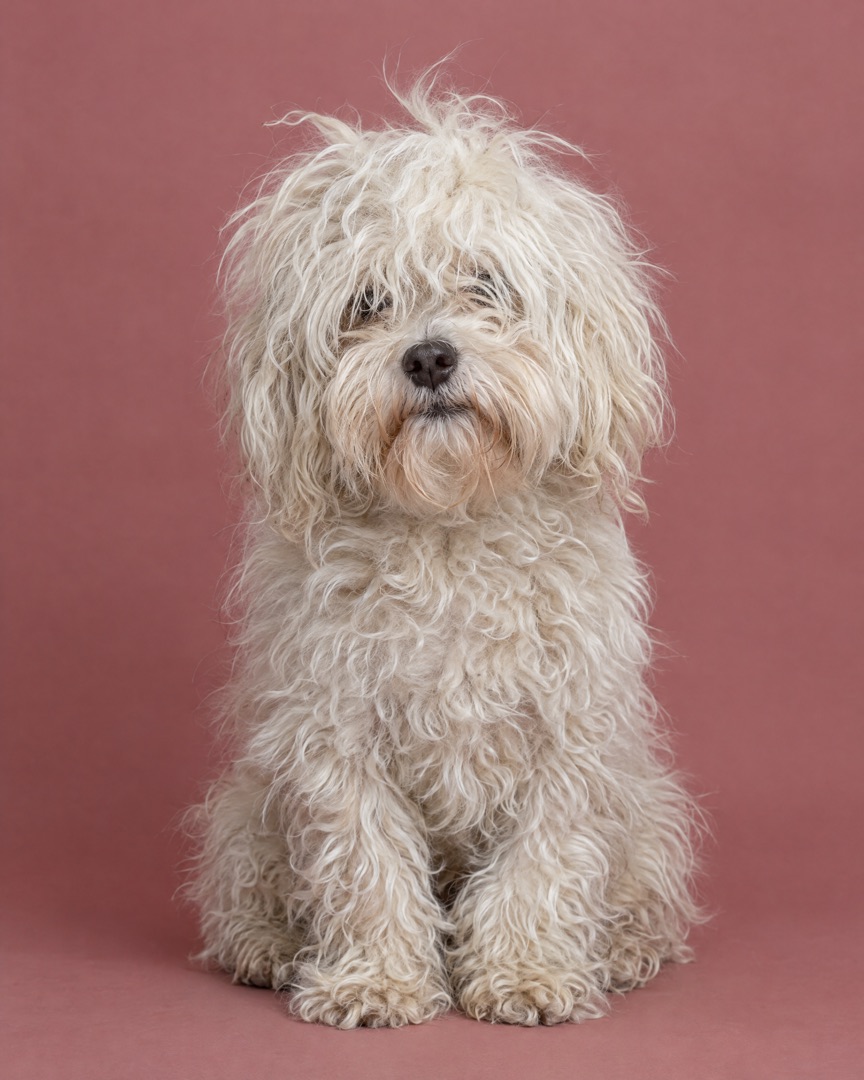 BEFORE
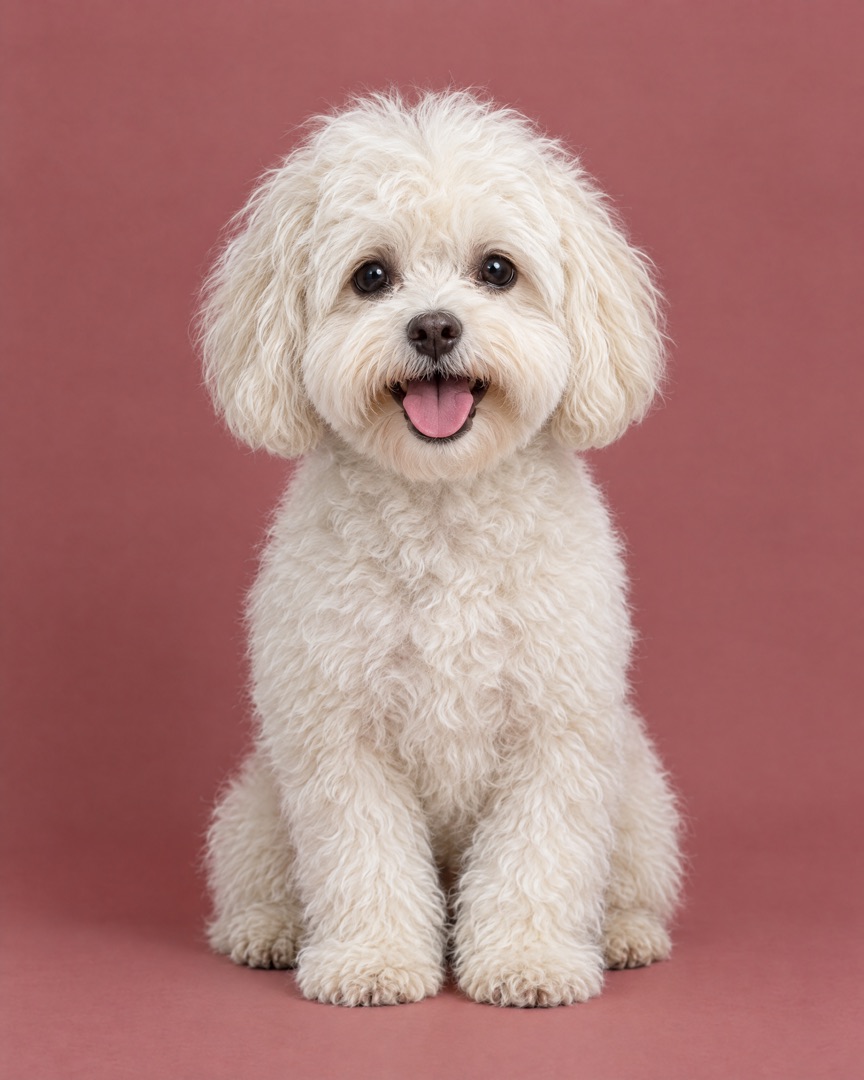 AFTER
AFTERHow it works
Choose the shots from today's groom in your camera roll. With Instant, SnapLayout picks a layout that fits how many photos you chose.
Swap the layout, adjust spacing, borders and rounded corners, pick a background colour and add a caption. Every change is live.
Export in the right size for Instagram, TikTok, Facebook or Pinterest and share it while the client is still in the lobby.
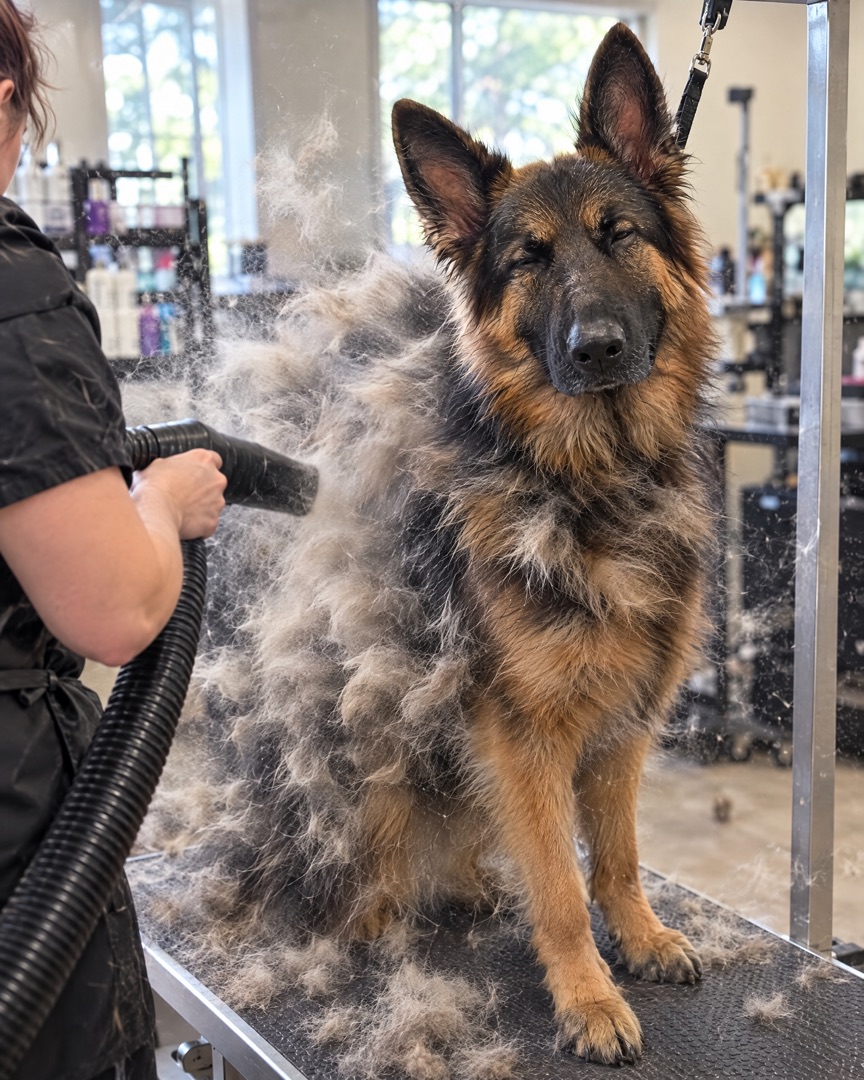
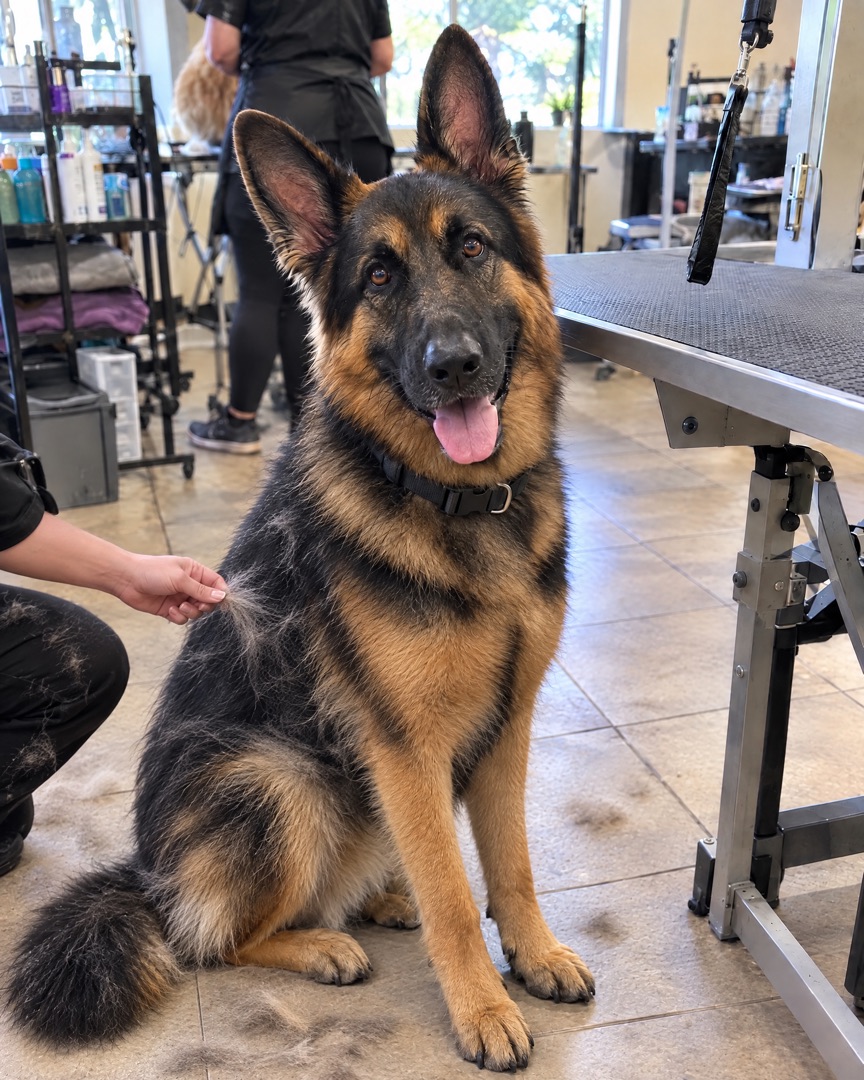
 your.grooming.studio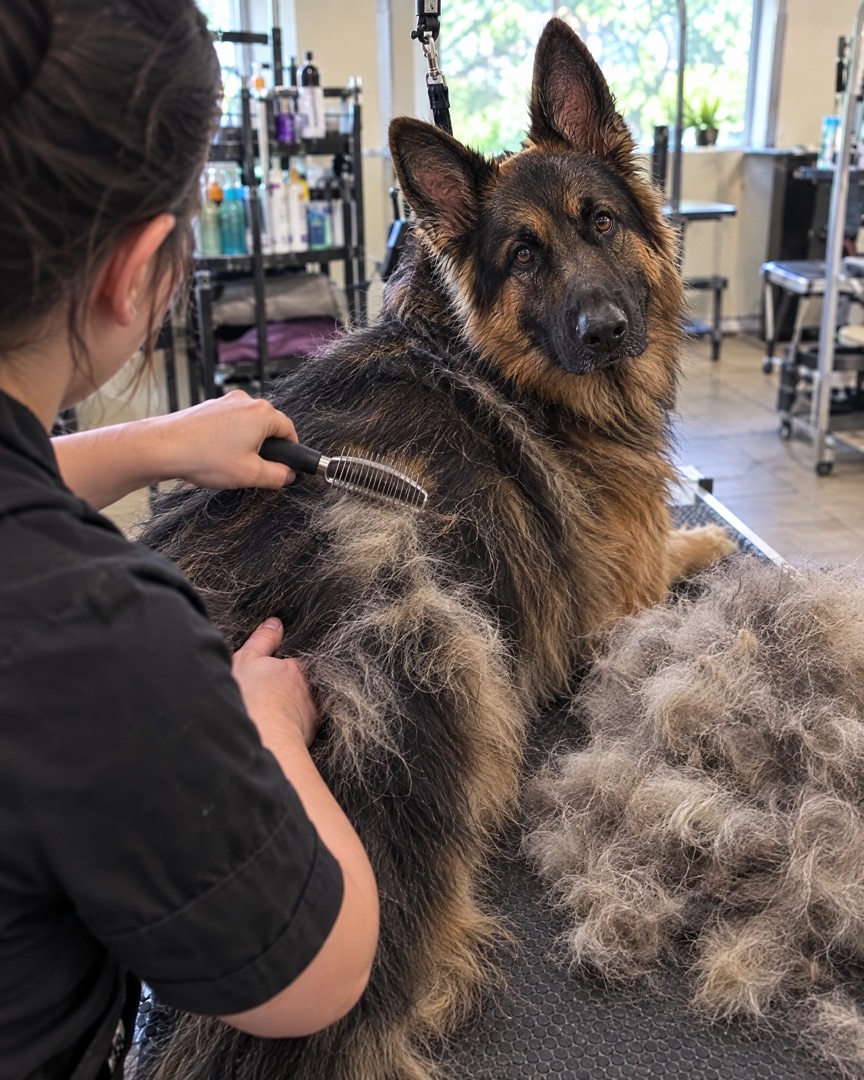
Inside the app
Everything happens in one simple editor on your iPhone. Choose a layout, switch the ratio, add slides for each step of the groom, then tap export and post.
Grooming carousels
Follow one pup from the walk in to the zoomies at home. Add a slide for each step, then export them all at once as a swipeable Instagram carousel.
 Groom day, Biscuit.Three months of fluff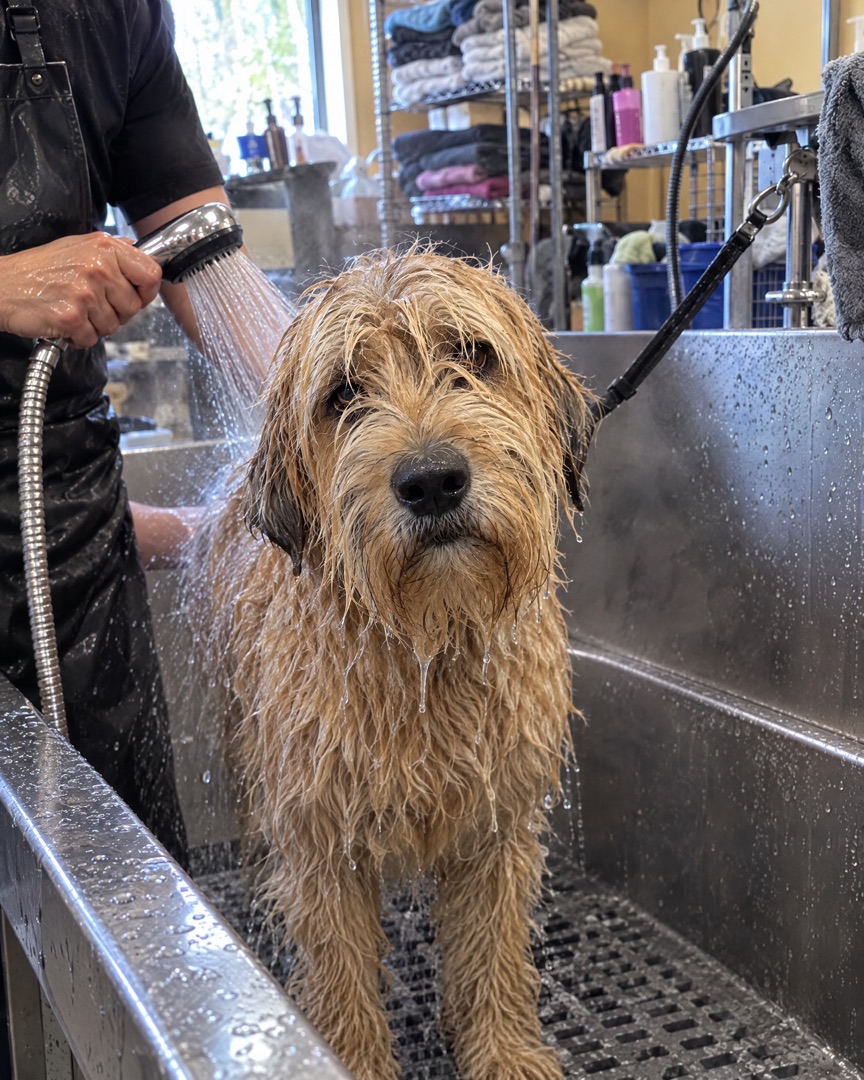
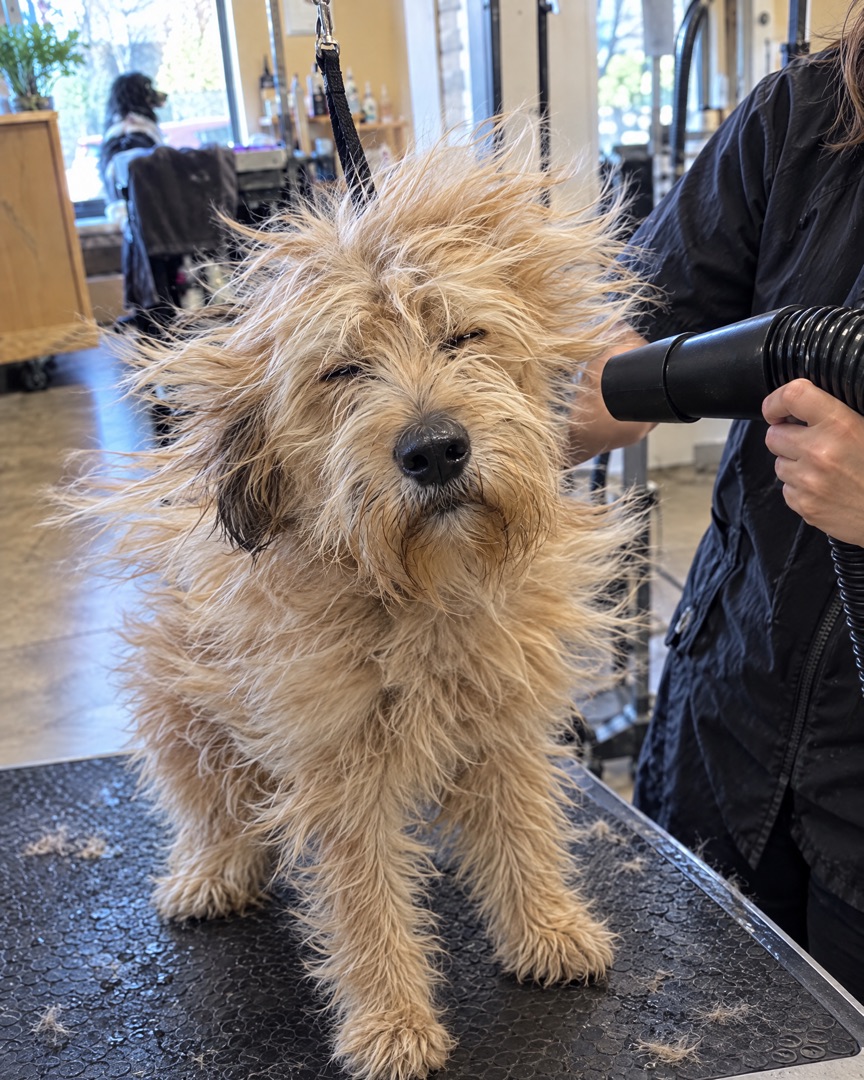 Bath & blow-dry
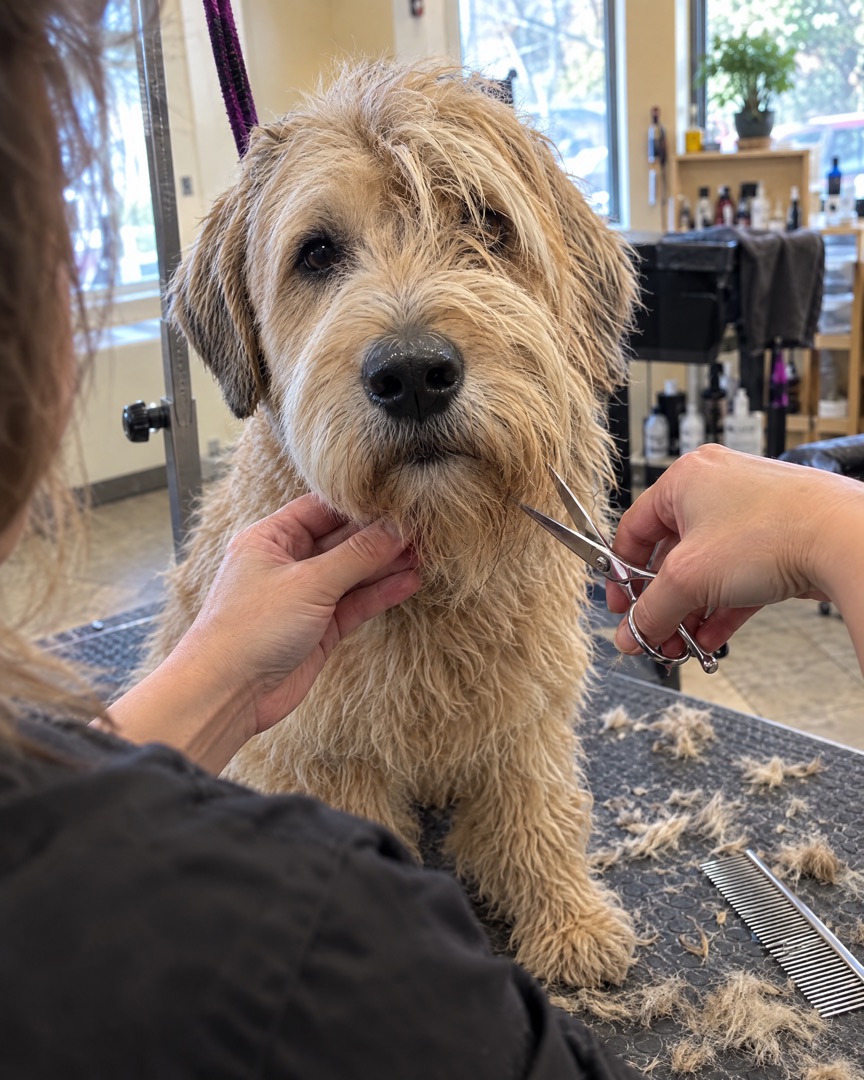 Work in progressHome and brand new
Every format
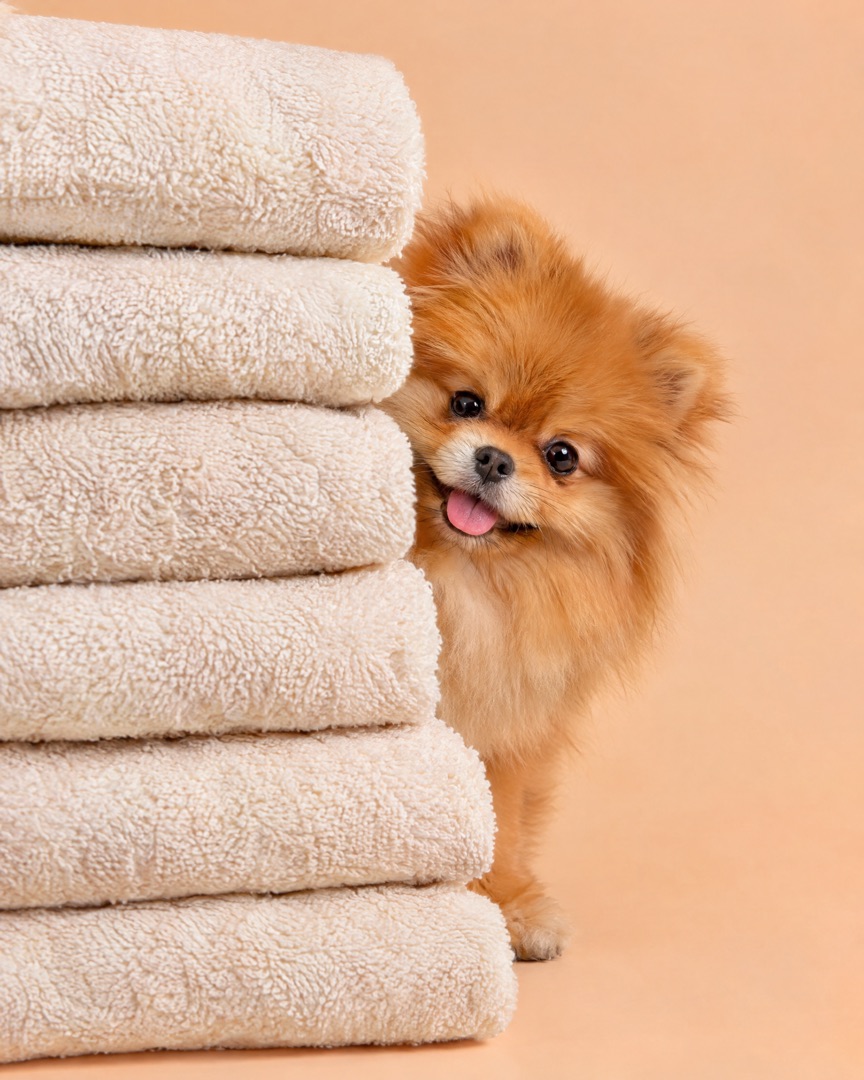
Design once and switch formats with a tap — your photos reflow into the new canvas without starting over.
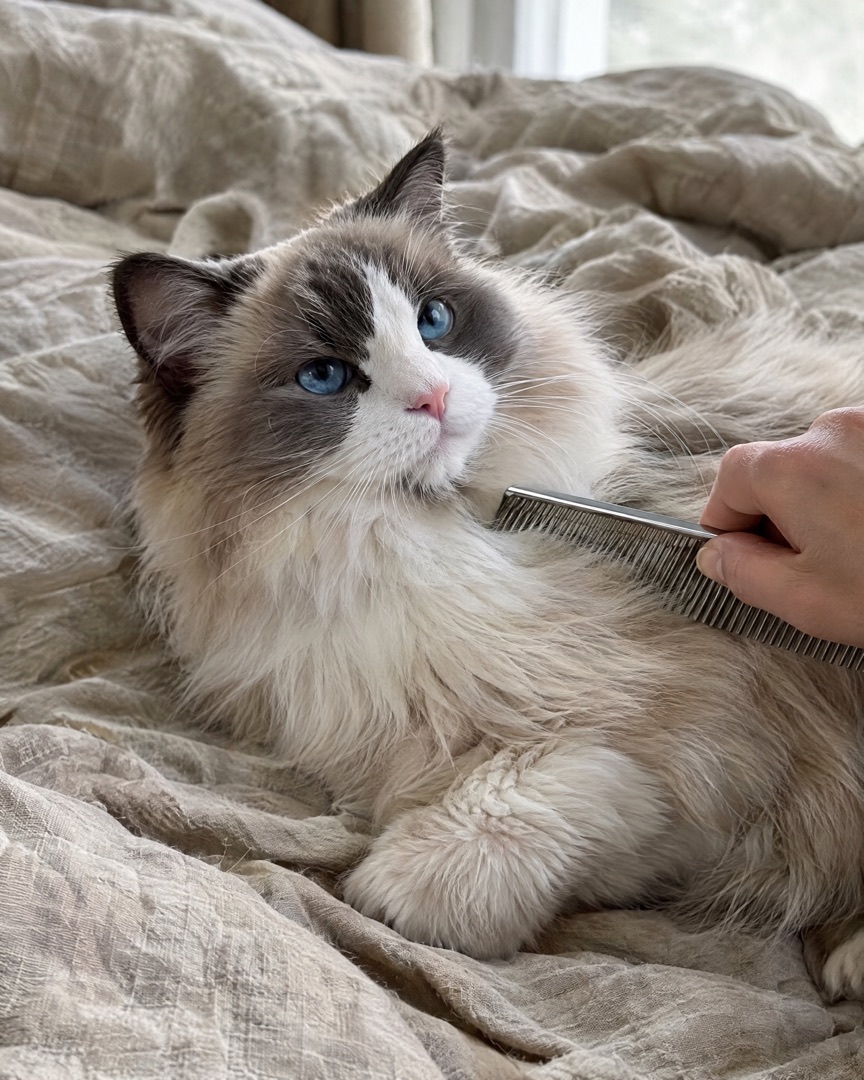
Post ideas
Stuck on what to post this week? Start with one of these.
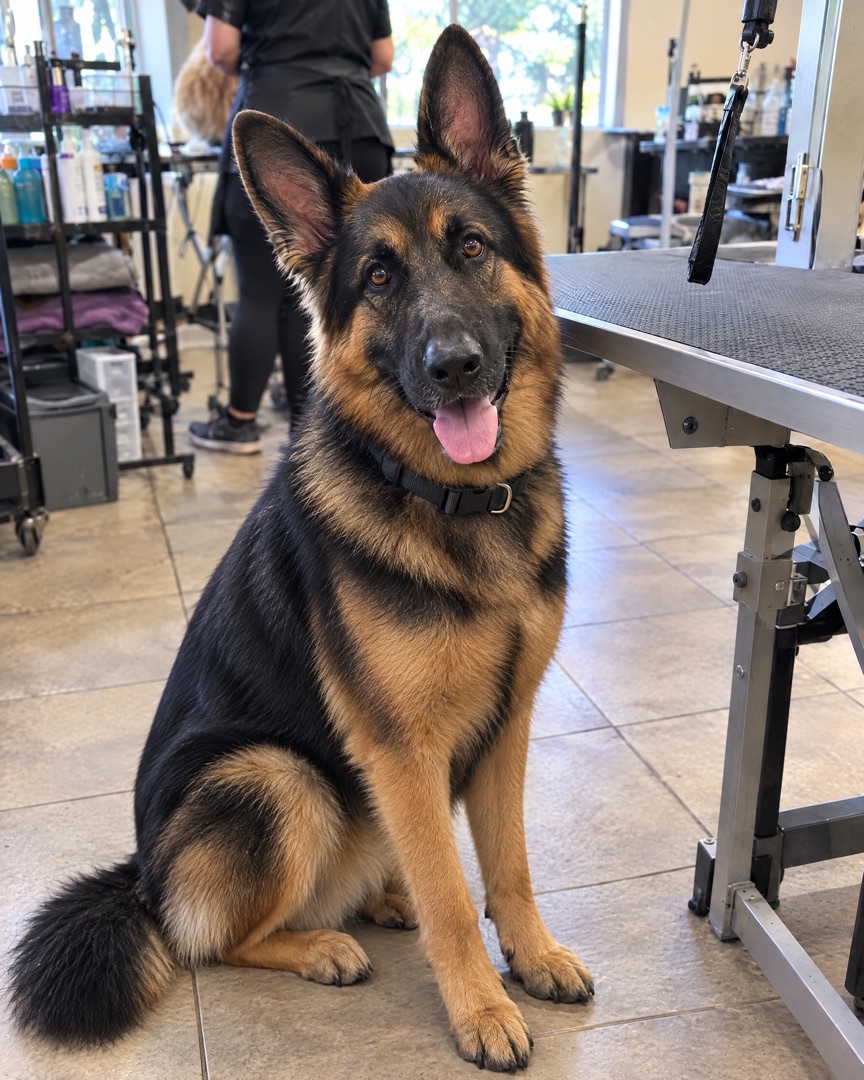
Shaggy on the left, show-ready on the right. Same angle, same light — the contrast does the selling.
2 photos · side by sideBath, dry, trim, reveal. Four slides that keep people swiping — and show how much care goes into each groom.
4 slides · carouselA grid of every happy face from the week. Clients love spotting their pet, and they tag themselves.
4+ photos · gridOne breed, one signature cut. A large hero photo plus two detail shots of the face and paws.
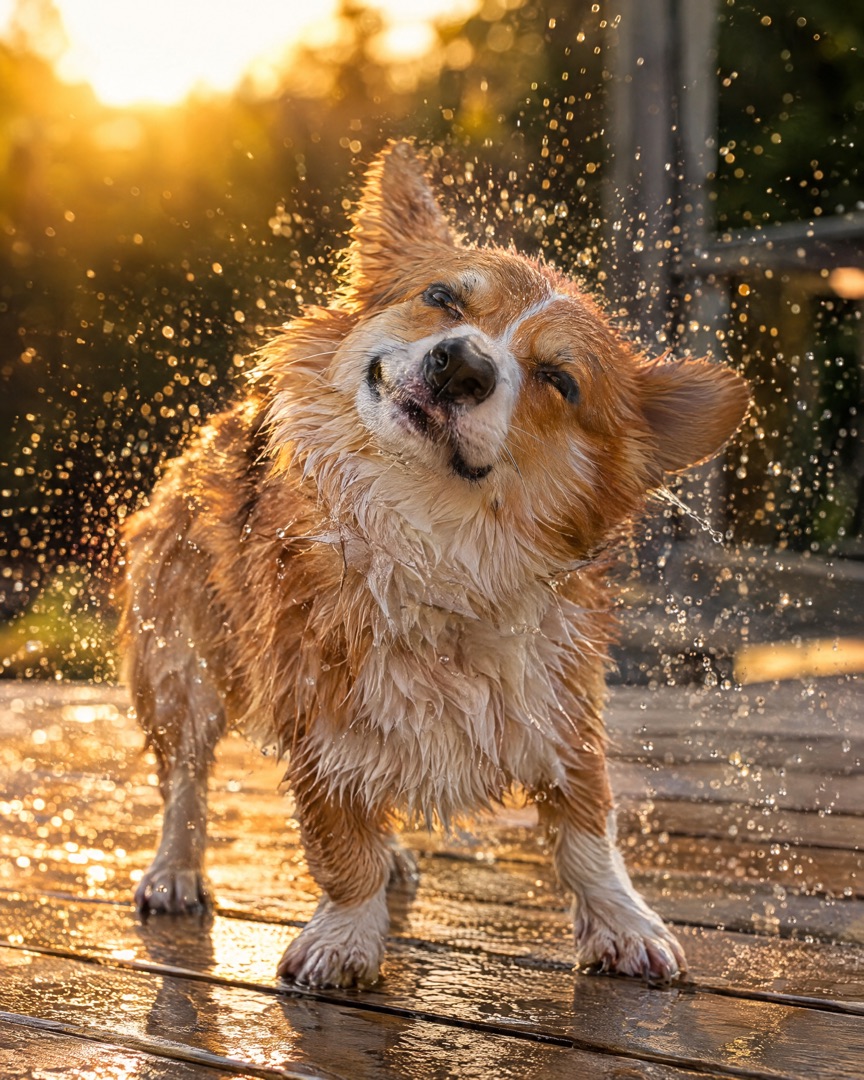
3 photos · one largeTools laid out, the shake-off, the blow-dry face. Quick 9:16 collages for Stories that feel real, not staged.
9:16 · StorySummer shave-down or cozy winter fluff. Pair the seasonal look with a short caption and post it before the rush.
2–3 photos · stackedFAQ
"I post every finished groom between appointments. SnapLayout is the only app where I can do a clean before and after in the time it takes the next dog to settle on the table."
"Our salon page finally looks consistent. Same layout, same spacing, every week. Clients tag themselves in the weekly grid and new bookings keep mentioning it."
"Bath day with my two doodles is chaos, but the carousel of bath, towel and fluffy finish gets more likes than anything else I post."
Related
Also see: Instagram Carousel Maker and Instagram Stories Collage Maker.
Download SnapLayout and make your first grooming collage in under a minute — no design skills needed.
Download for Free