Solo artists
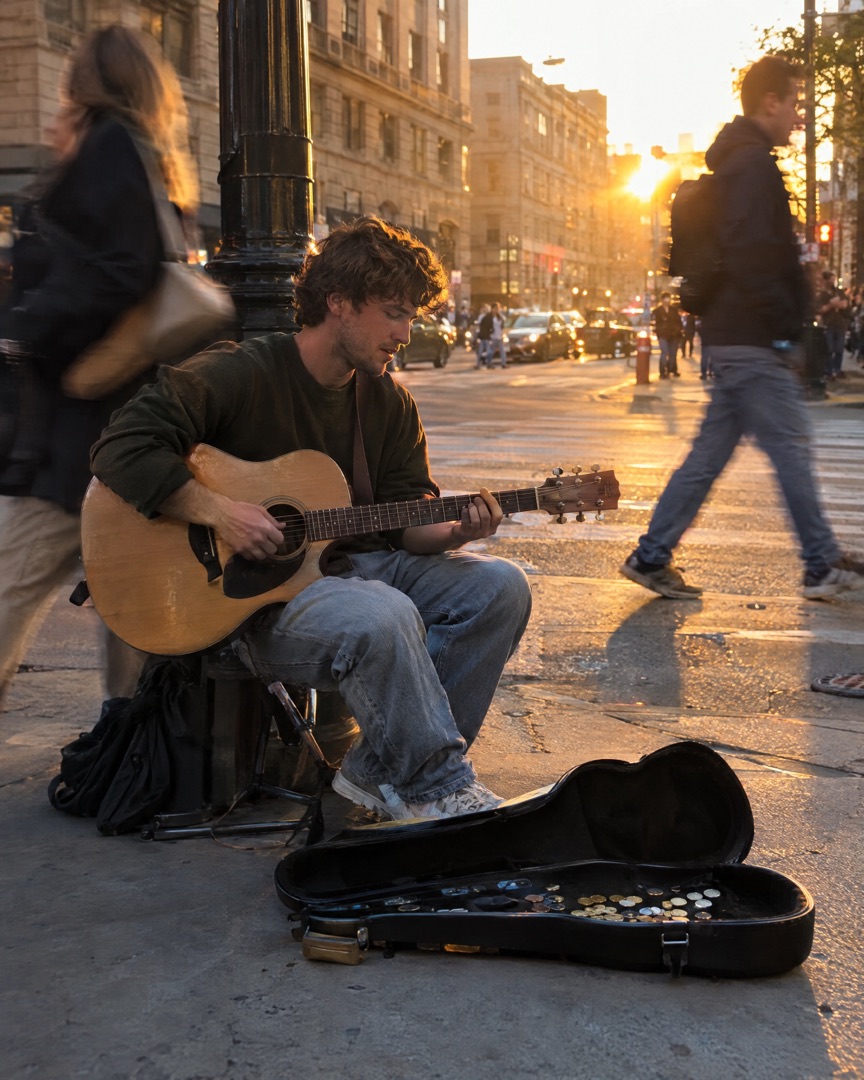
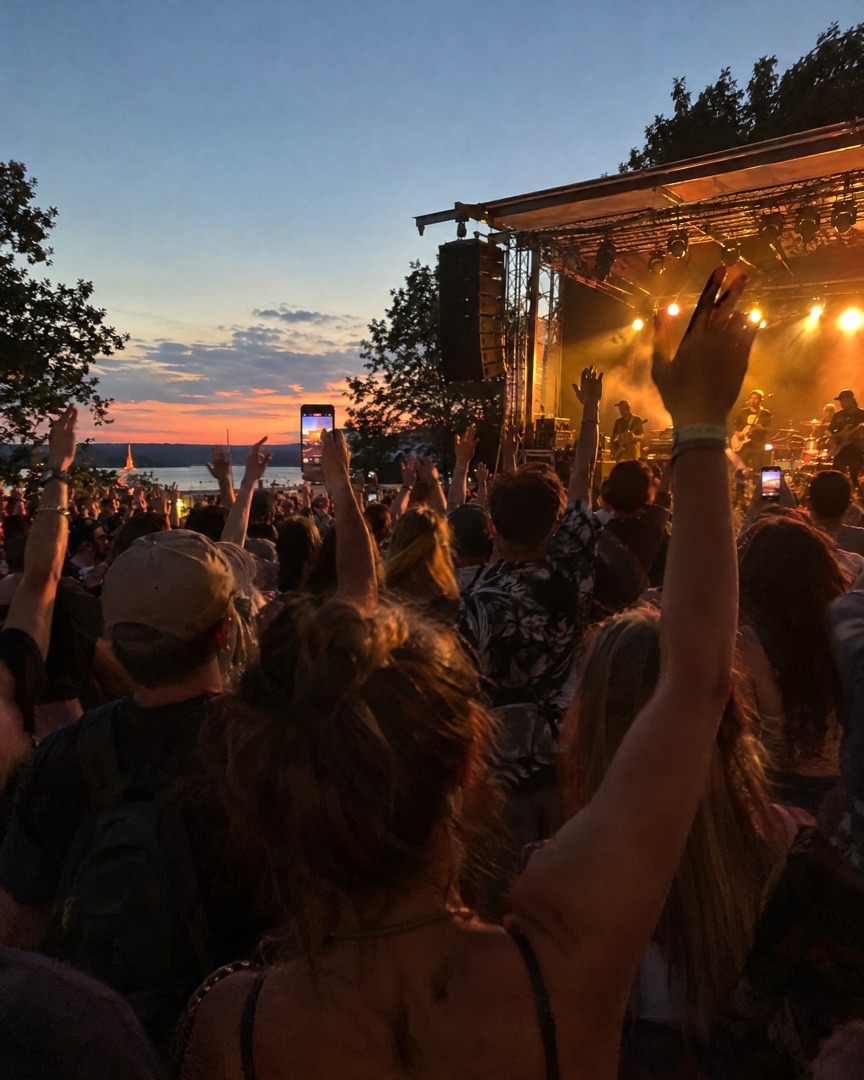
Post every show, from the street corner to your first headline slot. One clean collage tells the story better than ten separate photos.
Turn soundcheck snaps, backstage moments and blurry crowd shots into gig recaps, tour carousels and release-day Stories — made on your iPhone in under a minute.
Download for Free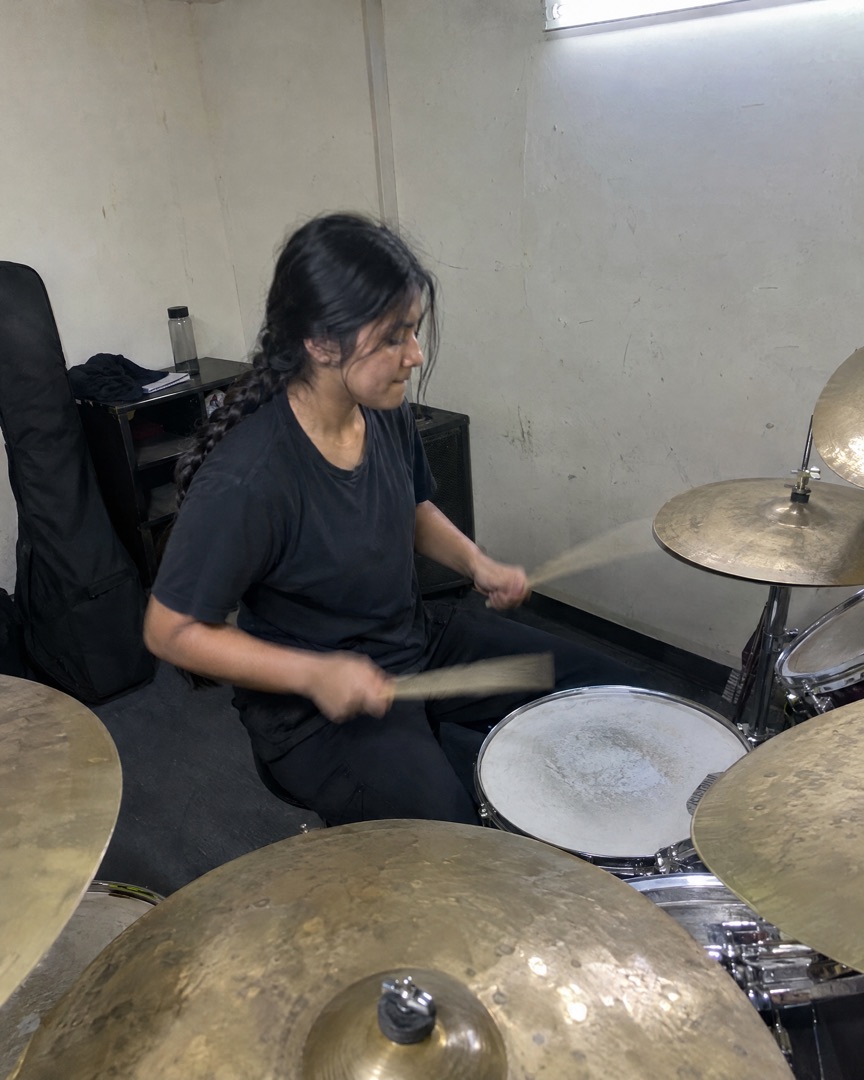
Made for music people
Whether you play open mics, tour with a band or teach scales on a Tuesday afternoon, SnapLayout turns your phone photos into posts that look like you planned them.
Post every show, from the street corner to your first headline slot. One clean collage tells the story better than ten separate photos.
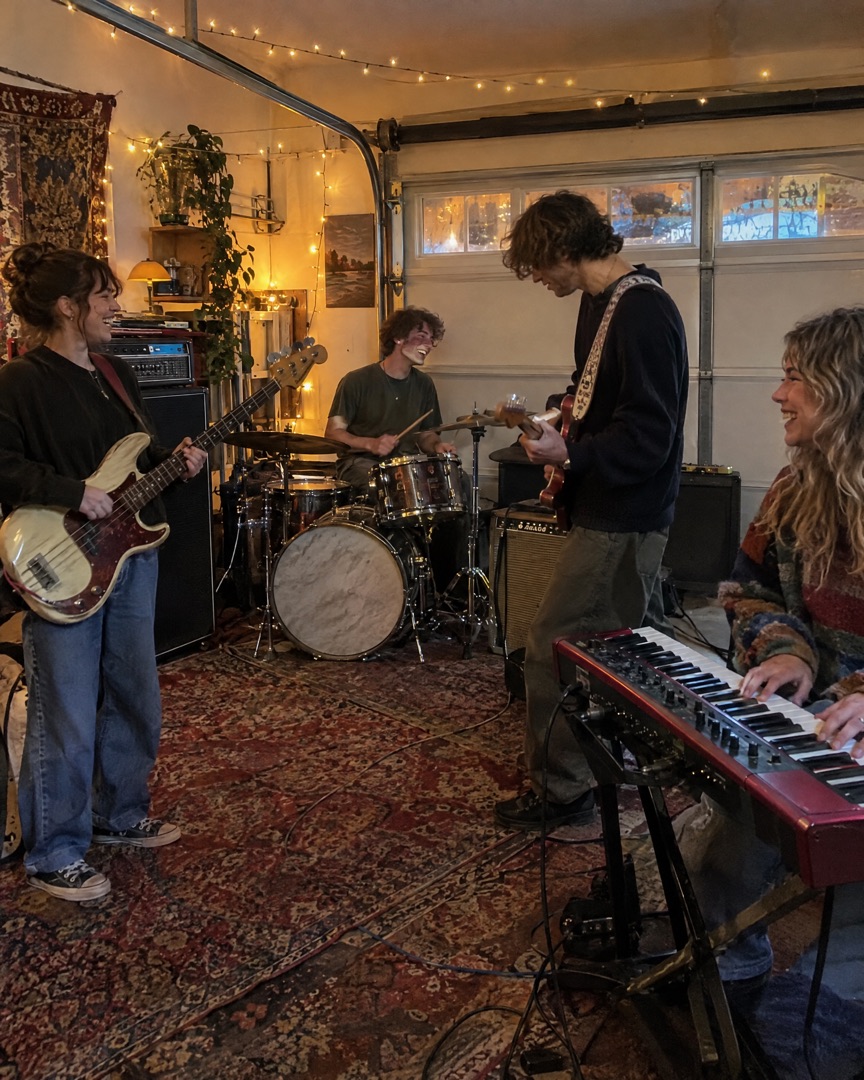
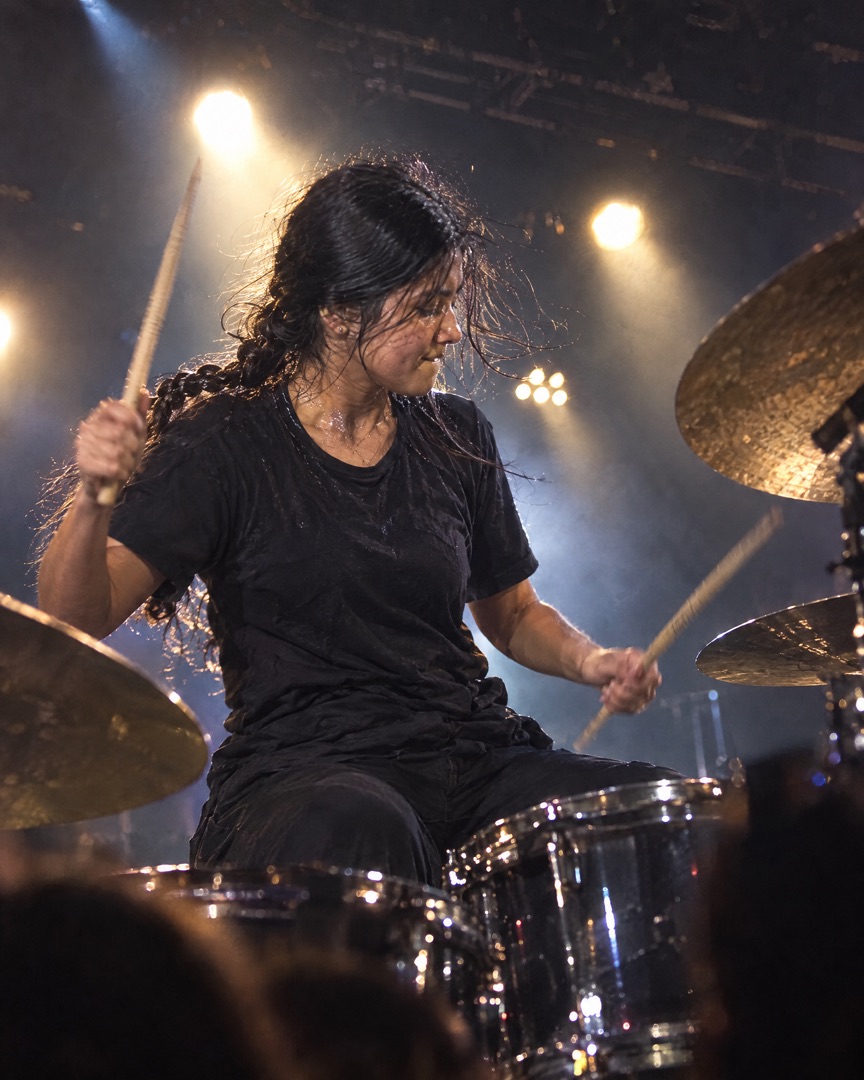
Rehearsals, studio days, merch tables and the gig itself — keep the whole band's feed consistent without anyone needing design skills.
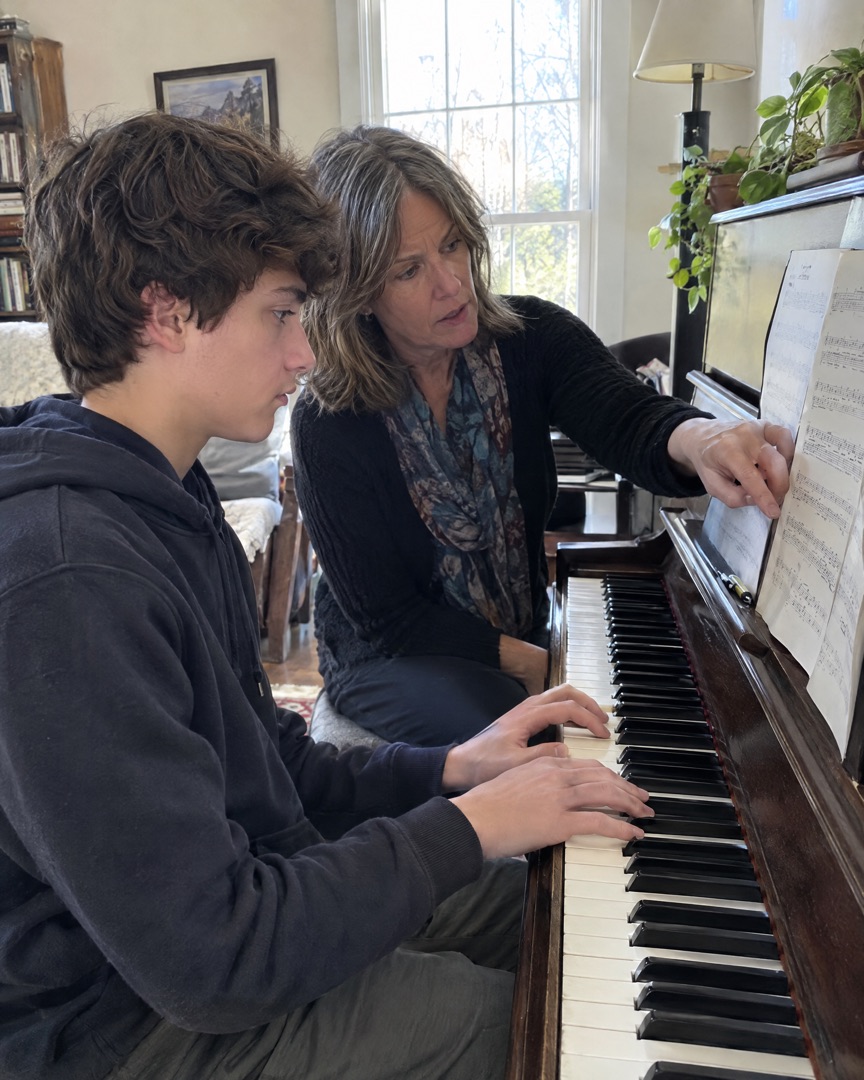
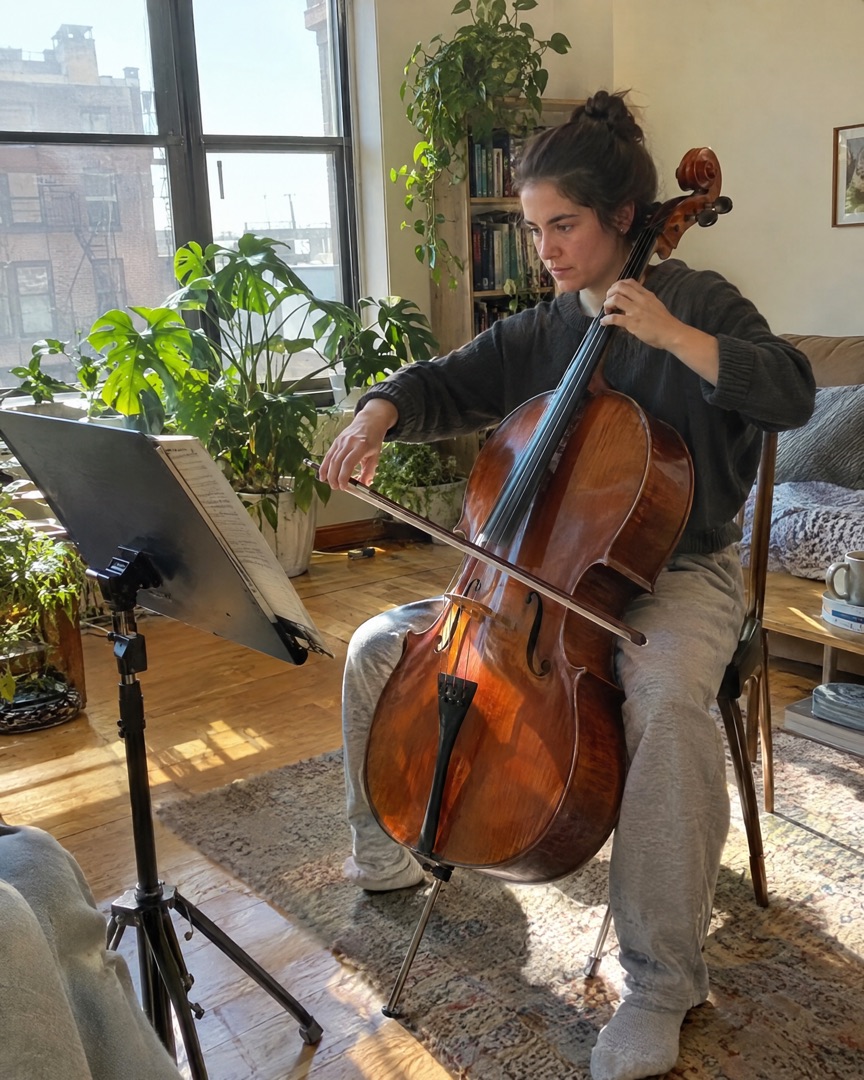
Share recital days, lesson progress and student wins in collages parents actually save and share.
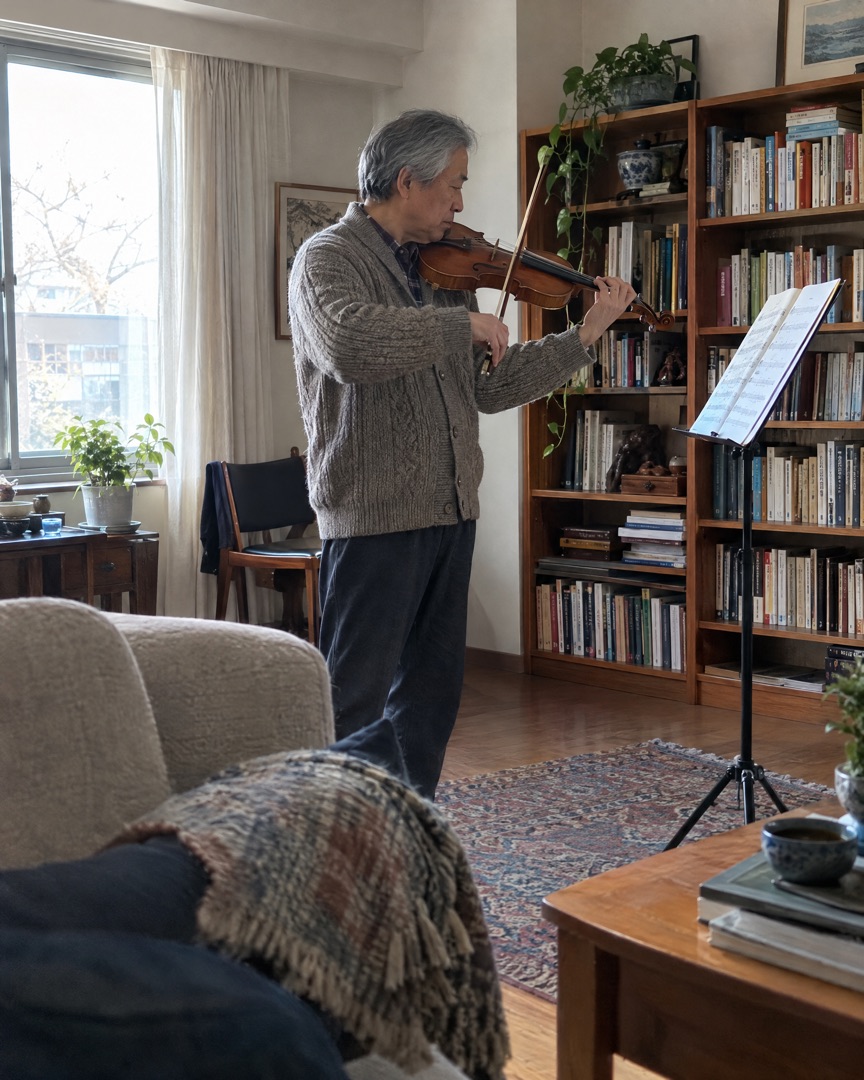 REHEARSAL
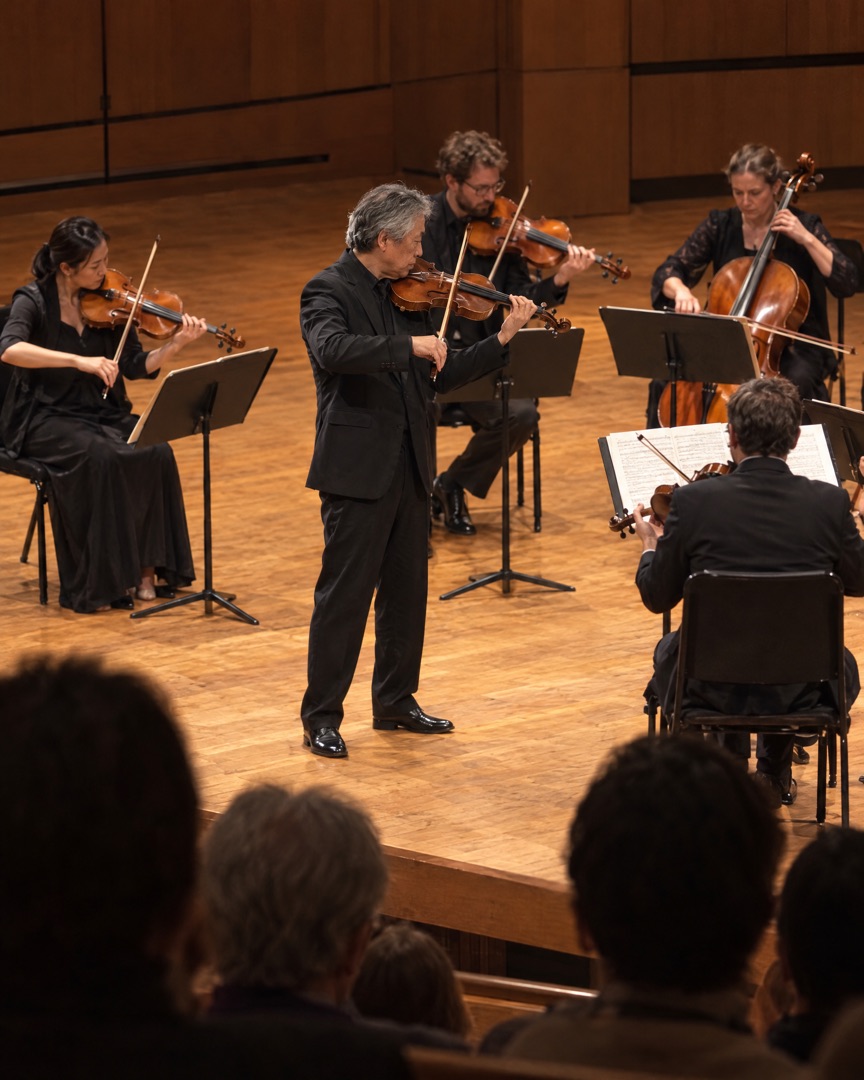 GIG NIGHT
How it works
Choose the best shots from tonight's show in your camera roll. With Instant, SnapLayout picks a layout that fits how many photos you chose.
Swap the layout, adjust spacing, borders and rounded corners, pick a background colour and add a caption. Every change is live.
Export in the right size for Instagram, TikTok, Facebook or Pinterest and post it before the van is even packed.
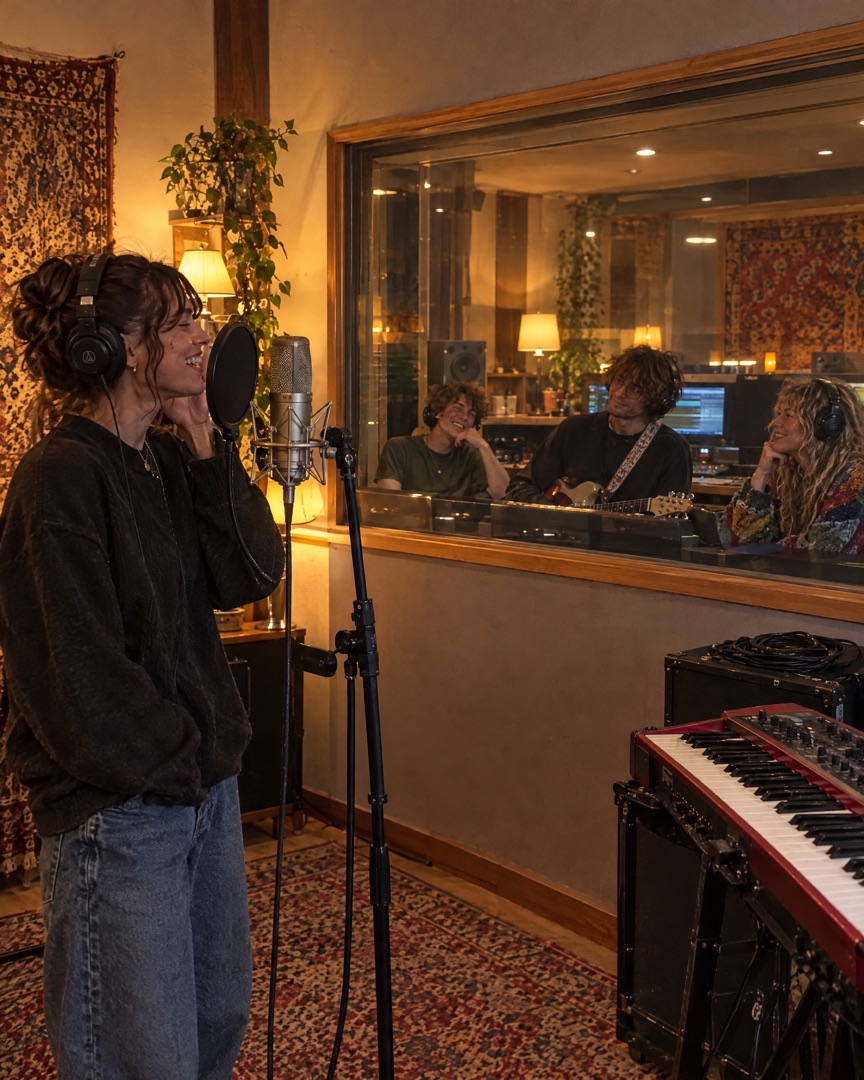
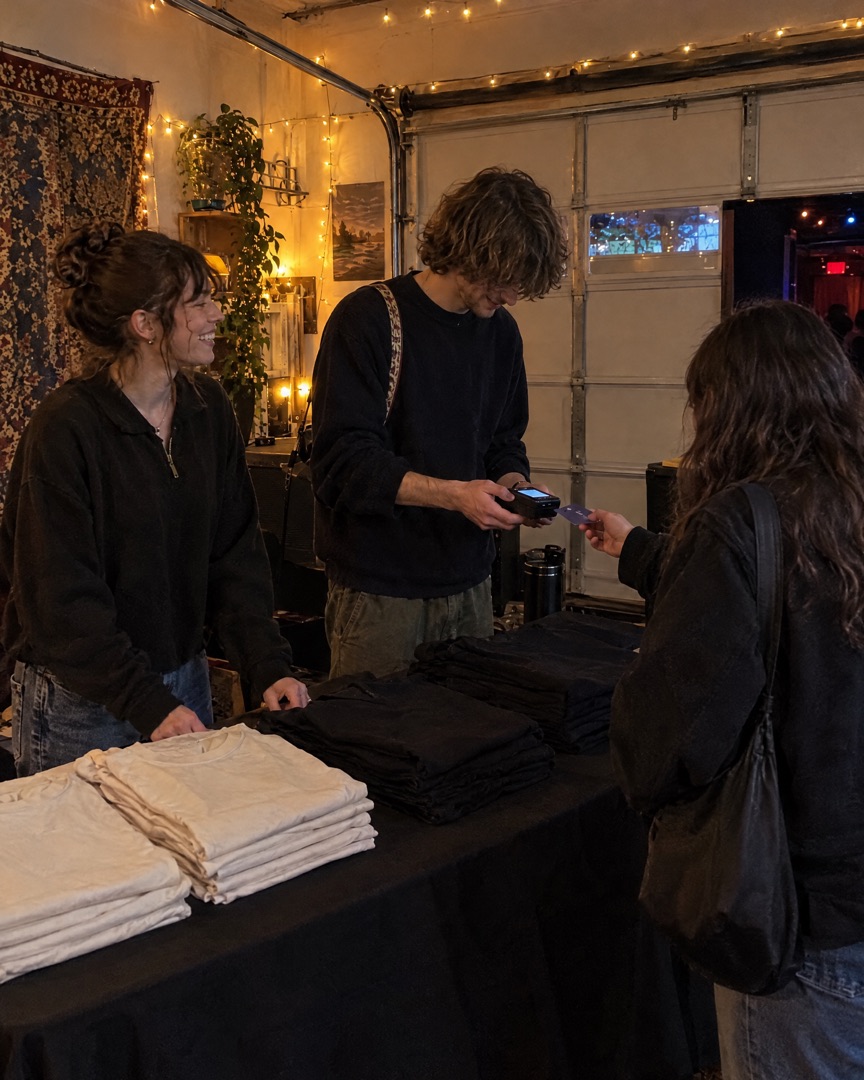
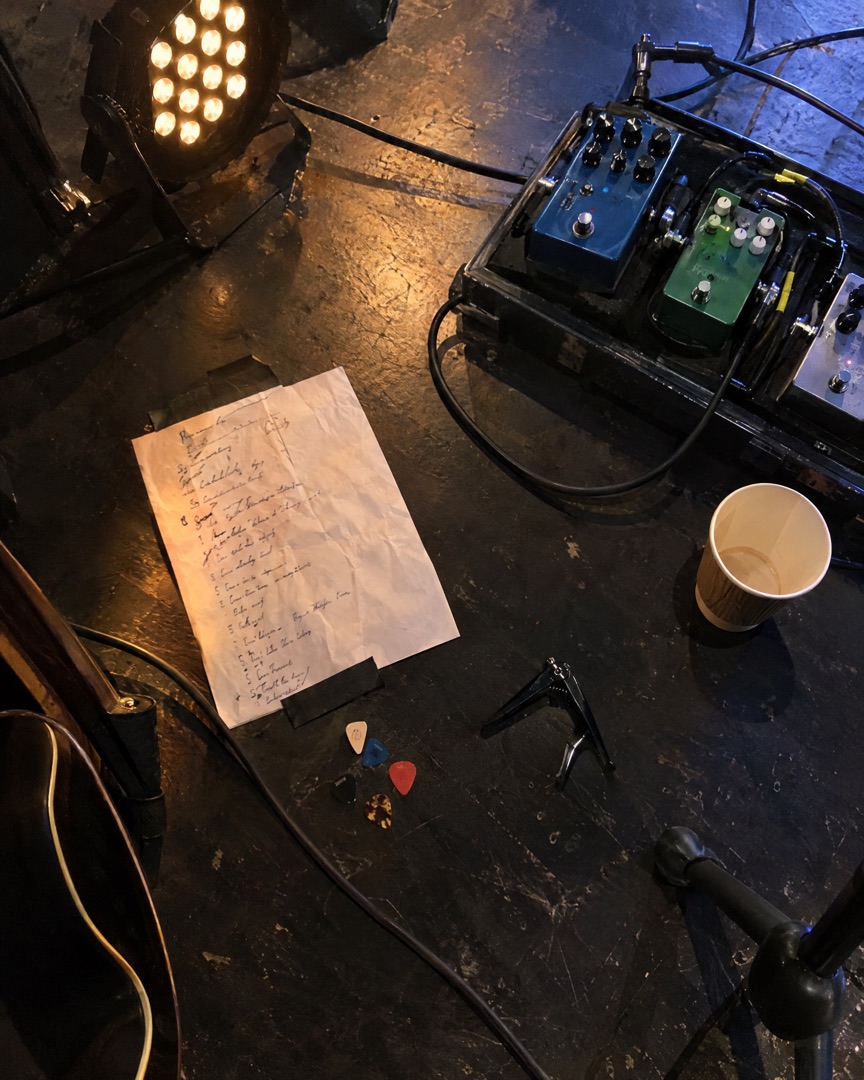 your.band.name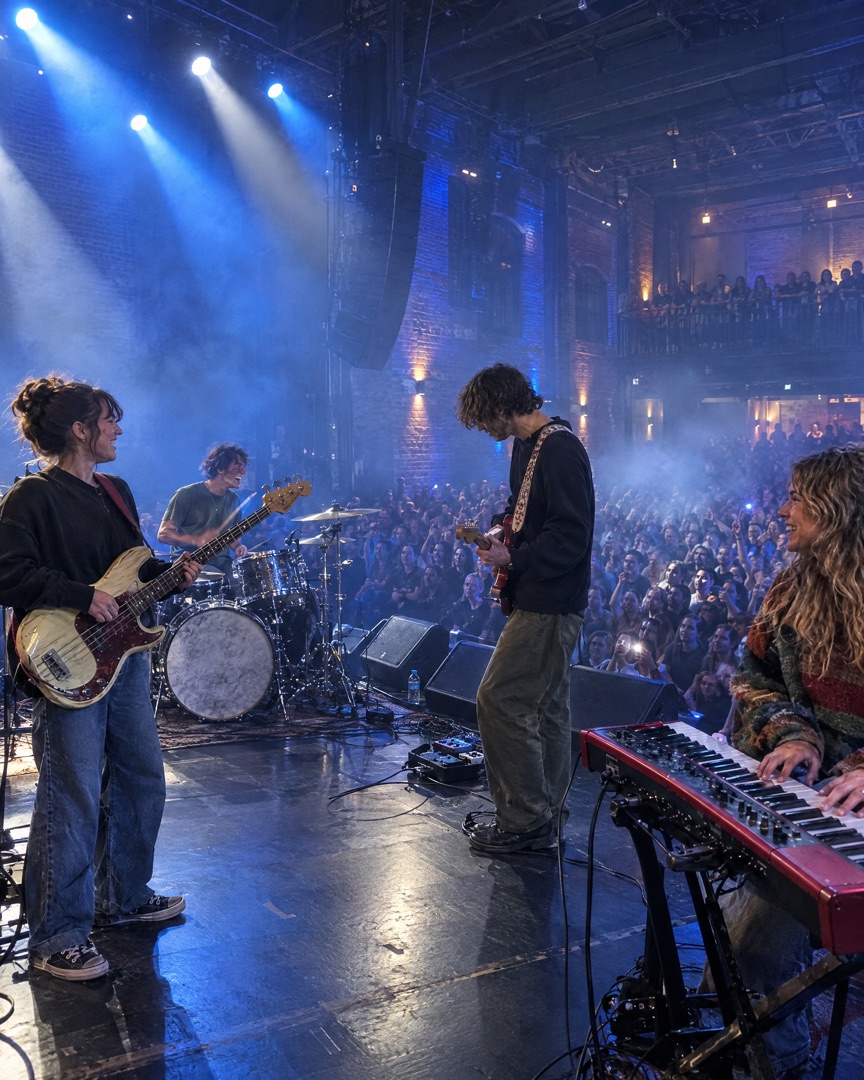
Inside the app
Everything happens in one simple editor on your iPhone. Choose a layout, switch the ratio, add a slide for each moment of the night, then tap export and post.
Gig carousels
Follow one show from load-in to last song. Add a slide for each moment, then export them all at once as a swipeable Instagram carousel.
 Gig day for Jay.
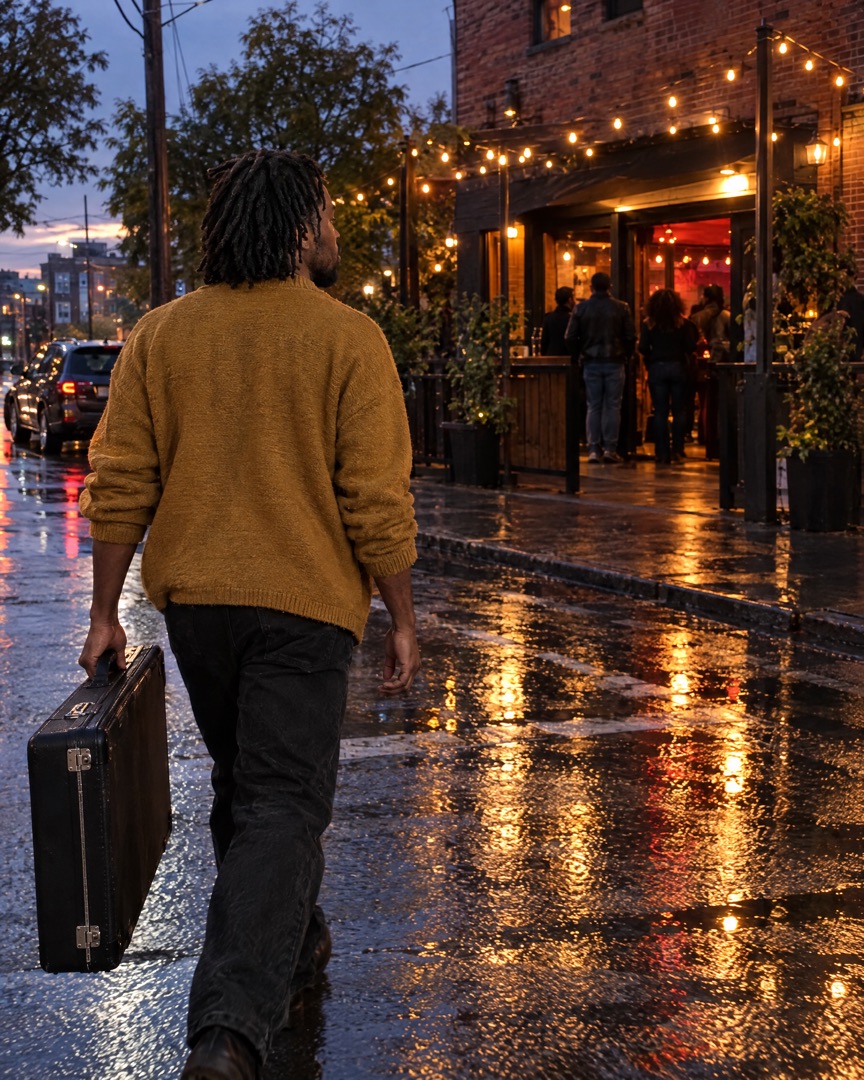 Load-in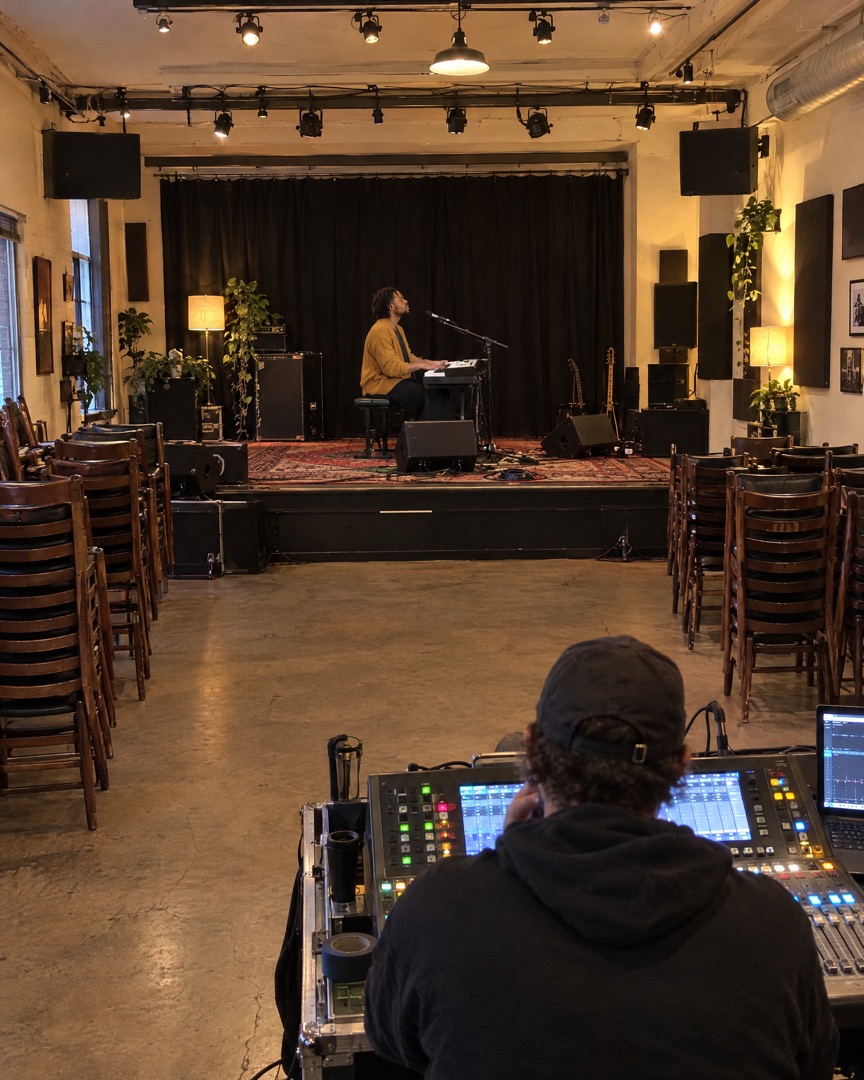
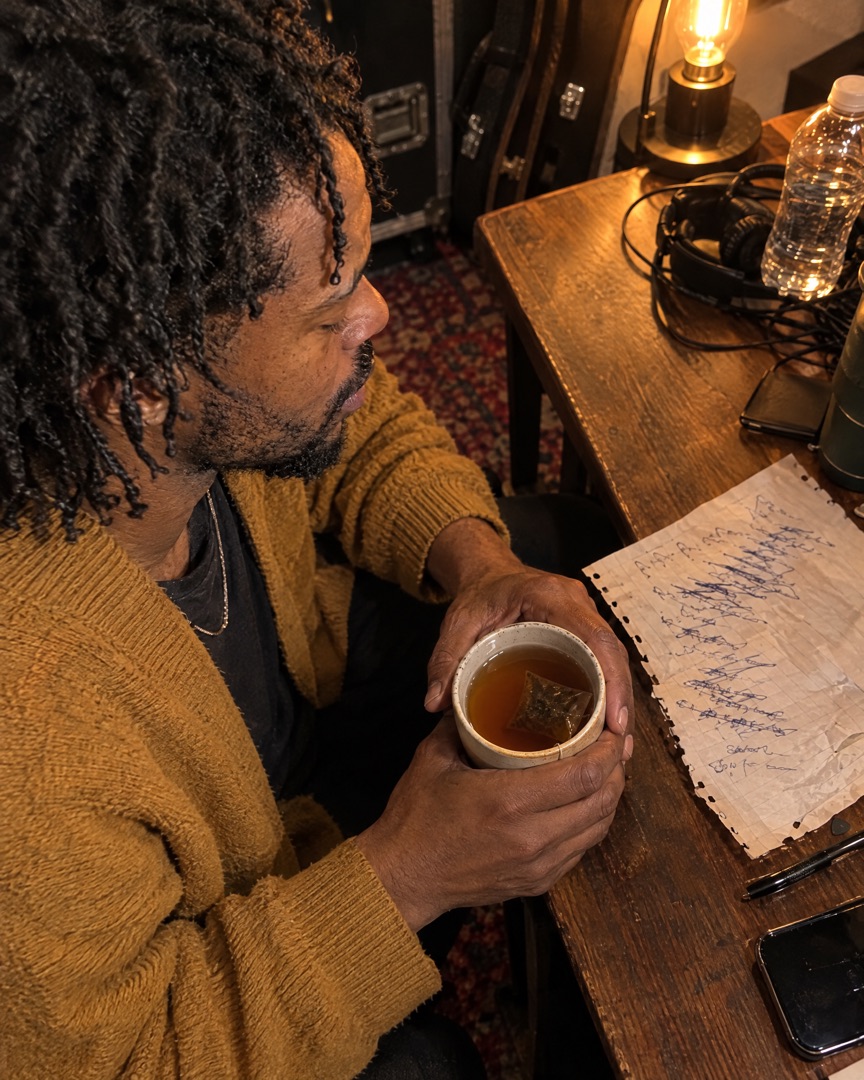 Soundcheck & nerves
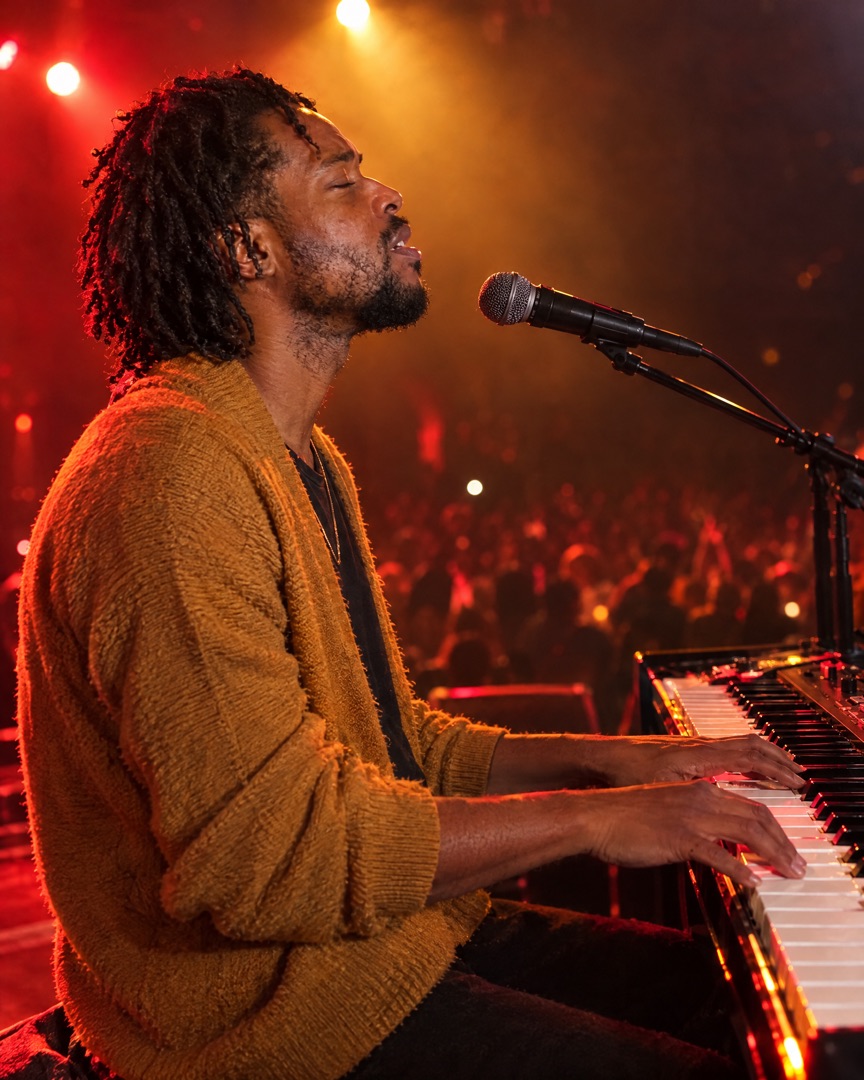 Showtime
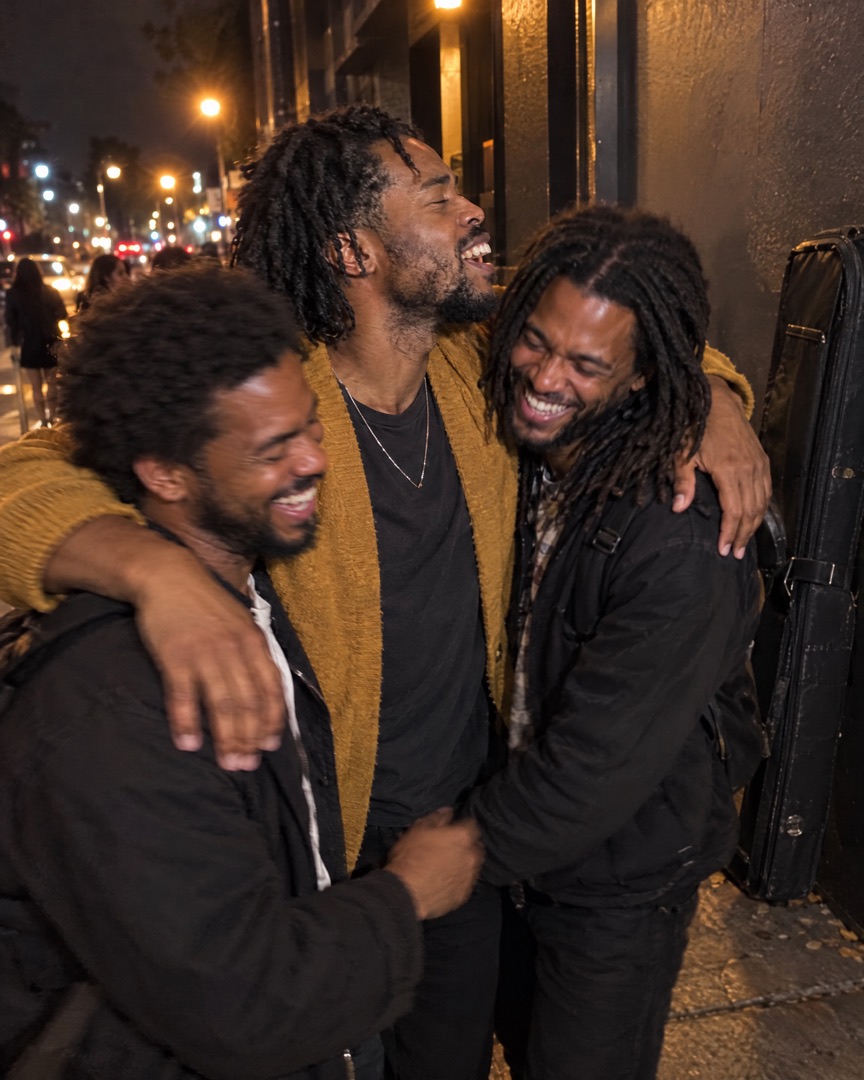 That's a wrap
Every format
Design once and switch formats with a tap — your photos reflow into the new canvas without starting over.
Post ideas
Stuck on what to post this week? Start with one of these.
A bold Story with your best live shot and the date in a caption. Post it a week out, then again on the day.
9:16 · StoryLoad-in, soundcheck, backstage, showtime, the crowd. Five slides that make people wish they'd been there.
5 slides · carouselThe sweaty practice room next to the big night. Fans love seeing the work behind the show.
2 photos · side by sideYour cover art next to two studio moments. A simple way to make release day feel like an event.
3 photos · one largeOne grid per city — venues, food, road views and the crowd. A tour scrapbook your followers will scroll back to.
4+ photos · gridThe crowd shot and the band selfie, stacked, with a short caption thanking everyone who came out.
2–3 photos · stackedFAQ
"I post a recap after every show now. Three photos, one layout, done before I've finished my drink at the bar. My page finally looks like an actual artist's page."
"Four people, four phones, four different photo styles. SnapLayout makes our band feed look consistent without anyone having to learn design software."
"I make a collage for every student recital. Parents save them, share them and keep asking when the next one is."
Related
Also see: Instagram Carousel Maker and Instagram Stories Collage Maker.
Download SnapLayout and make your first gig collage in under a minute — no design skills needed.
Download for Free