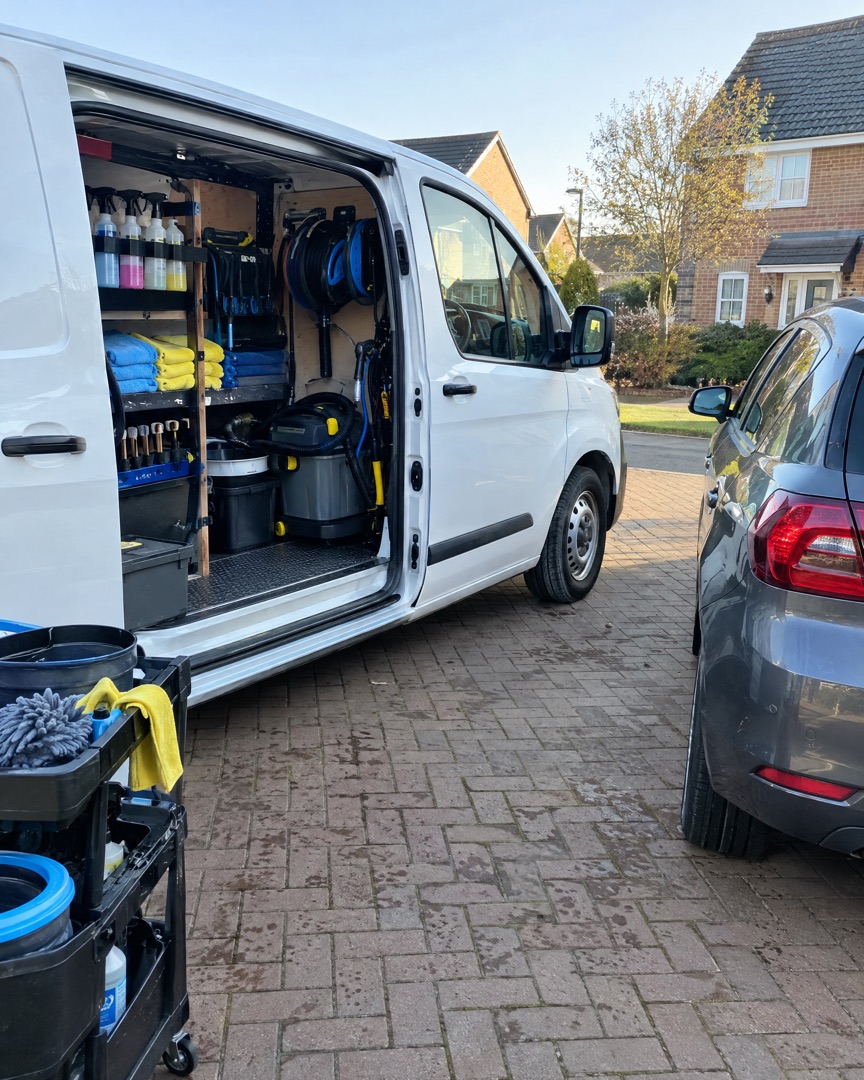
Mobile detailers
Post the job before you've packed the van. A clean before and after is the best advert you'll ever run.
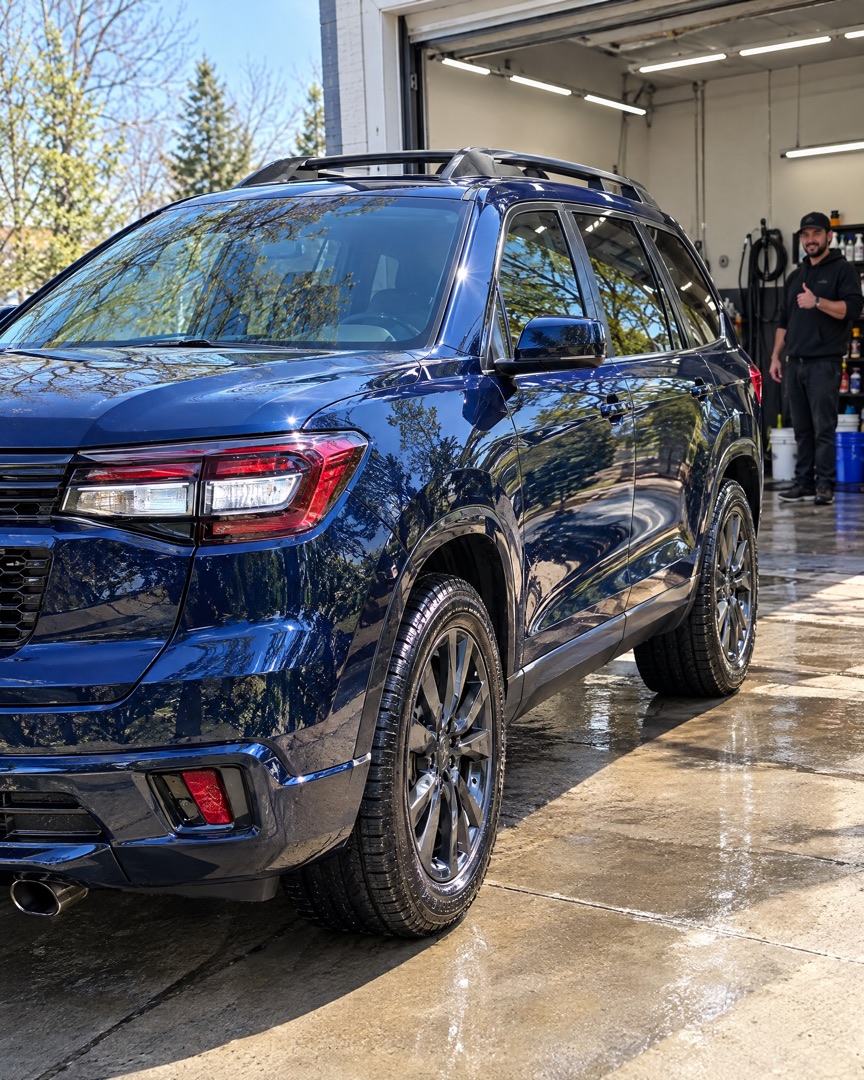
Turn muddy arrivals, foam baths and that deep final gloss into before and after collages, full-detail carousels and Stories your clients actually share — made on your iPhone in under a minute.
Download for Free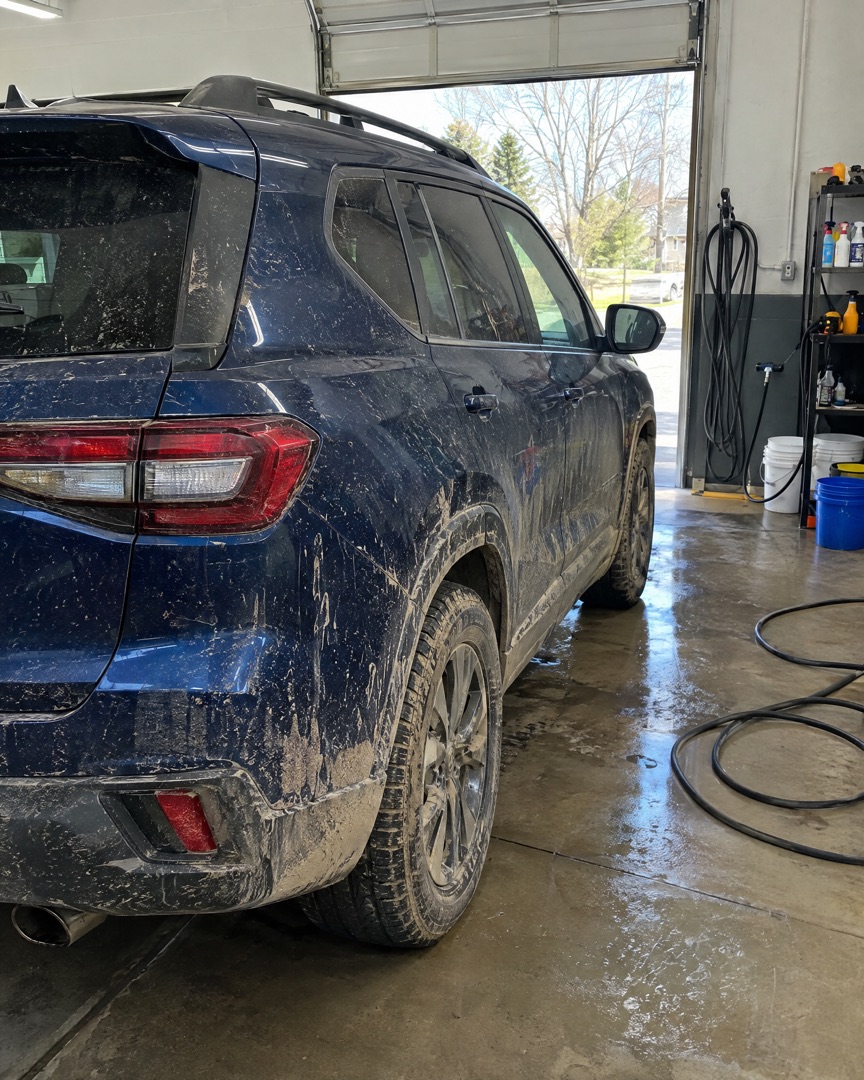
Made for detailers
Whether you run a mobile van, a detailing studio or just love a Sunday wash, SnapLayout turns your car photos into posts that look as sharp as the paint.
Post the job before you've packed the van. A clean before and after is the best advert you'll ever run.
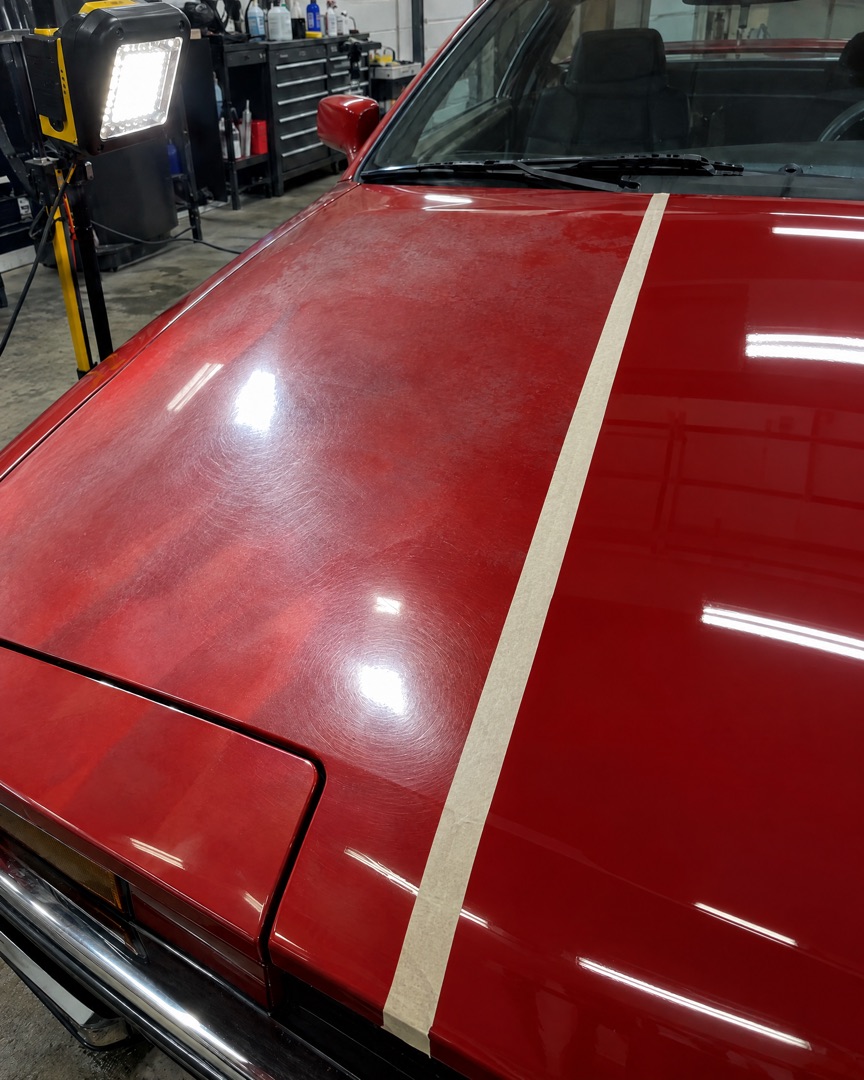
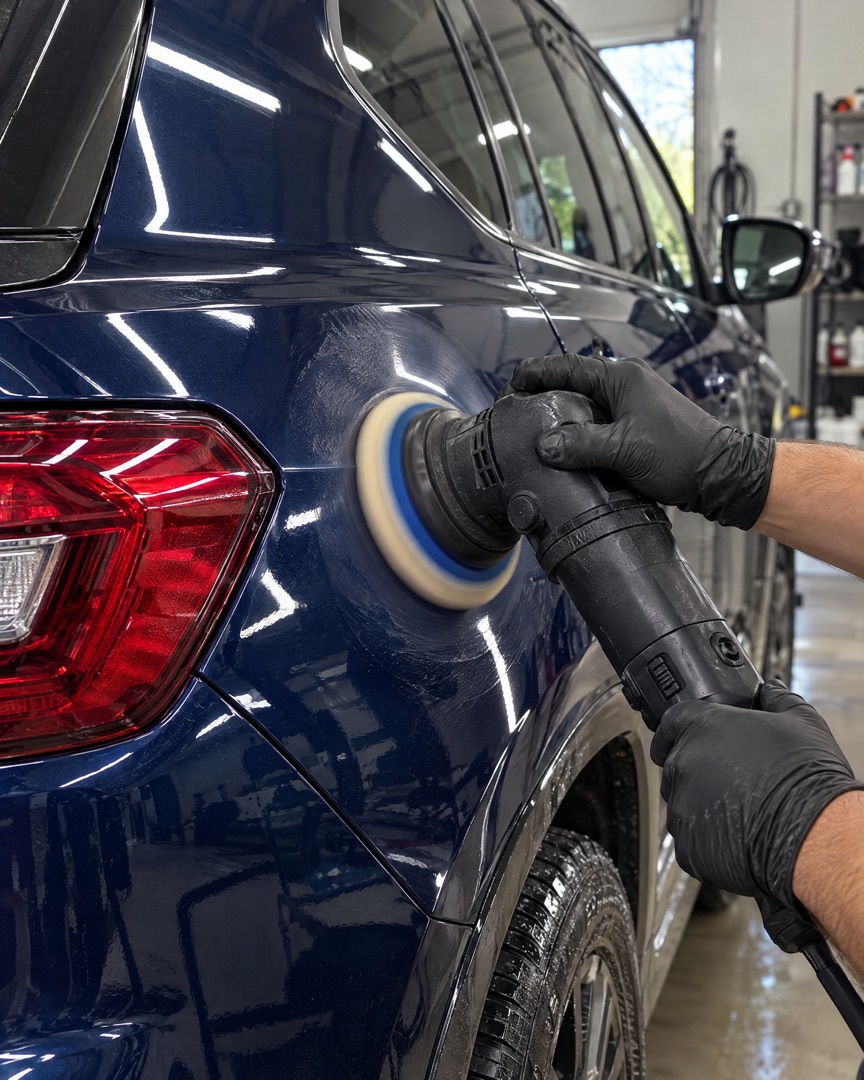
Paint corrections, ceramic coatings and interiors — keep your page consistent so every post looks as professional as your work.
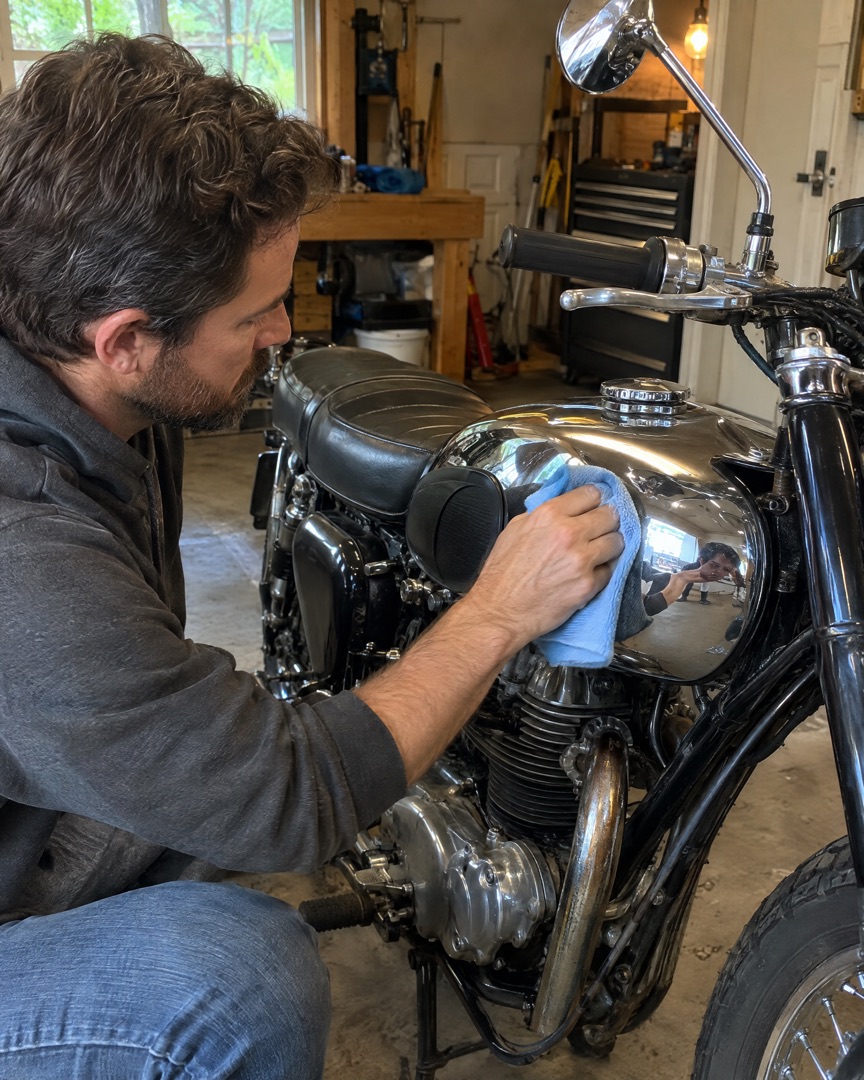
Restorations, weekend washes and show prep. Collect the whole job in one collage instead of flooding your Stories.
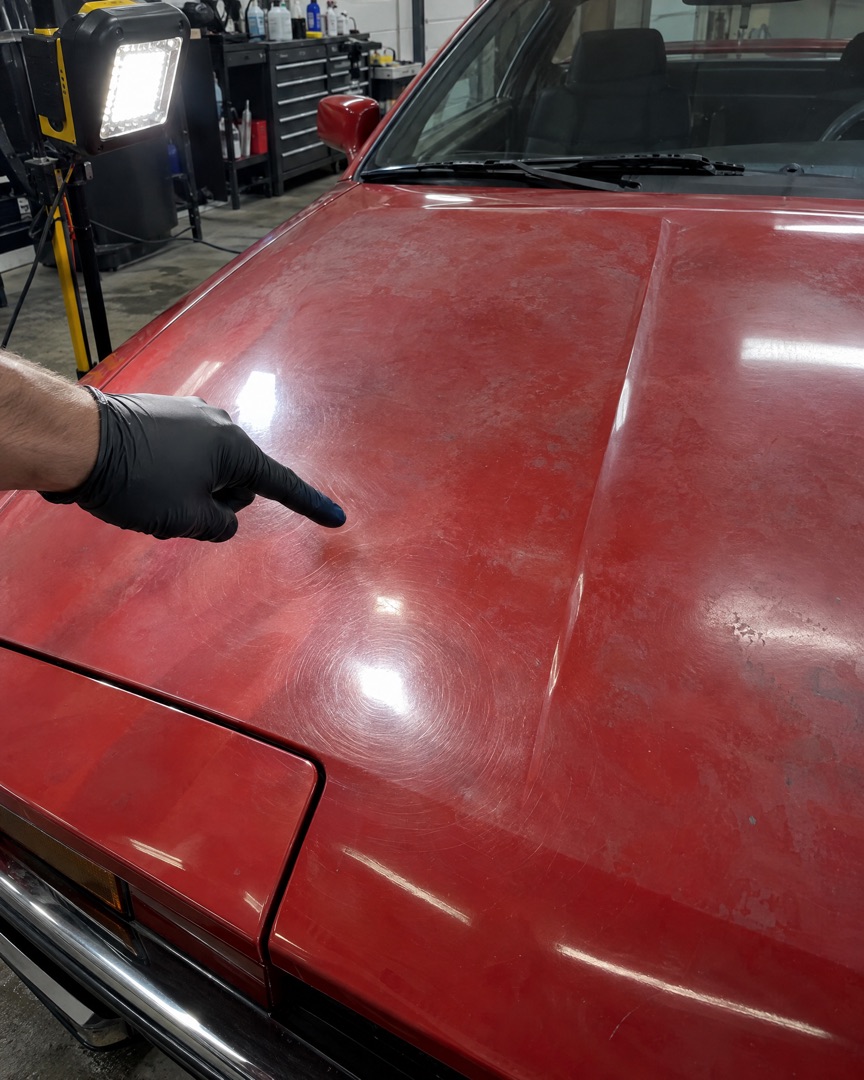 BEFORE
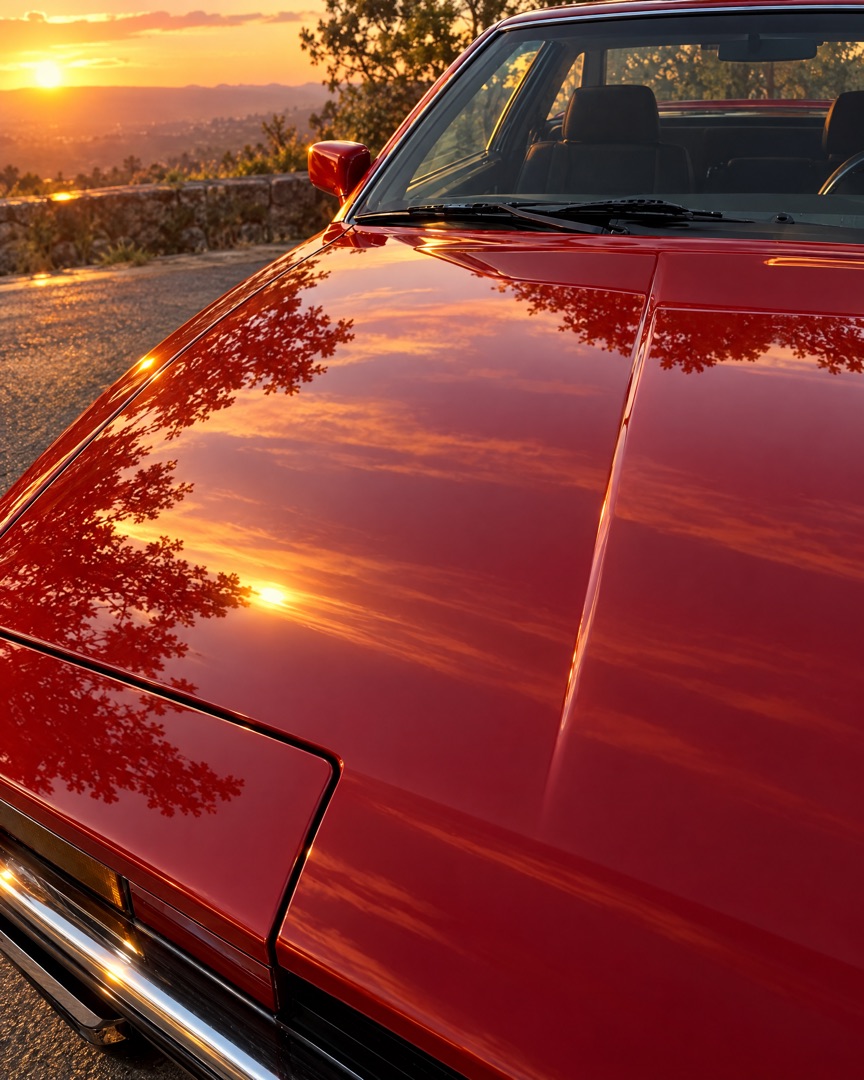 AFTER
AFTERHow it works
Choose the shots from today's job in your camera roll. With Instant, SnapLayout picks a layout that fits how many photos you chose.
Swap the layout, adjust spacing, borders and rounded corners, pick a background colour and add a caption. Every change is live.
Export in the right size for Instagram, TikTok, Facebook or Pinterest and share it while the client is still admiring the shine.
 your.detailing.co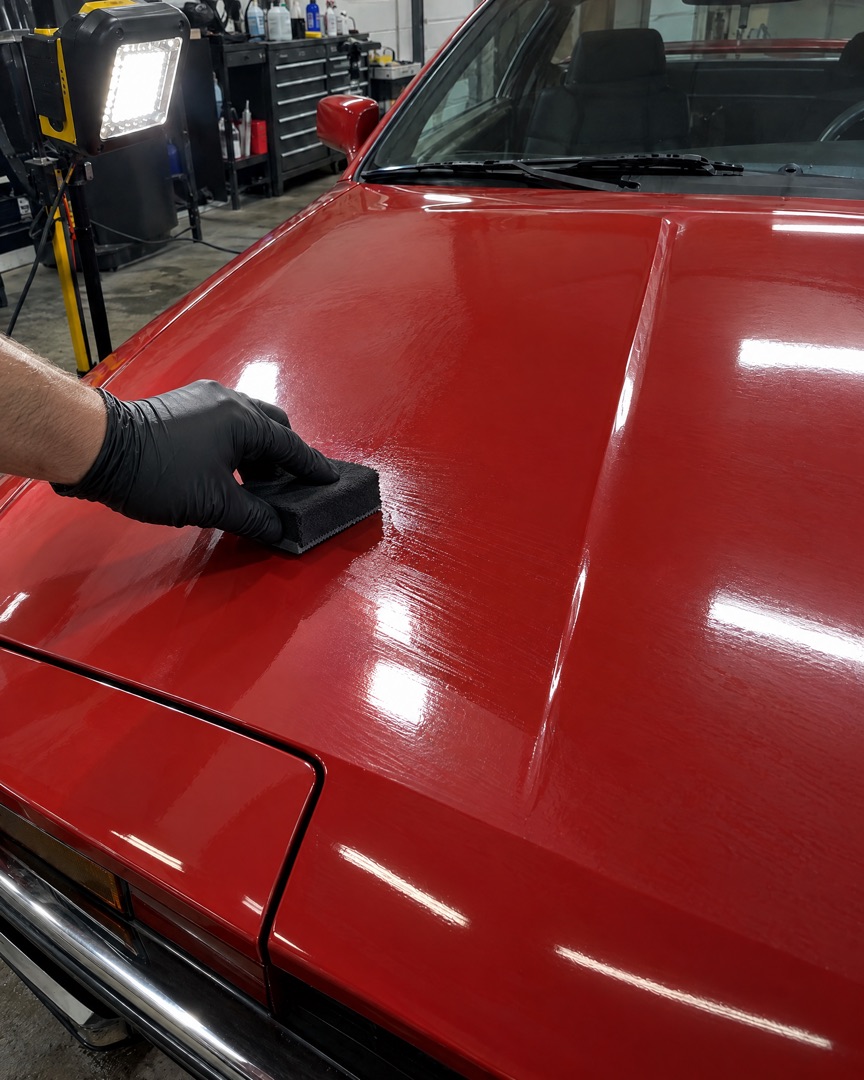
Inside the app
Everything happens in one simple editor on your iPhone. Choose a layout, switch the ratio, add a slide for each stage of the detail, then tap export and post.
Full-detail carousels
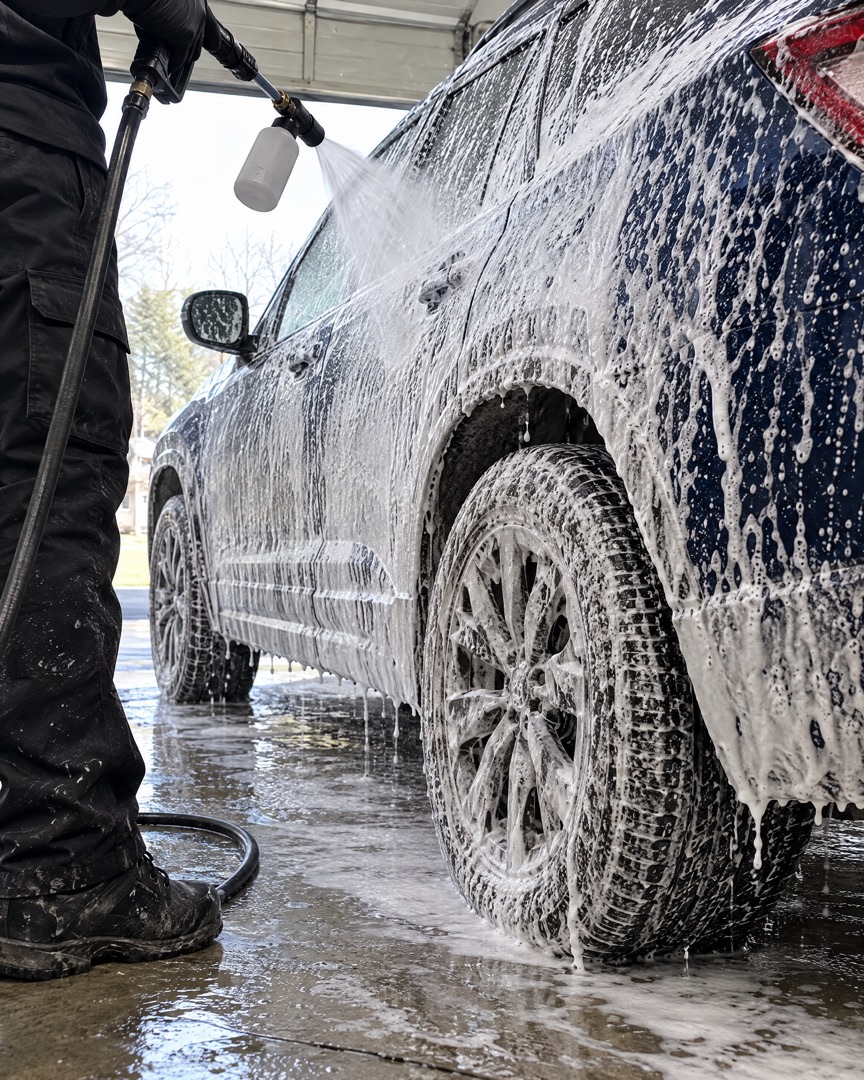
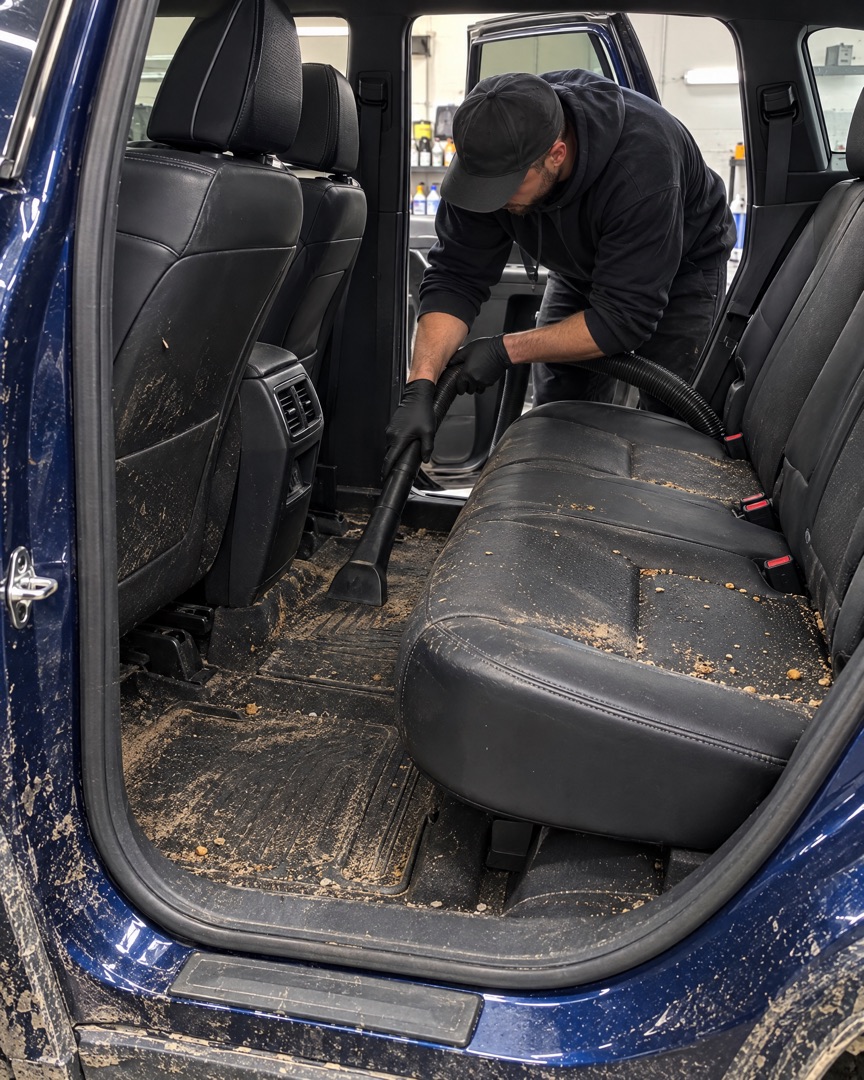
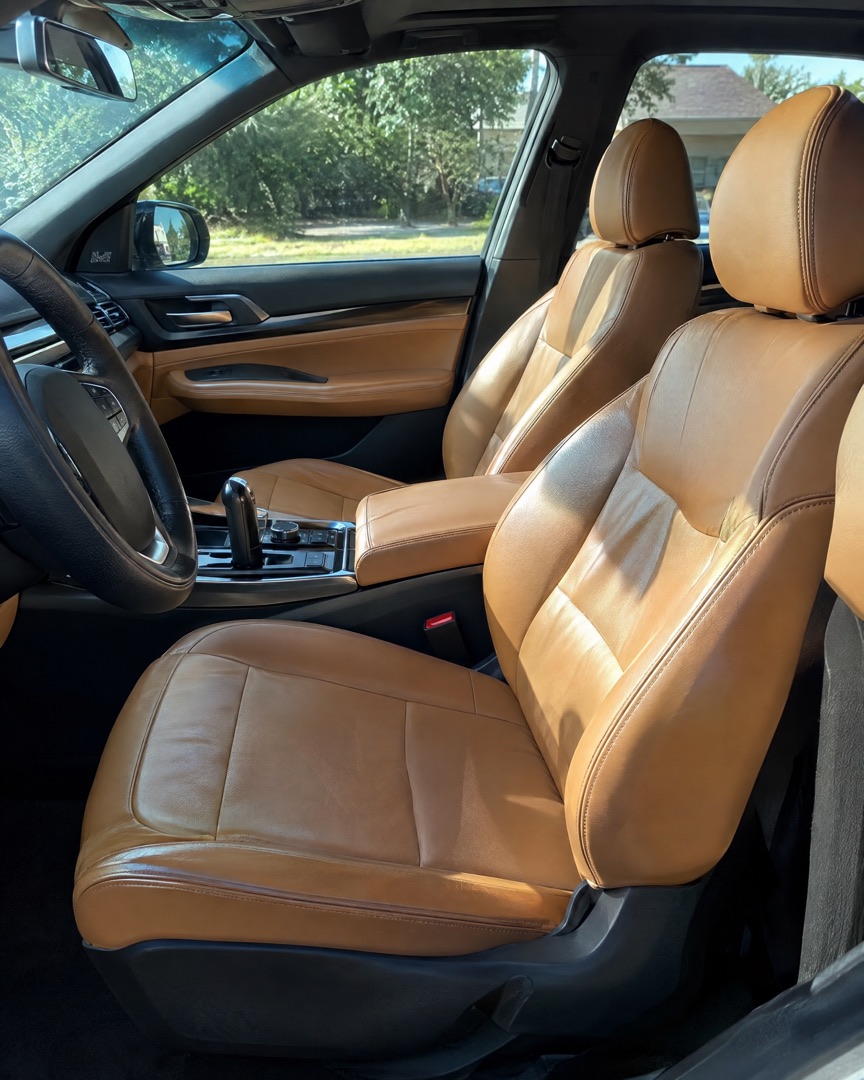
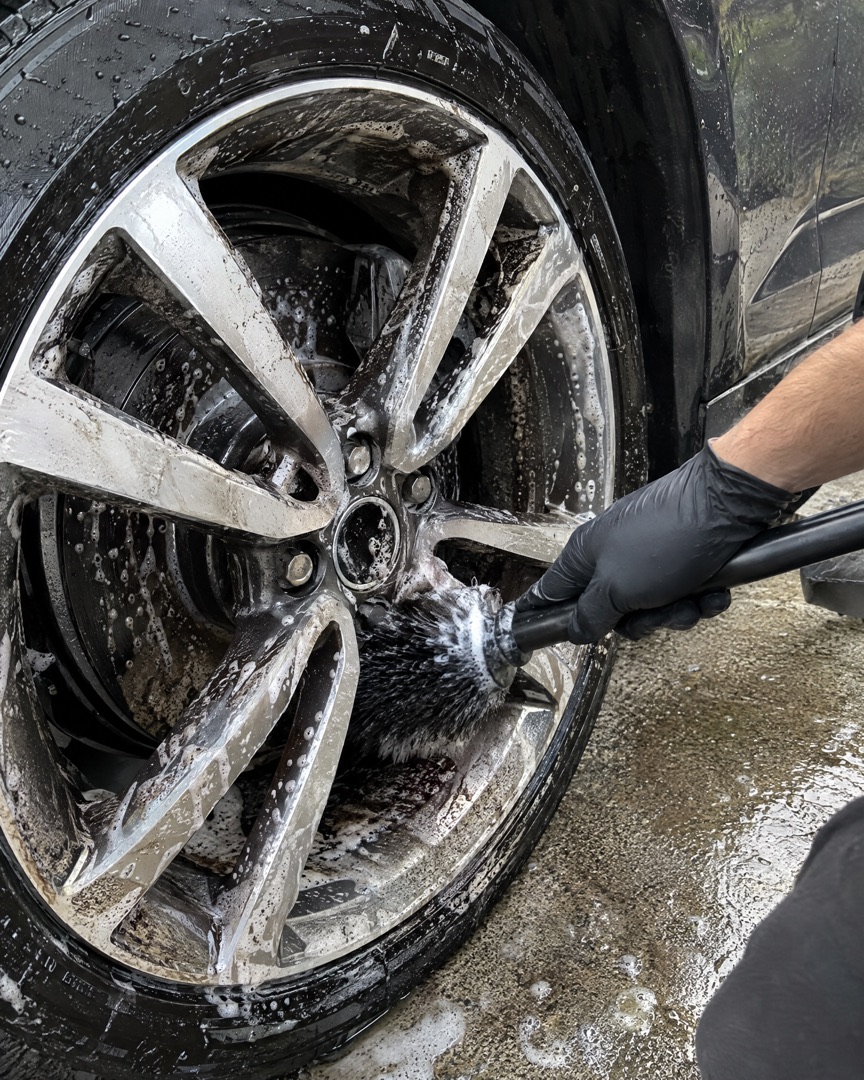
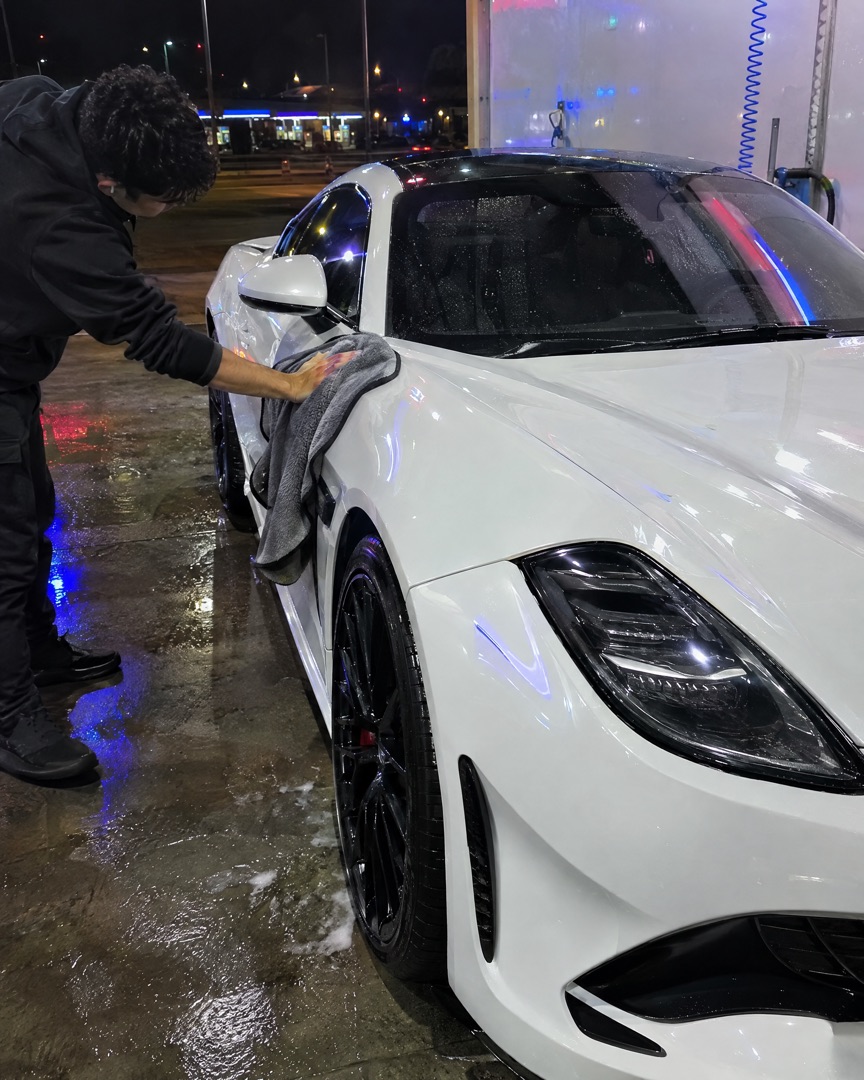
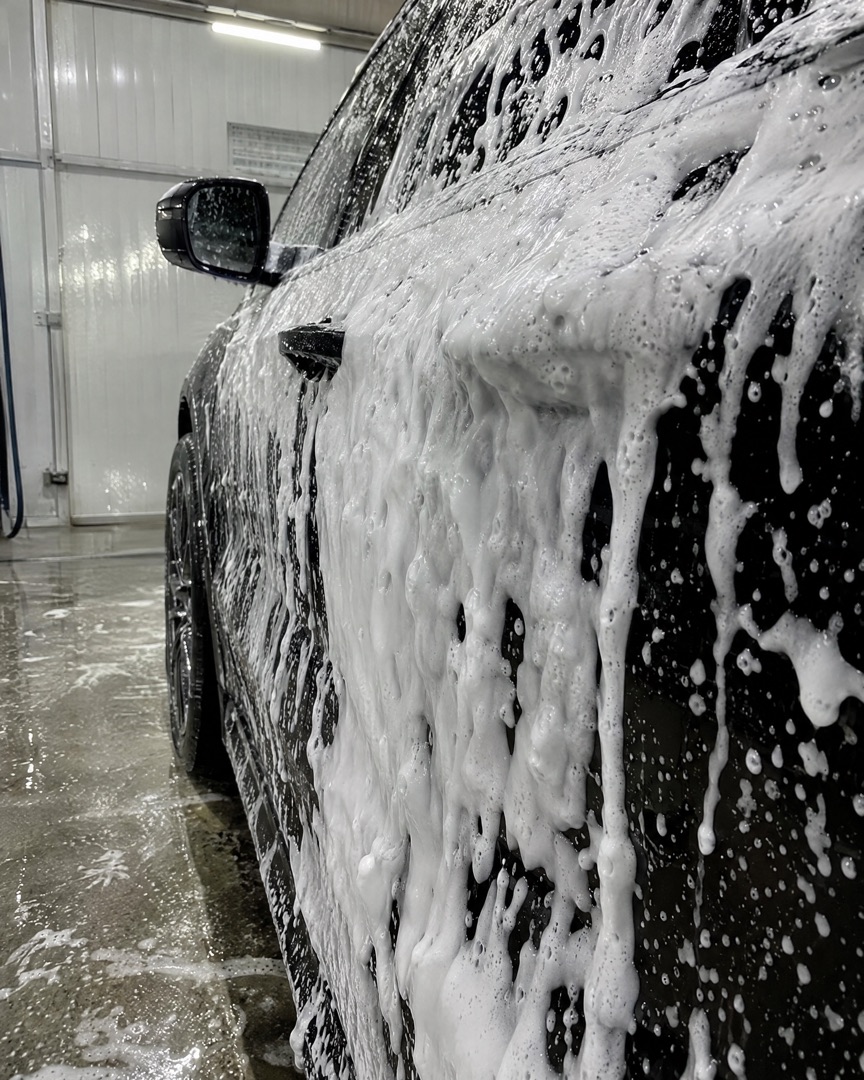
Follow one car from muddy arrival to beading water. Add a slide for each stage, then export them all at once as a swipeable Instagram carousel.
Fresh off a muddy weekend.Snow foam timeInterior & polishShowroom shine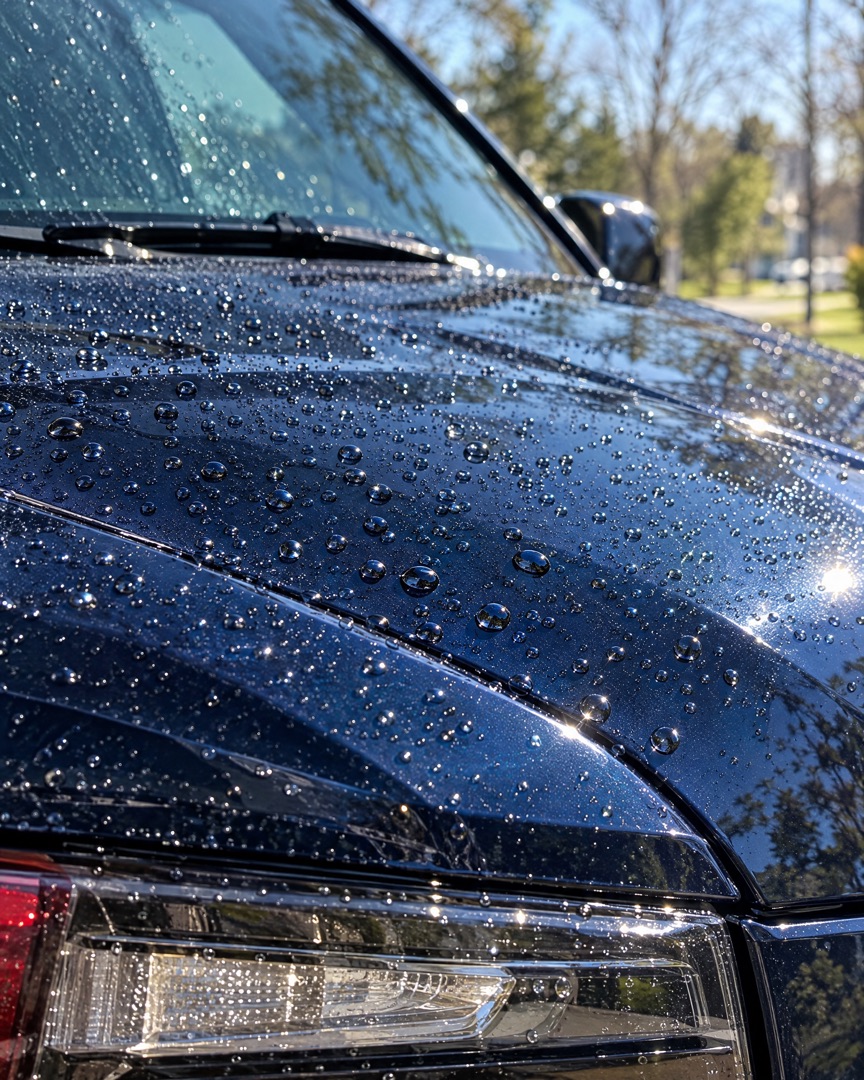 Coated & beading
Every format
Design once and switch formats with a tap — your photos reflow into the new canvas without starting over.
Post ideas
Stuck on what to post this week? Start with one of these.
Dirty on the left, gleaming on the right. Same angle, same light — the contrast does the selling.
2 photos · side by sideArrival, foam, interior, polish, reveal. Five slides that show how much work goes into every job.
5 slides · carouselA grid of every car that left your bay this week. Clients love spotting their ride and sharing it.
4+ photos · gridOne big 50/50 paint correction shot plus two close-ups of the swirls and the finished gloss.
3 photos · one largeVan setup, the driveway, the first foam pass. Quick 9:16 collages that feel real, not staged.
9:16 · StoryWinter salt removal or summer ceramic protection. Pair the seasonal job with a short caption and post it before the rush.
2–3 photos · stackedFAQ
"I post every job from the driveway before I pack the van. A before and after collage gets me more bookings than any flyer ever did."
"Our studio page finally looks consistent. Same layout, same spacing for every correction, and new clients keep saying that's what convinced them."
"I'm restoring an old coupe on weekends. The progress carousels get more comments than anything else I post."
Related
Also see: Instagram Carousel Maker and Instagram Stories Collage Maker.
Download SnapLayout and make your first detailing collage in under a minute — no design skills needed.
Download for Free