
Create stunning photo grids and collages in seconds.

Pick a layout, add your photos, and export in the right size for any platform. No design skills needed.
Get it on App Store
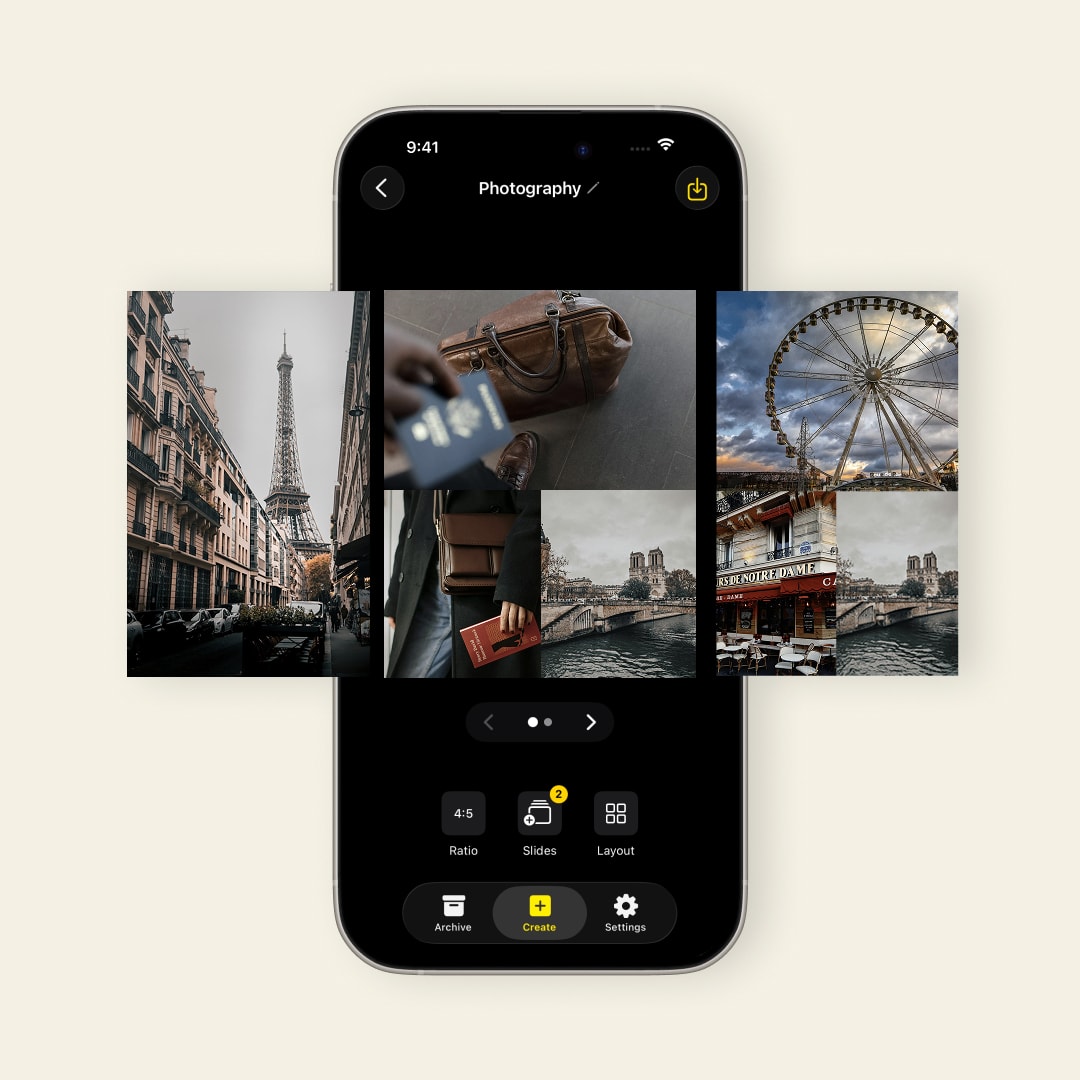
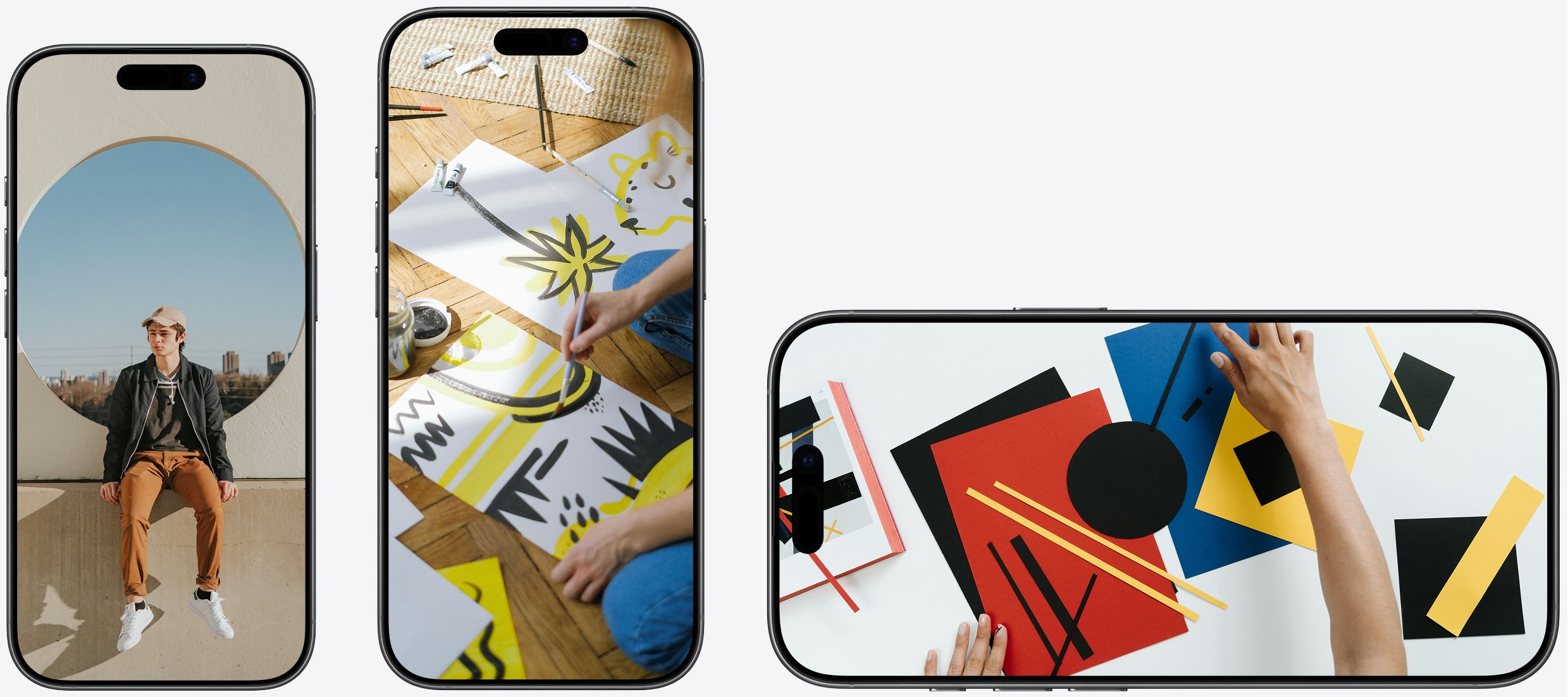
SnapLayout photo collage maker showing grid layouts and format options on iPhone

Everything you need to create stunning collages and share in seconds.

Photo Grids. Clean and modern.

Any Format. Square, portrait, landscape.

Before & After. Visual comparisons.

Carousels. Up to 20 slides.

Export & Upload. Camera roll at full resolution.

Format Switching. No starting over.

Platform Presets. Instagram, TikTok, Stories & more.

Stays on Device. No uploads, no account.

Custom Canvas. Any size, any platform.

Pinch to Crop. Perfect framing every time.

Layouts

The right layout for every idea. Built for every platform.

  • Instagram, Facebook & LinkedIn
  • X (Twitter) & YouTube
  • New layouts added regularly
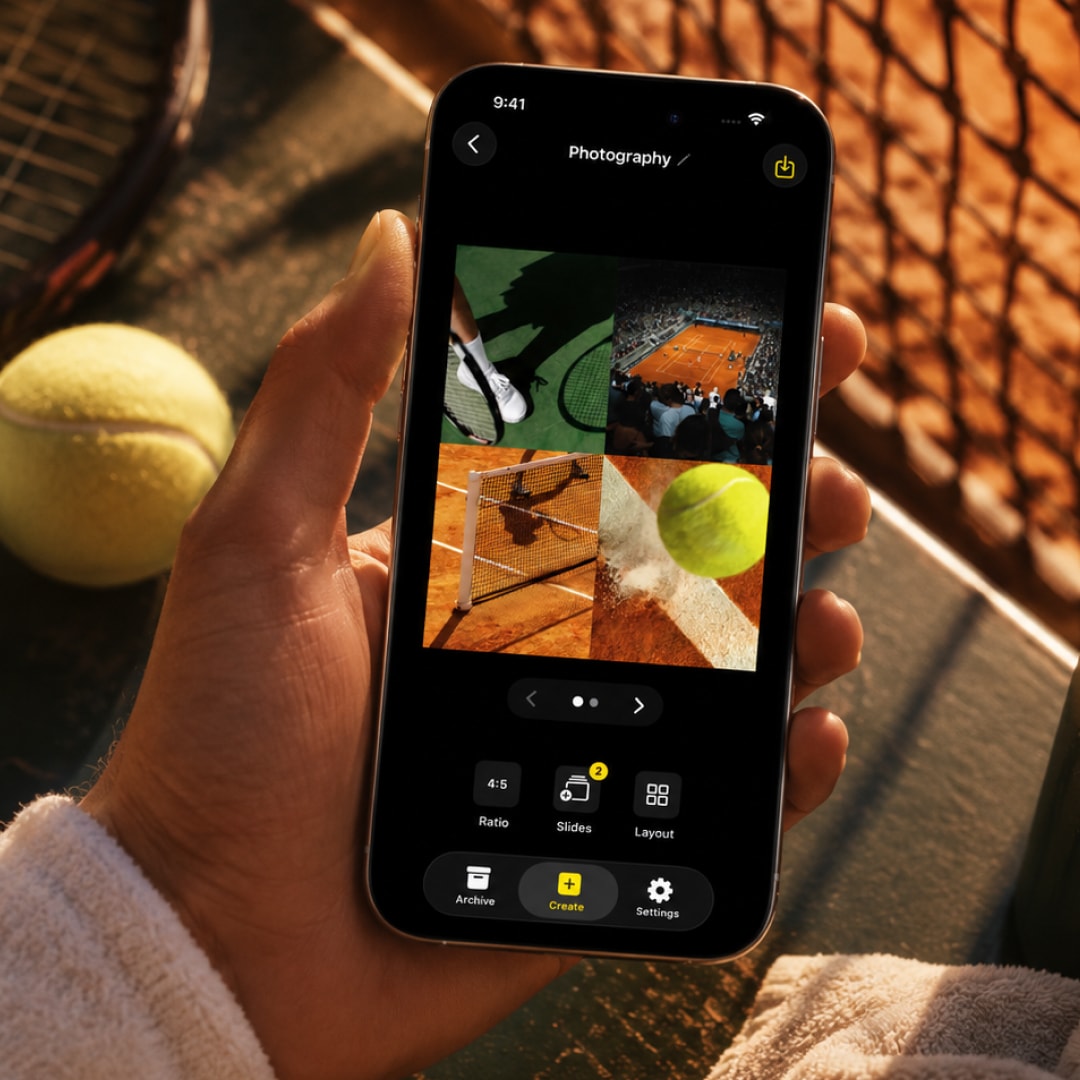
SnapLayout grid layouts for every social media platform

Carousels

Design up to 20 slides at once.

  • Full carousel editing in one view
  • Consistent layout across all slides
  • Export all slides at once
SnapLayout 20-slide carousel feature for Instagram

Everything in one app. Only what you'll actually use.

Export & Upload

Export at the perfect size for Instagram, Facebook, X, YouTube, LinkedIn, and more — ready to upload.

Full-Res Export

Export in high resolution for quality that looks incredible on any screen.

Custom Canvas

Set any canvas size — from a 1:1 Instagram square to a wide landscape format.

All Layouts

Every layout is free to use — split, grid, asymmetric, and single image styles included.

Carousel Posts

Build up to 20-slide carousels for Instagram and export all slides at once.

Stays on Device

Everything happens on your Apple device. No uploads, no account, no cloud — your photos never leave your device.
SnapLayout photo collage app used by a travel photographer

The collage app people actually keep on their phone. No clutter, just results.

James K., travel photographer
Sarah M.
Travel Photographer

"I've tried a dozen collage apps and this is the first one I've actually stuck with. The layouts look clean, it exports fast, and I can go from photos to posting in under two minutes."

Worth trying. Get it on App Store →
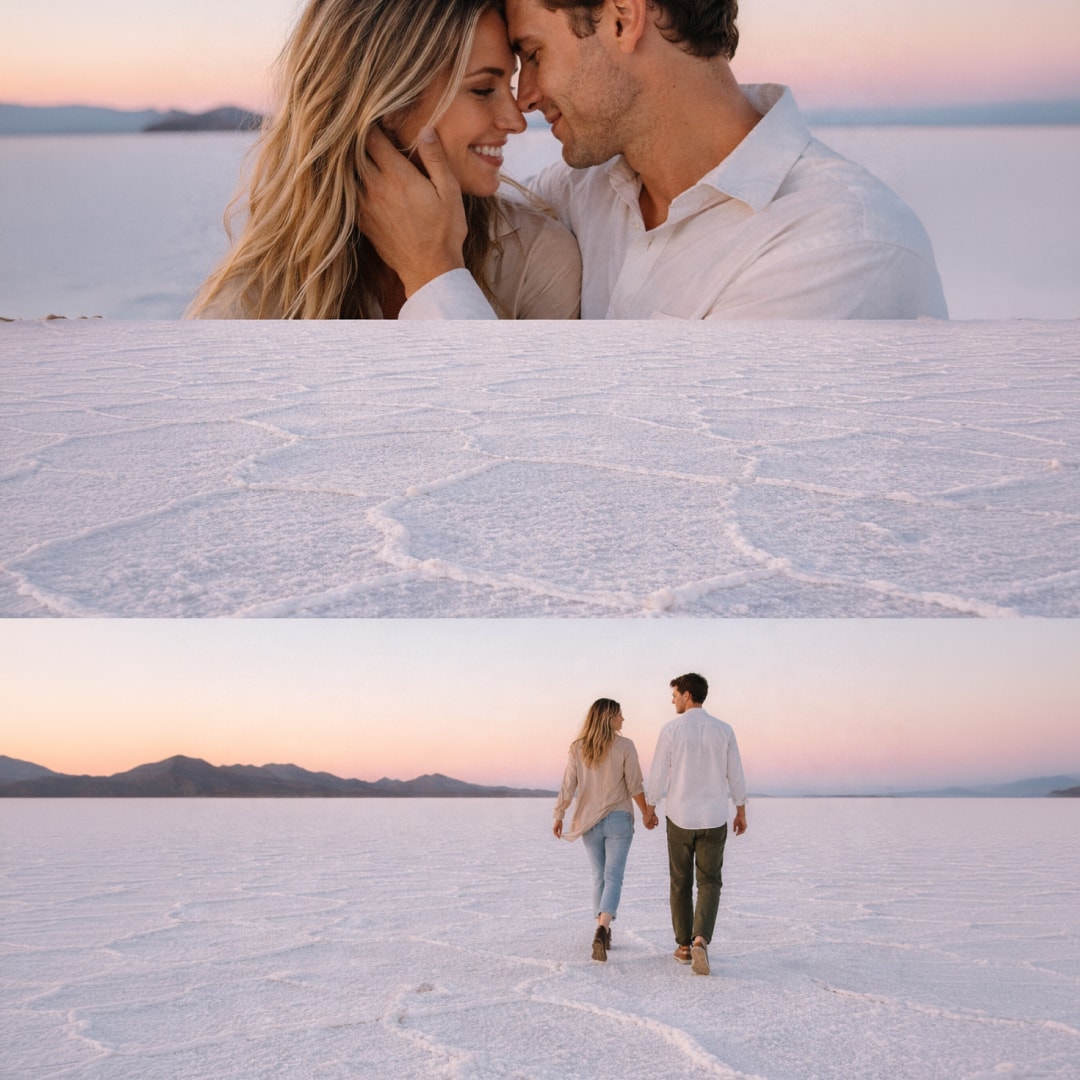
SnapLayout photo collage used by a content creator for social media

From raw photos to scroll-stopping posts in a few taps.

Sarah M., content creator
James K.
Content Creator

"I never thought a collage app could actually make my feed look this good. Everything is clean, the exports are sharp, and it just works the way you expect it to."

Give it a go. Get it on App Store →

Simple pricing

Free to use. Pay only to export.

Create, design, and experiment completely free. A subscription is only needed when you're ready to export.

Free

$0

No credit card needed

Get it on App Store
  • All layouts & formats
  • Up to 20 slides
  • Full creative control
  • No ads
  • Export in high resolution
Premium

Yearly

$17.99

per year  ·  only $1.50 / month

Start Your Trial
  • All layouts & formats
  • Up to 20 slides
  • Full creative control
  • No ads
  • Unlimited exports in high resolution

What's new in SnapLayout.

We ship weekly. Here's what landed recently.

v1.3 – French & German support, performance improvements May 2026

Full French and German localization, automatic language detection, faster app launch, and improved export flow.

v1.1 – New layouts, better export, and performance fixes Apr 2026

6 new photo layouts, ratio presets for Pinterest and YouTube, faster export, and a round of fixes based on early feedback.

v1.0 – SnapLayout is here. Mar 2026

Pick a layout, add your photos, and export in the right size for Instagram, TikTok, Stories, and more. No design skills needed.

See full changelog →

Questions? Answers.

Frequently asked questions

SnapLayout includes grid layouts, split layouts, asymmetric layouts, and single-image styles. New layouts are added regularly. All layouts are free to use — a subscription is only required to export. See all photo grid options.
Yes. SnapLayout lets you design up to 20 slides at once, with a consistent layout across every slide. Export all slides in one tap, ready to upload directly to Instagram. Learn more about the Instagram carousel maker.
SnapLayout includes format presets for Instagram, TikTok, Pinterest, X (Twitter), YouTube, LinkedIn, and Stories. Every format exports at the correct resolution for that platform. You can also set a fully custom canvas size.
No. All editing happens entirely on your device. Your photos are never sent to any server, and no account is required to use the app.
SnapLayout is free to download. Creating and designing with layouts is completely free. A subscription ($17.99/year, about $1.50/month) is only needed when you're ready to export in high resolution. See pricing details above.
View all FAQs →

Ready to create something beautiful?

Make your photos worth stopping for. Available on the App Store.