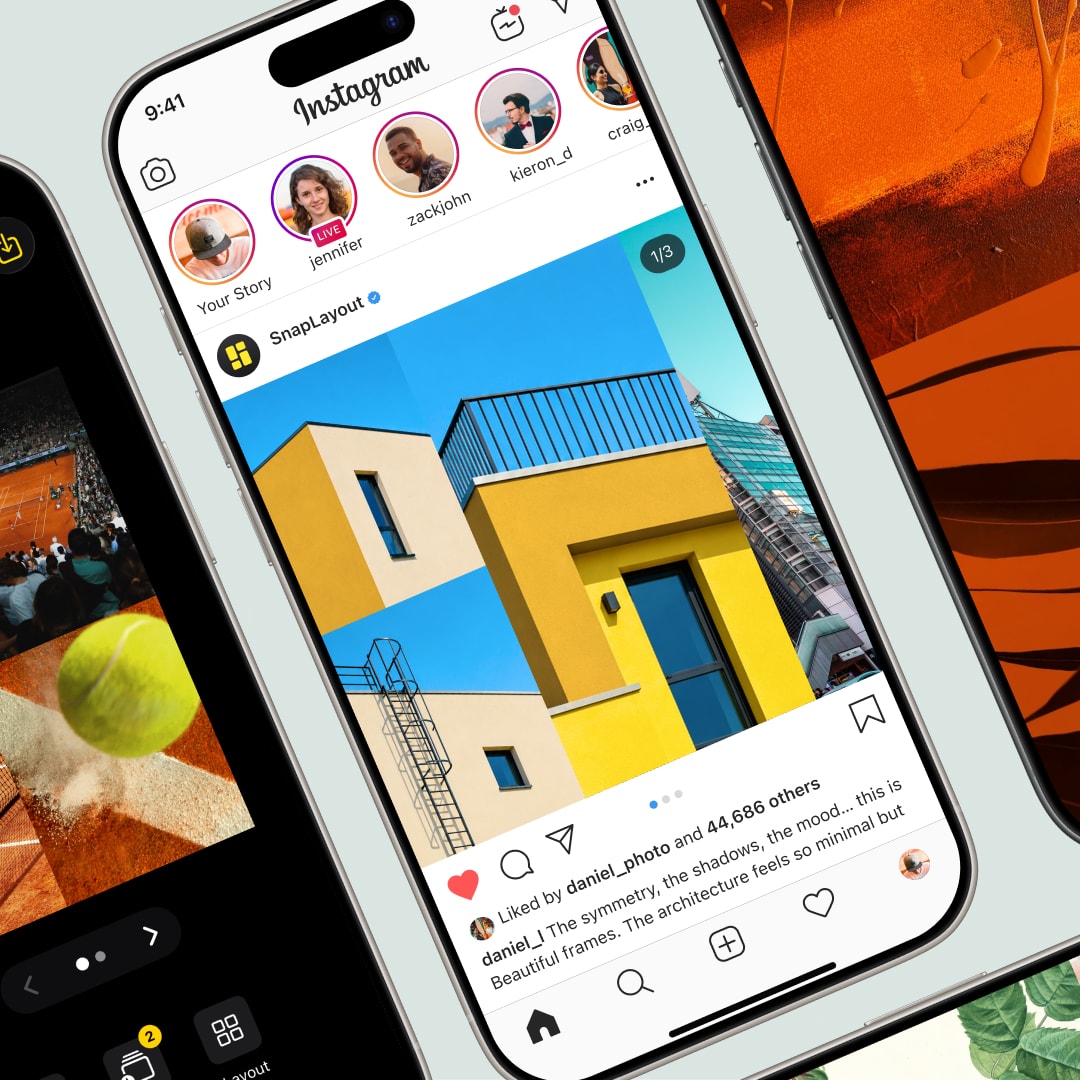
Instagram Collage Maker for iPhone and iPad.

Pick a layout, drop in your photos, and export in the right format for Instagram feed, Stories, or Reels — all in under a minute.

Download on App Store

How it works

Three steps from app to posted.

1

Choose your Instagram format

Tap a format preset — square (1:1) for the classic feed look, portrait (4:5) for more vertical presence, or 9:16 for Stories. SnapLayout sets the canvas size automatically.

2

Pick a layout and add your photos

Browse the grid library and tap the layout you want. Tap each cell to assign a photo from your camera roll. Pinch inside each cell to adjust the crop.

3

Export and post to Instagram

Tap Export to save your finished collage to your camera roll at full resolution. Open Instagram and post it like any other photo.
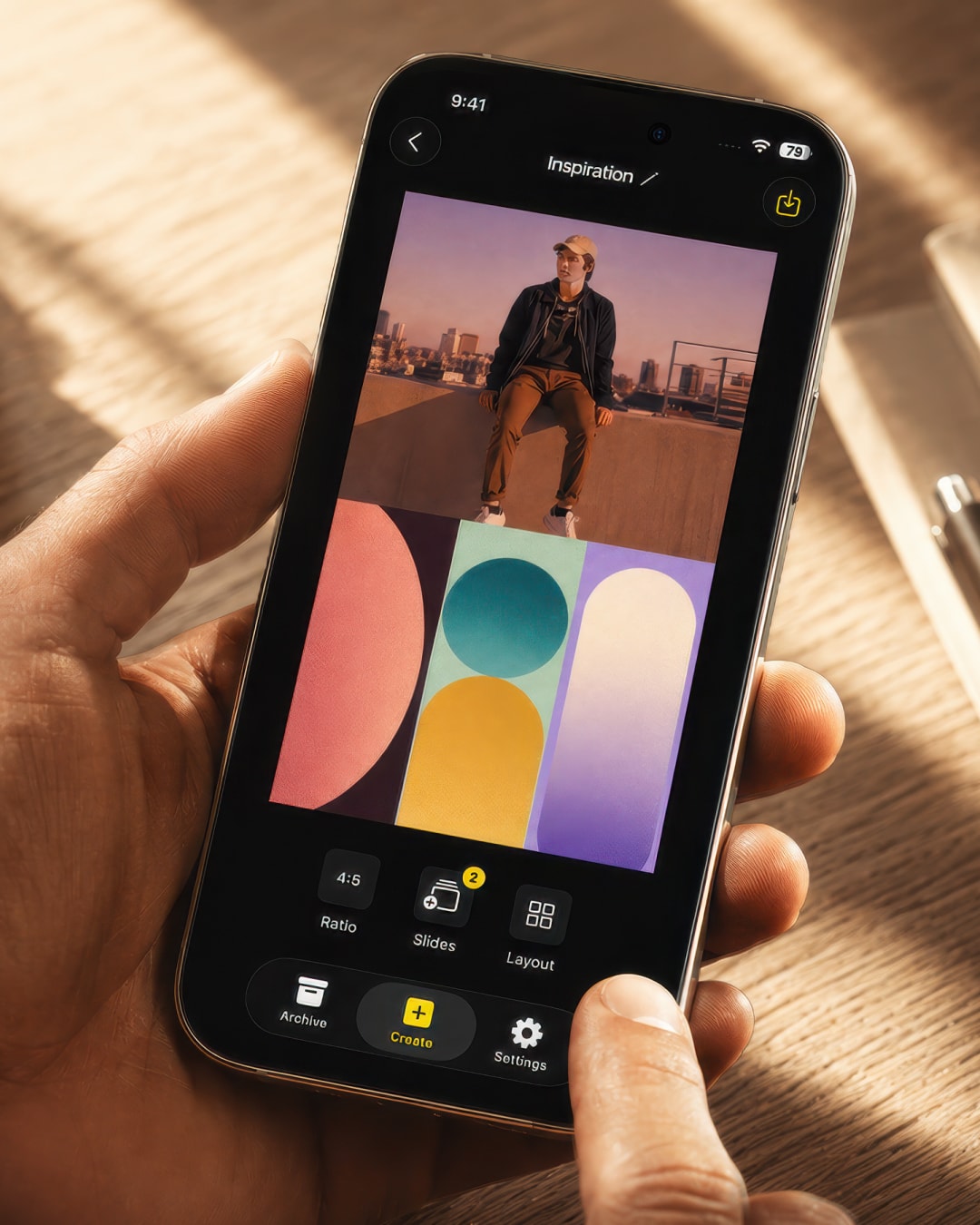
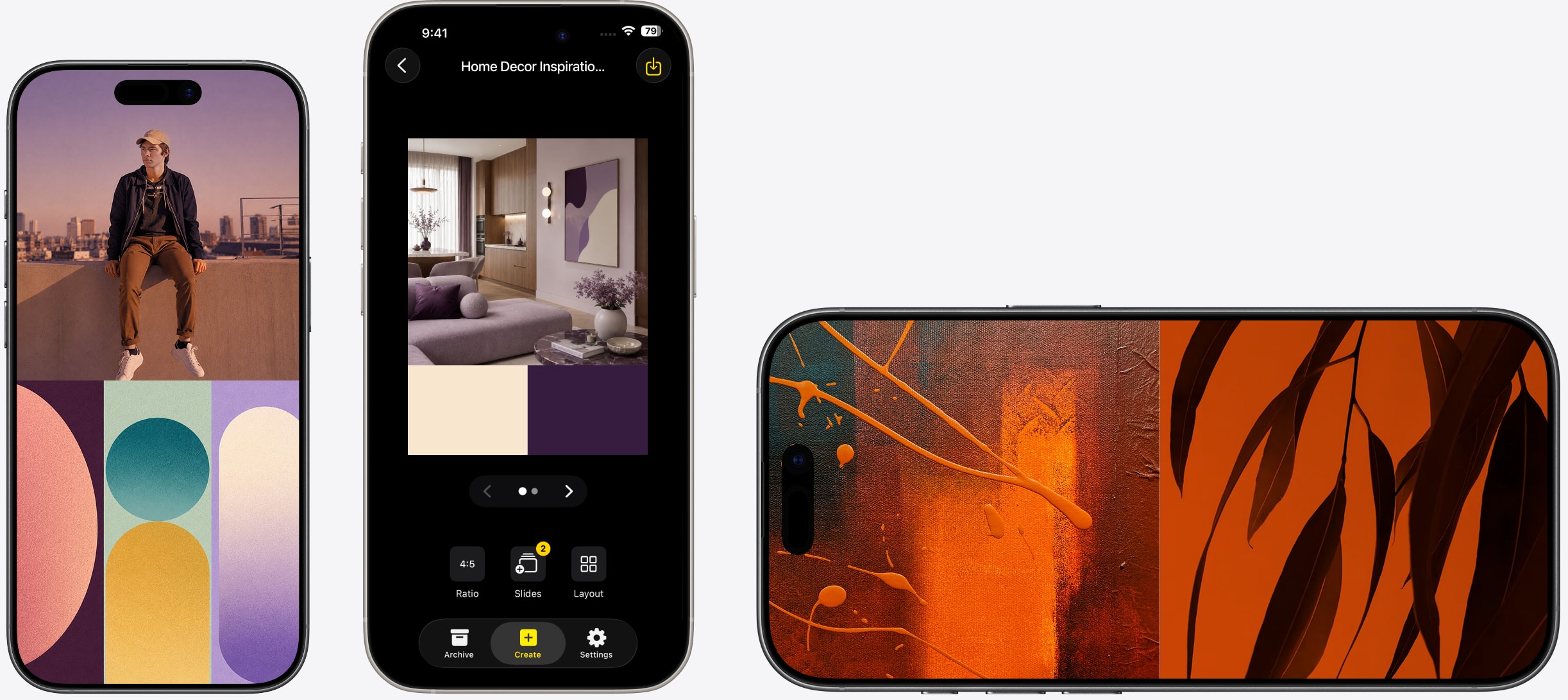
Instagram-ready photo collage in square and portrait format made with SnapLayout

Built for Instagram

Every Instagram format. One app.

Instagram isn't one size — your feed, Stories, and Reels all use different dimensions. SnapLayout has presets for all of them, so you design once and export in exactly the right format without touching a single setting.

  • Square feed (1:1)
  • Portrait feed (4:5)
  • Stories and Reels (9:16)
  • Switch between formats without starting over
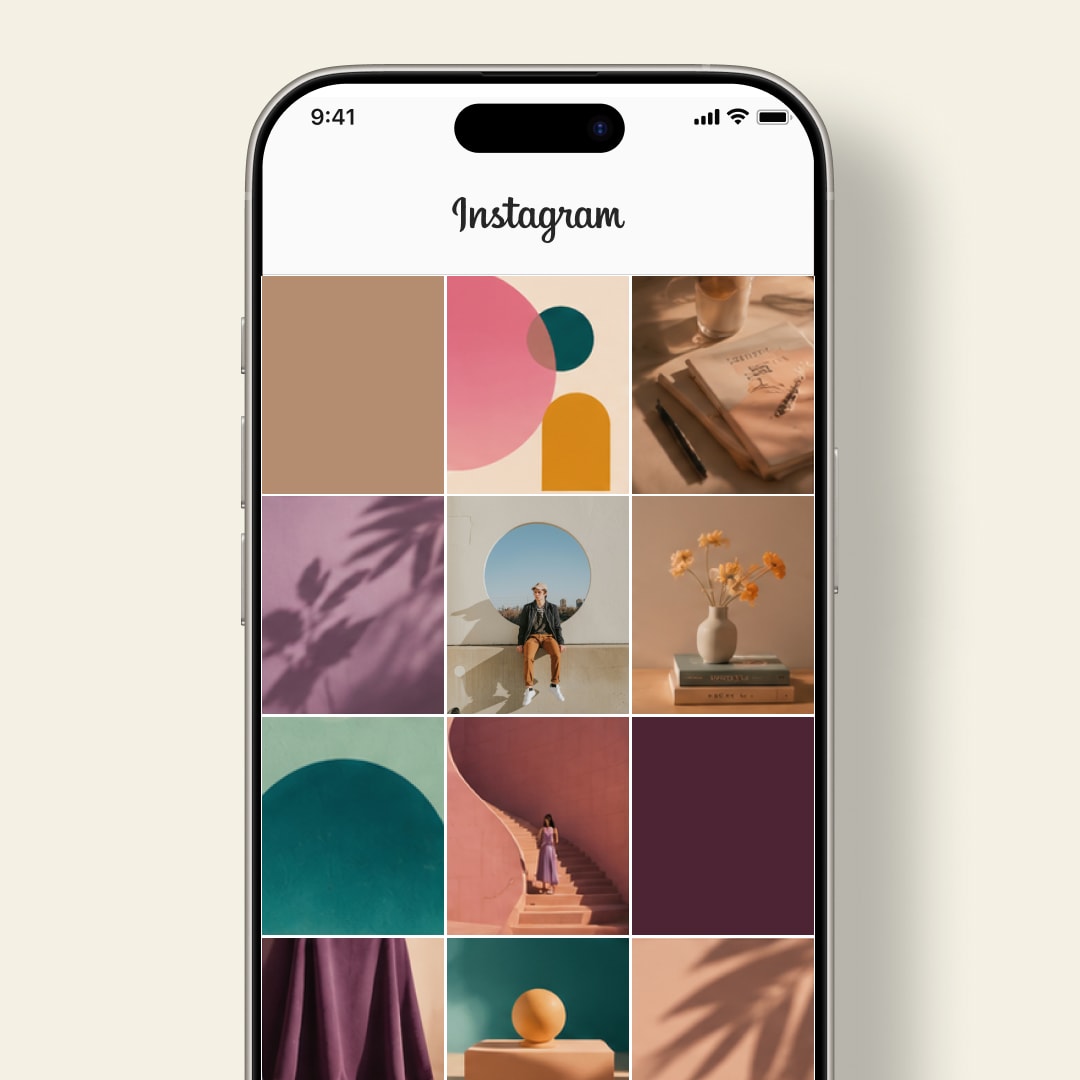
Clean Instagram feed post grid layout in SnapLayout — photos arranged and ready to post

Clean layouts that actually look good

Grid layouts that make your photos look intentional.

A good grid layout does the work for you. SnapLayout's photo grids are designed to look clean and balanced no matter what photos you put in them — no design skills required.

  • Dozens of grid layouts
  • Adjust spacing and background color
  • Pinch to reposition each photo
  • Full-resolution export to camera roll
Instagram collage finished in under a minute in SnapLayout — no design experience needed

No learning curve

From camera roll to ready-to-post in under a minute.

Most people don't need a full design app — they need something fast. SnapLayout skips the learning curve entirely. Open it, pick a layout, add your photos, and export. The whole process takes less time than writing a caption.

  • No account or sign-up to start
  • No tutorials or onboarding required
  • Works completely offline — no uploads
  • Export directly to camera roll

FAQ

Frequently asked questions

SnapLayout exports at the correct resolution for each Instagram format — 1080 × 1080 px for square feed posts, 1080 × 1350 px for portrait feed posts, and 1080 × 1920 px for Stories and Reels.
Yes. Select the 9:16 format preset and choose a grid layout. Your collage will be sized perfectly for Instagram Stories.
No. You add photos directly from your camera roll and crop them inside SnapLayout using the pinch-to-zoom gesture. No separate editing step needed.
Yes. SnapLayout lets you set the background color and adjust the spacing between panels so you can create clean white-border looks or bold dark layouts.
Yes. Everything works fully offline — no account, no internet connection, no uploads. Your photos never leave your device.
Yes. SnapLayout saves your projects automatically as you work. Close the app and your collage will be waiting exactly where you left it when you return.
Square (1:1) is the classic Instagram feed format and works everywhere. Portrait (4:5) takes up more vertical screen space in the feed, which typically means more visibility. SnapLayout has both as one-tap presets.
Yes. SnapLayout's format switcher lets you change from square to portrait or vice versa without starting over — your photos reflow into the new canvas automatically.

"Every time I post a collage, I get questions about which app I used. The layouts just look clean — nothing feels squished or off-centre. It's the only collage app that matched the aesthetic I was going for."

P
Priya K.
Food Blogger

"I used to spend a disproportionate amount of time on collages. Now I pick a layout, drop in the photos, and export. The whole thing takes under two minutes and it looks like I spent way longer."

M
Marcus L.
Lifestyle Creator

"Posting product photos as a collage instead of one at a time completely changed my engagement. SnapLayout made that switch easy — I don't need to know anything about design."

Z
Zoe W.
Small Business Owner

Your next Instagram post is waiting.

Download SnapLayout and create your first collage in under a minute — no design skills needed.

Download on App Store