
SnapLayout
Free · Photo Collage & Posts
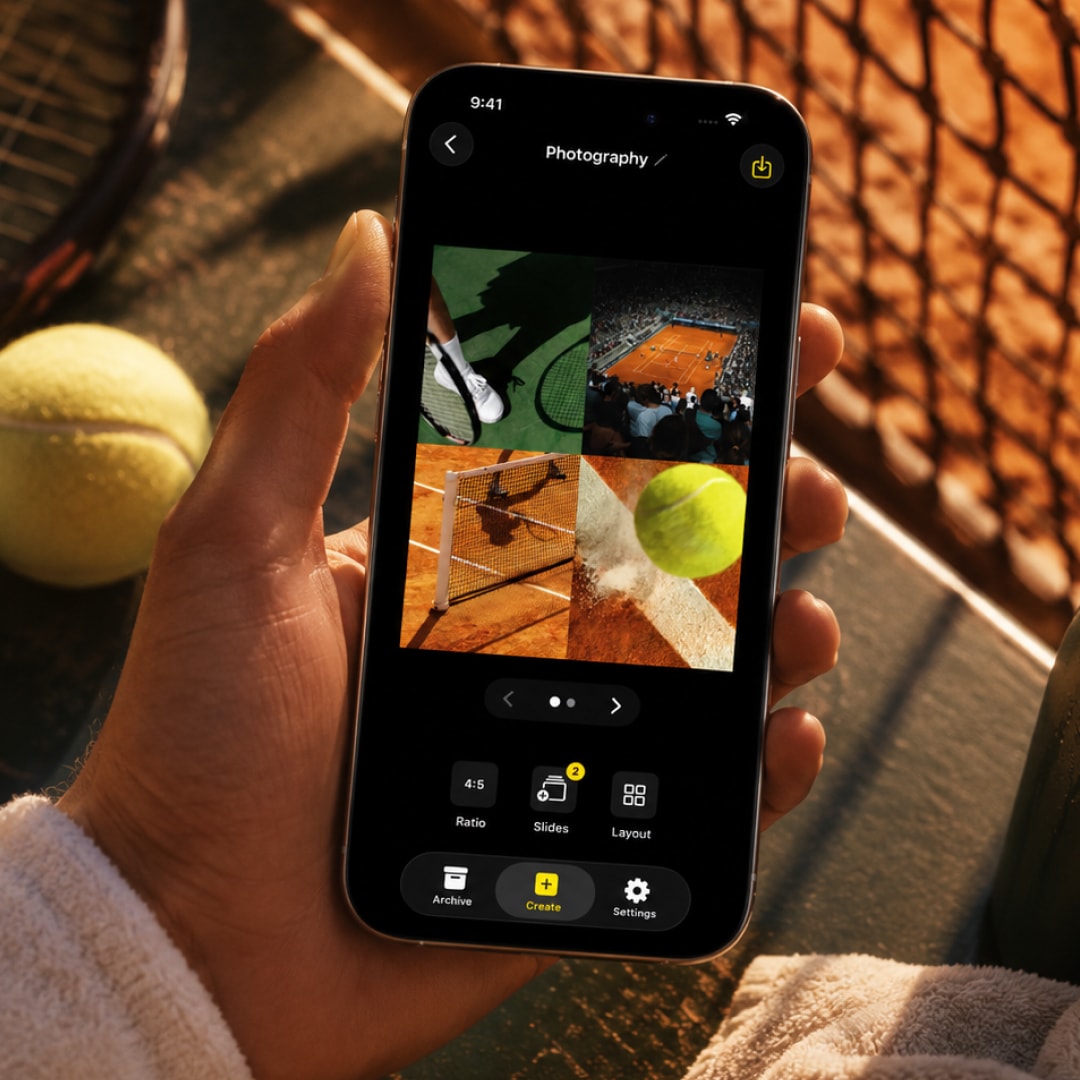
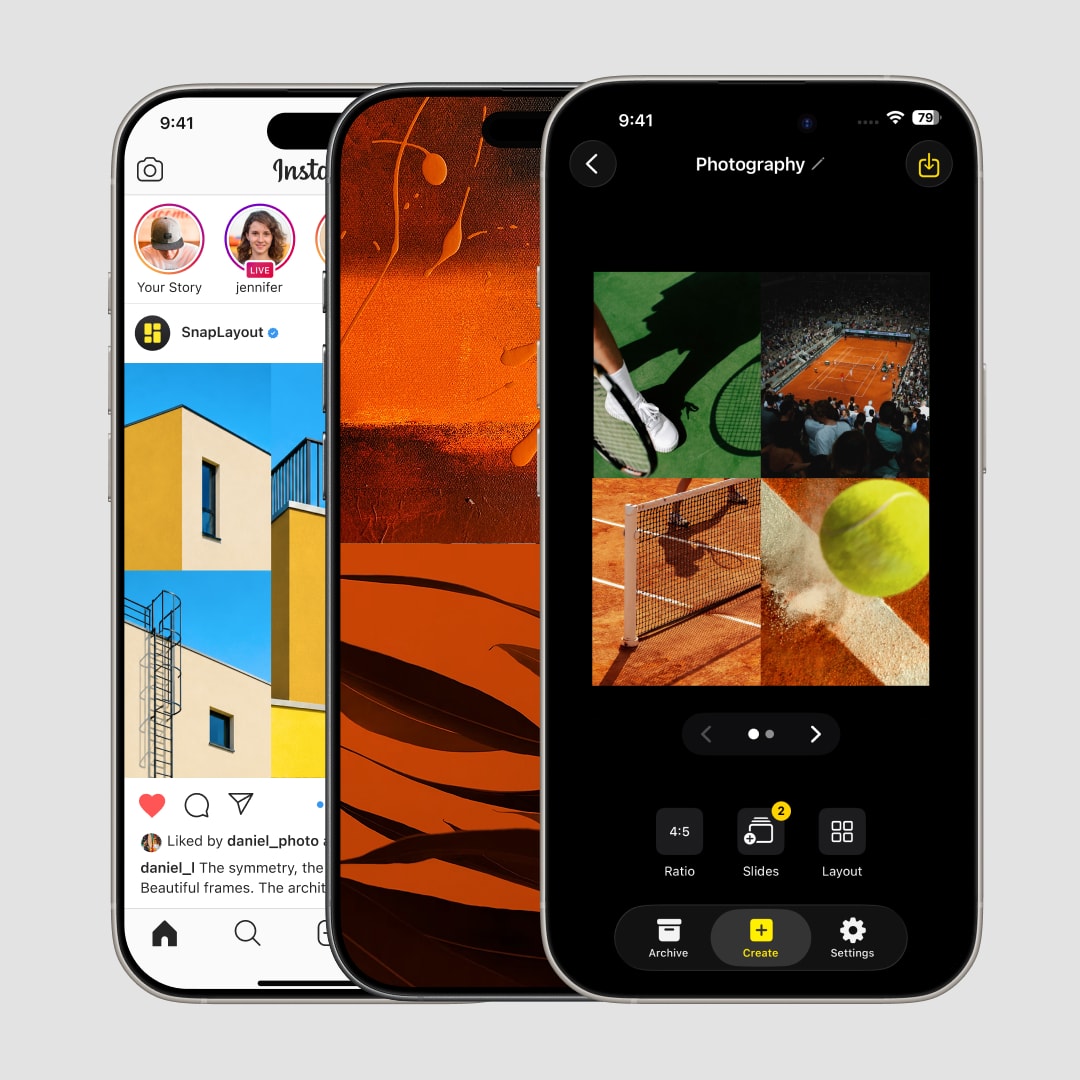
Choose a grid, drop in your photos, and export at the right size for any platform. Clean, balanced layouts — no design skills needed.
Download on App StoreHow it works
Pick the preset for where you'll post — Instagram, TikTok, Pinterest, YouTube thumbnails, or a custom size. SnapLayout sets the canvas dimensions automatically.
Browse the layout library and tap the grid arrangement you want. Tap each cell to assign a photo from your camera roll. Pinch inside each cell to adjust the framing.
Tap Export and your photo grid is saved to your camera roll, pixel-perfect and ready to post on any platform.
FAQ
"I use photo grids to show clients a preview set from their shoot. The layouts are clean enough that the photos do all the talking — no distracting frames or thick borders."
"Mood board grids used to be something I'd put together on my laptop. Now I can do it on my phone between site visits. The grid options are exactly what I need."
"I embed collage grids in my blog posts and on Instagram. The export quality is sharp enough for both, and I can switch the canvas size without starting over."
Related reading
Download SnapLayout and start arranging your photos in clean, professional-looking grids — right on your Apple device.
Download on App Store