
SnapLayout
Free · Photo Collage & Posts
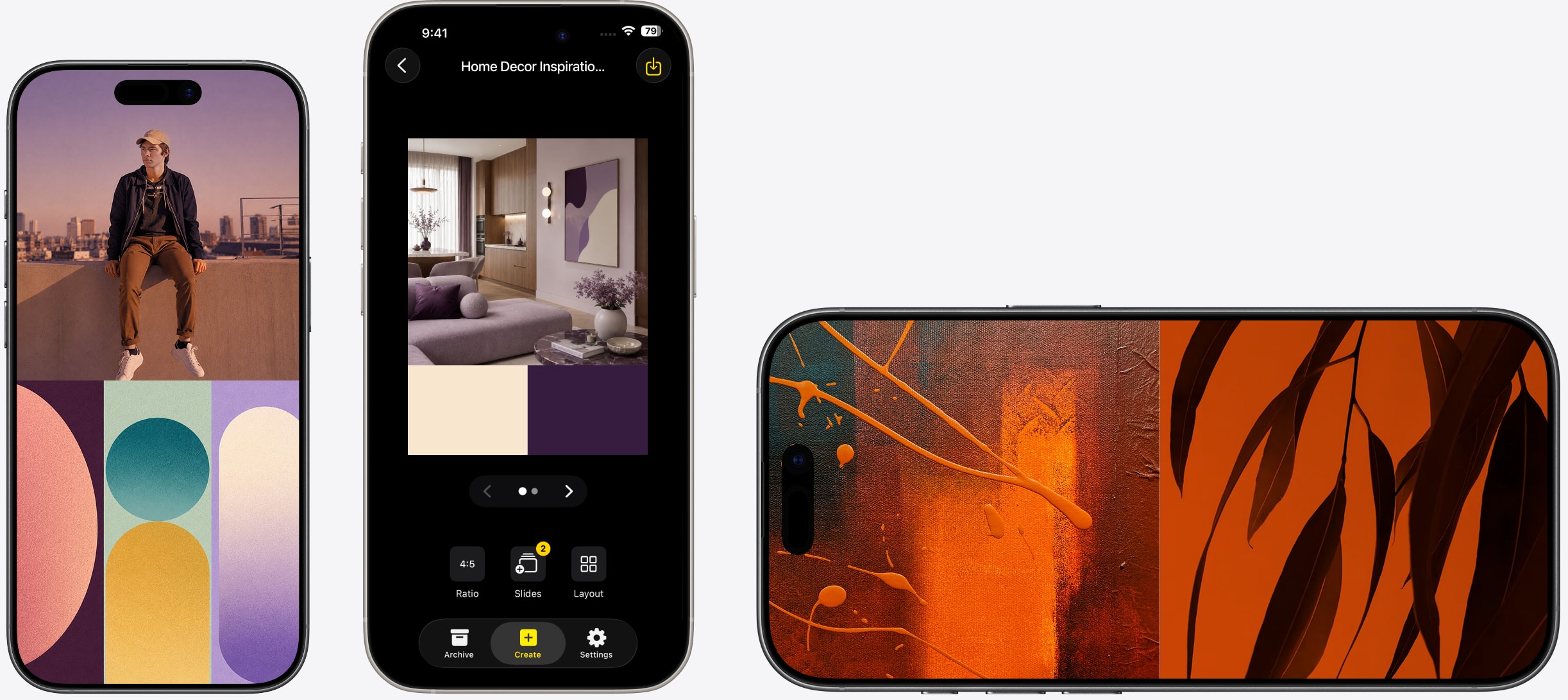
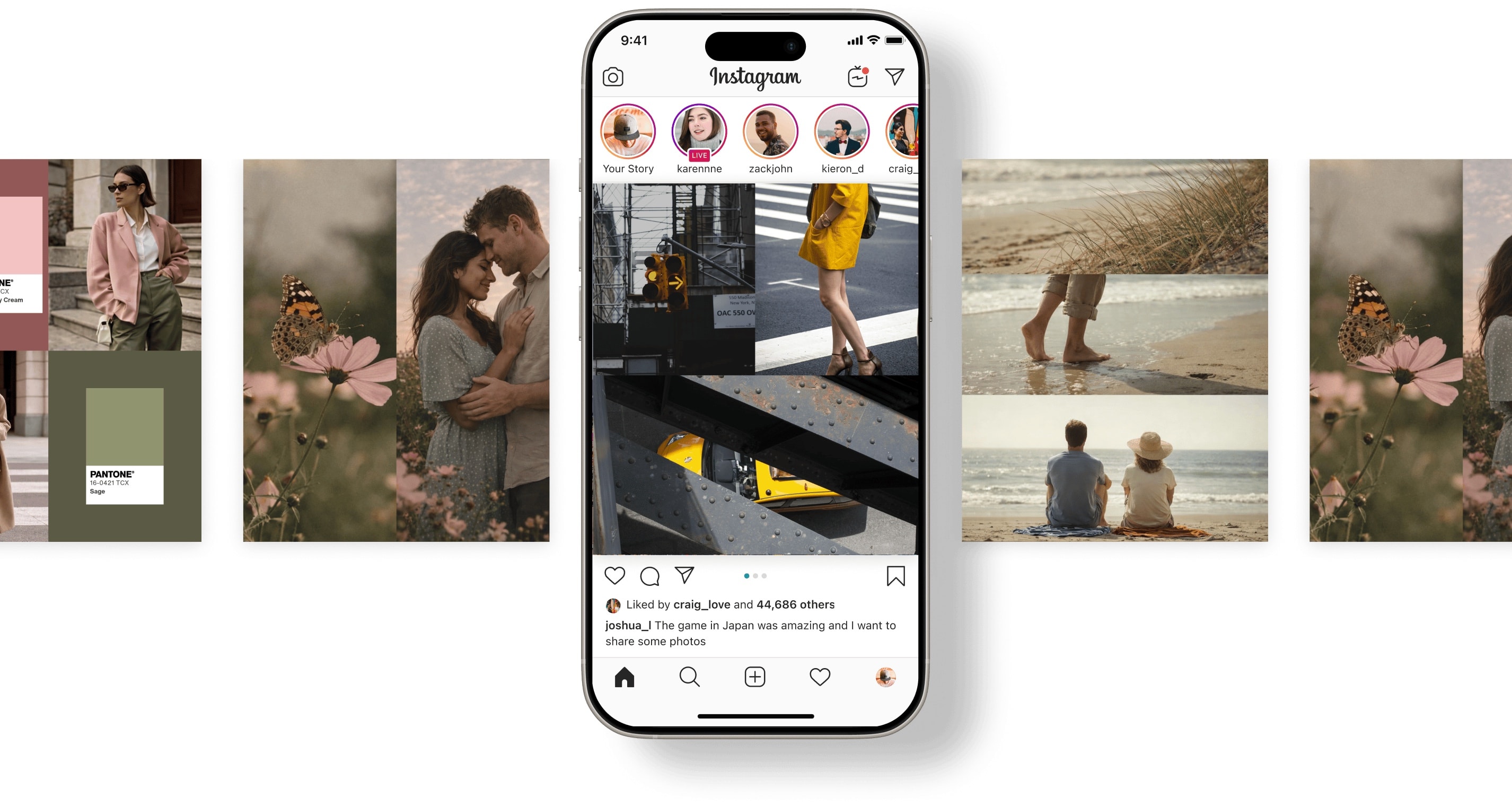
Design beautiful photo collages in the 9:16 vertical format — exactly right for Instagram Stories. Pick a layout, add your photos, and export in seconds.
Download on App StoreHow it works
Open SnapLayout and select the Stories format. Your canvas is set to 9:16 (1080 × 1920 px) instantly — no manual sizing or guesswork required.
Pick a grid layout designed for the tall canvas. Tap each cell and select photos from your camera roll. Pinch inside each cell to adjust the crop and framing.
Tap Export to save your collage to your camera roll. Open Instagram, create a new Story, and select your exported image — it's already the perfect size.

FAQ
"I post Stories almost every day and vertical collages have become my signature format. SnapLayout makes it fast — I can put together a class recap collage between sessions."
"I use Stories to show multiple rooms of a property in one swipe. The 9:16 format is already set up, so I just add the photos and export. Saves me the back-and-forth of resizing."
"After every event I put together a Stories collage of the highlights. Clients love it and it always looks polished. I don't have a design background, but you can't tell from the result."
Related reading
Also see: Instagram Collage Maker and Instagram Carousel Maker.
Download SnapLayout and create Instagram Stories collages perfectly sized for 9:16 — in under a minute.
Download on App Store