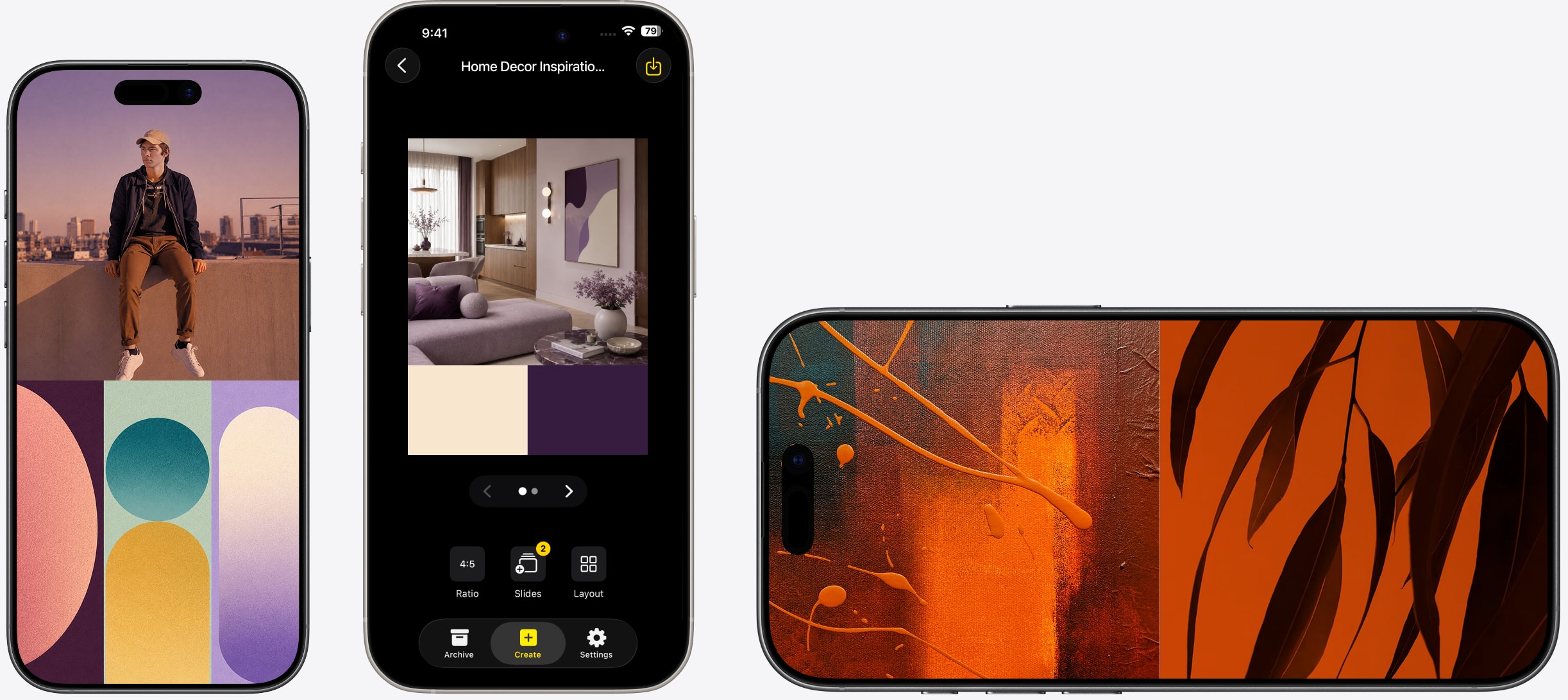
Instagram Carousel Maker for iPhone and iPad.

Design up to 20 slides in one session. Every slide at the right size. Export all at once and post straight to Instagram.

Download on App Store

How it works

1

Choose your carousel format

Open SnapLayout and tap + to start a new project. Select the Instagram carousel format — square (1:1) or portrait (4:5). Your canvas is ready instantly, no manual sizing needed.

2

Design each slide

Pick a grid layout and add your photos. Pinch to reposition each crop. Add a new slide with the + button and repeat — all slides share the same format and style.

3

Export all slides at once

Tap Export → Export All Slides. Every slide saves to your camera roll in order, ready to select when posting your Instagram carousel.
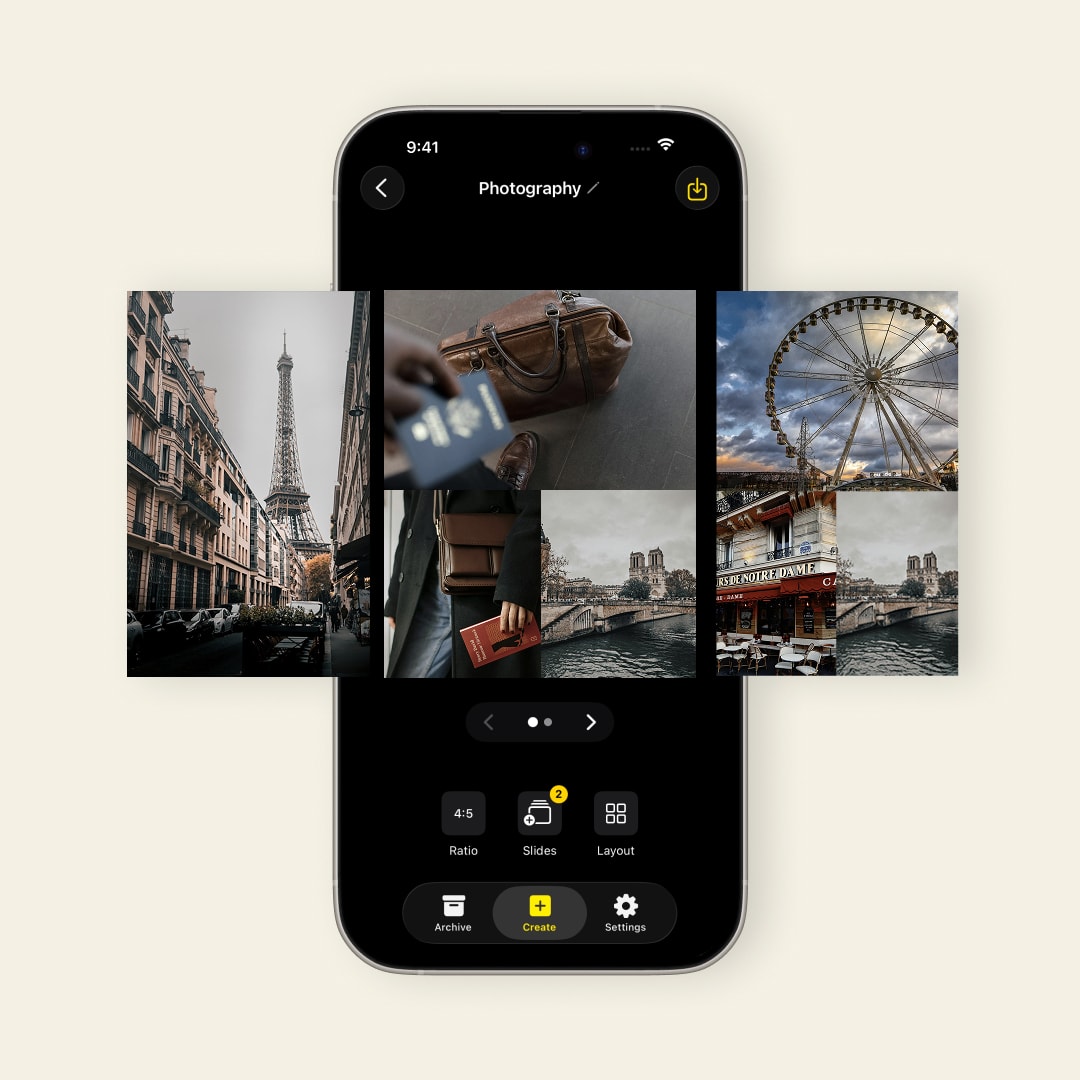
Up to 20 Instagram carousel slides designed in one session in SnapLayout

Up to 20 slides

Most apps make you create each slide separately. SnapLayout lets you build all your slides at once — same style, same dimensions, same look — so your carousel feels cohesive rather than cobbled together.

  • Up to 20 slides per carousel
  • All slides in the correct Instagram format
  • Consistent layout across every slide
  • Export all slides in one tap
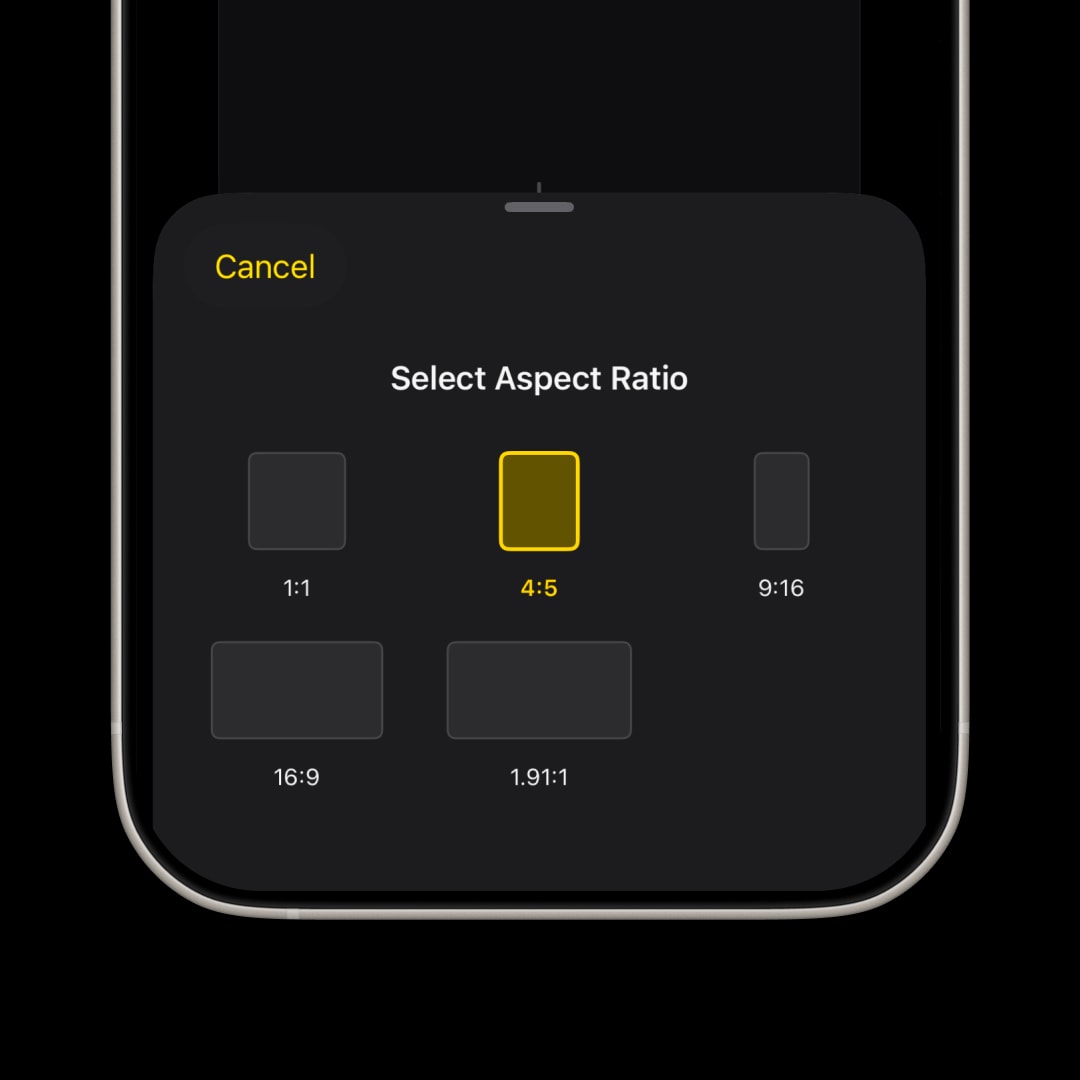
Instagram carousel format presets — square 1:1 and portrait 4:5 in SnapLayout

Right size, every time

Instagram carousels work in 1:1 square and 4:5 portrait. SnapLayout has both as presets — tap once and your canvas is the right size, no manual pixel entry needed.

  • 1:1 square carousel preset
  • 4:5 portrait carousel preset
  • Switch formats without losing your work
  • Full-resolution export to camera roll
Consistent grid style maintained across every carousel slide in SnapLayout

Consistent style

The hardest part of a carousel isn't designing one slide — it's making all of them feel cohesive. SnapLayout keeps the same canvas size, spacing, and background across every slide so your carousel looks deliberate, not assembled.

  • Same dimensions across every slide
  • Match background color and spacing throughout
  • Apply the same grid style to multiple slides
  • Reorder slides before exporting

FAQ

Frequently asked questions

SnapLayout supports up to 20 slides per carousel. Instagram itself allows up to 10 slides in a standard post and up to 20 in a collaborative or music carousel — SnapLayout covers both.
The two standard sizes are 1:1 square (1080 × 1080 px) and 4:5 portrait (1080 × 1350 px). SnapLayout includes both as presets so you never have to enter dimensions manually.
Yes. Each slide in your carousel is its own canvas. You can use a different photo layout for each slide, or keep the same layout across all slides for a consistent, branded look.
No. Tap Export → Export All Slides and SnapLayout saves all your carousel slides to your camera roll in the correct order, ready to select when posting on Instagram.
Yes. All design and export features work fully offline. No account, no upload, no cloud — everything stays on your Apple device.
You can design your carousel for free. Exporting requires a premium subscription.
Yes. Before you export, you can drag slides into the correct sequence. SnapLayout saves them to your camera roll in the exact order you set.
Instagram requires all slides in a carousel to share the same ratio. SnapLayout enforces this automatically — once you choose a format for your carousel, every slide uses it.
SnapLayout saves your project automatically. Close the app and your carousel will be right where you left it when you return.

"I manage accounts for multiple clients and carousels used to take forever. With SnapLayout I can put together a 10-slide post in the time it used to take me to size one image. The consistency across slides is what sold me."

E
Emma R.
Social Media Manager

"My follow-up workout carousels are the highest-performing posts I make. Being able to design all the slides at once and keep the same layout throughout makes everything look intentional."

D
David T.
Fitness Coach

"I needed a way to turn a shoot into a swipeable post without spending an hour in editing. SnapLayout gets me from raw picks to a finished carousel in a few minutes."

N
Nina C.
Product Photographer

Your next carousel is 10 minutes away.

Download SnapLayout and build your first multi-slide post today — no design experience needed.

Download on App Store