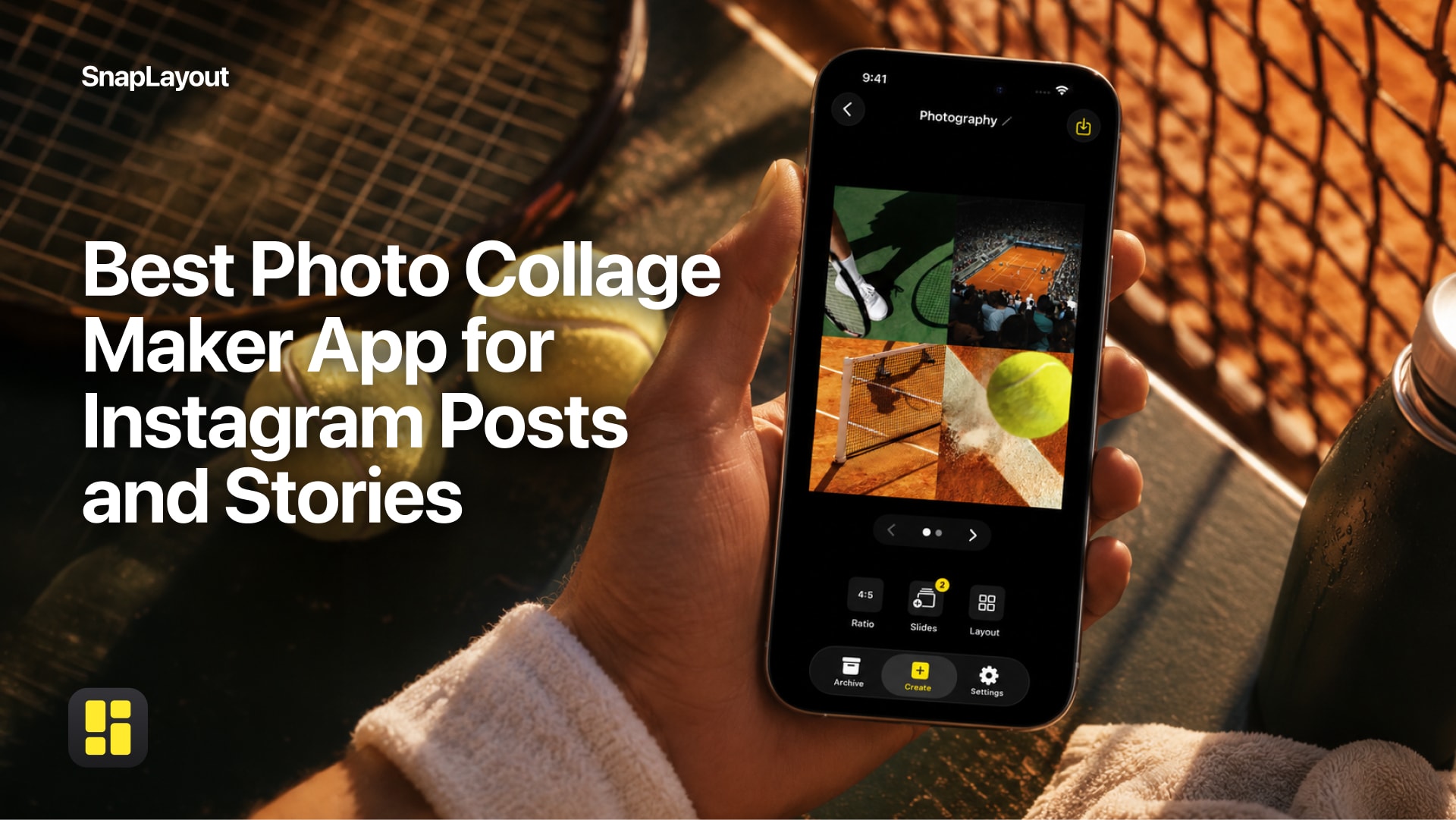
If you've searched "best collage app for Instagram" recently, you've probably found a lot of lists that are more about affiliate links than honest recommendations. This isn't one of those. Instead, let's talk about what actually matters in a collage app — and whether SnapLayout delivers on each point.
What makes a collage app actually good?
Before recommending anything, it's worth agreeing on the criteria. A collage app for Instagram needs to handle the right formats, produce clean exports, be fast to use, and ideally not require a network connection or hand over your photos to a server somewhere. Let's go through each of those in turn.
Format support: does it cover what Instagram needs?
Instagram uses several different aspect ratios depending on where content is displayed. Feed posts support square (1:1), portrait (4:5), and landscape (16:9). Stories and Reels require a full 9:16 vertical frame. A collage app that only handles square is going to leave you cropping and compromising constantly.
SnapLayout covers all of these natively: square (1:1), portrait (4:5 and 9:16), landscape (16:9), and a custom canvas option if you need something non-standard. Crucially, you can switch between formats after you've already started building a layout, which means you're not locked into a decision made before you knew what the final post would look like.
Offline use and privacy: where do your photos go?
This matters more than most people realize. Many collage apps send your photos to a server to process them — which means your images leave your device, often without much clarity about what happens to them afterward. For personal photos in particular, that's a reasonable thing to care about.
SnapLayout works entirely offline. Everything happens on your iPhone or iPad; your photos never leave the device. There's no account required, no upload step, and no waiting on a server. If you're somewhere with no signal, the app works exactly the same way.
Export quality: what do you actually get?
Some apps produce exports that look fine on a phone screen but fall apart when viewed on a larger display or when Instagram applies its own compression. The output needs to be high resolution if you want your posts to look sharp.
SnapLayout exports directly to your camera roll at full quality, ready to upload to Instagram. There's no intermediate step or lossy conversion. Exporting requires a premium subscription, managed through Apple's standard in-app purchase system — the same process you'd use for any other iOS subscription.
Ease of use: how long does it actually take?
The best collage app is one you'll actually use. If it takes five minutes to figure out how to add a second photo, or the interface is buried under menus, most people will give up and post a single image instead. Speed matters, especially when you're trying to capture something timely.
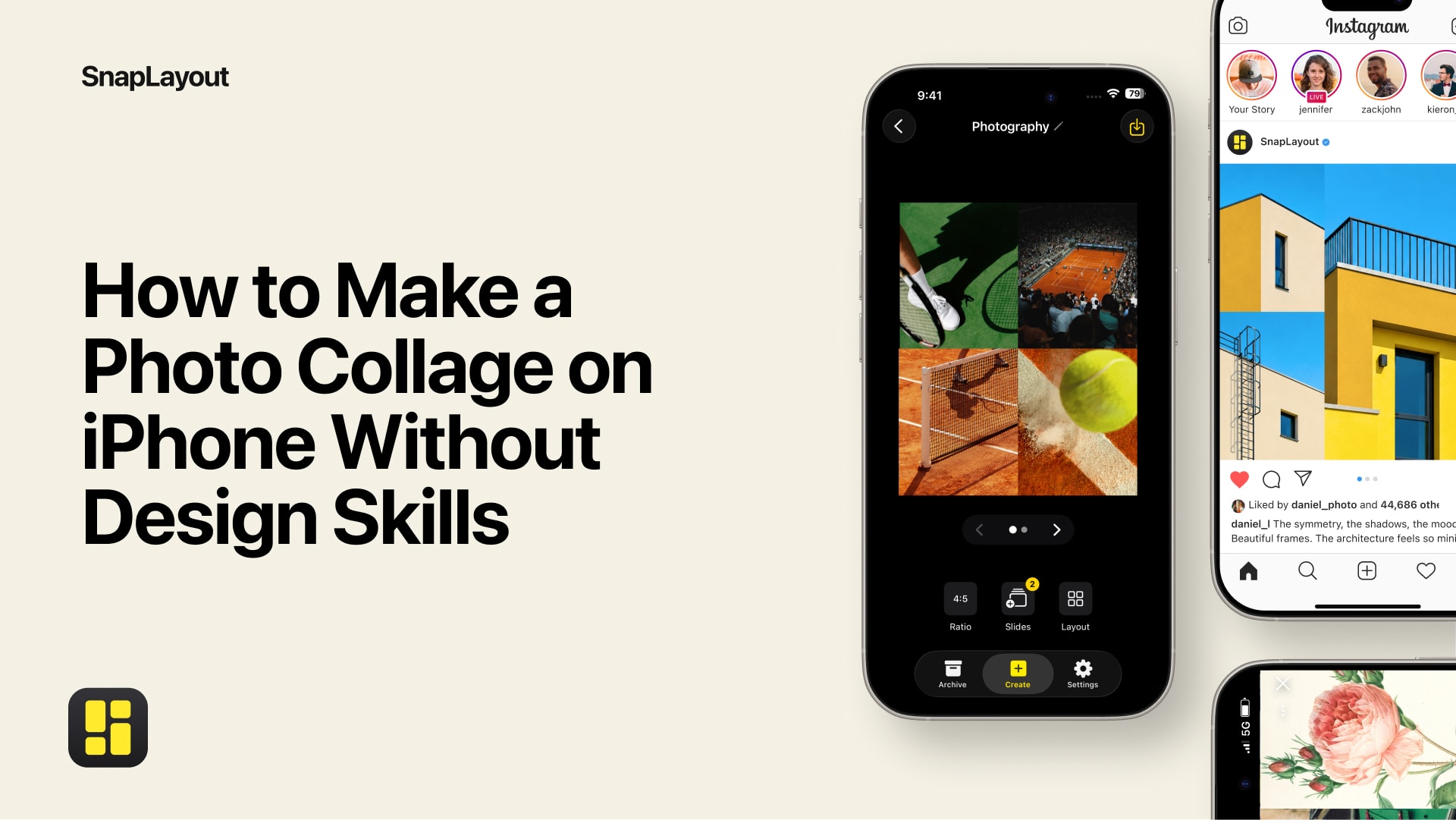
SnapLayout is built around the idea that a collage should take seconds, not minutes. You pick your photos, pick a layout, adjust if you want to, and export. The interface is minimal on purpose — there's no steep learning curve, and you don't need any design background to produce something that looks good.
Carousel support: one of the most underused Instagram features
Carousels consistently outperform single images in engagement on Instagram, but building them is awkward without the right tool. You need each slide to be the right size, the visuals need to feel cohesive, and ideally you want to be able to see how everything fits together before you export.
SnapLayout supports carousel posts up to 20 slides, all built inside the app. You can set each slide's format, arrange your photos, and export the full set to your camera roll ready to upload as a multi-image post. That's a meaningful time-saver compared to editing each image separately in a generic photo editor.
The bottom line
No collage app is going to be perfect for everyone, and SnapLayout is no exception. It's focused on iPhone and iPad (iOS 16 and later), so Android users will need to look elsewhere. And if you want features like elaborate text overlays or complex graphic design tools, a more general-purpose design app might suit you better.
But if what you need is a fast, private, format-flexible collage maker that handles everything Instagram asks for — including carousels — SnapLayout is a genuinely strong option. It's free to download, and you can build and preview collages without paying anything. Full-resolution export is what the subscription unlocks, through Apple's standard billing.
Worth trying before you commit to anything else.