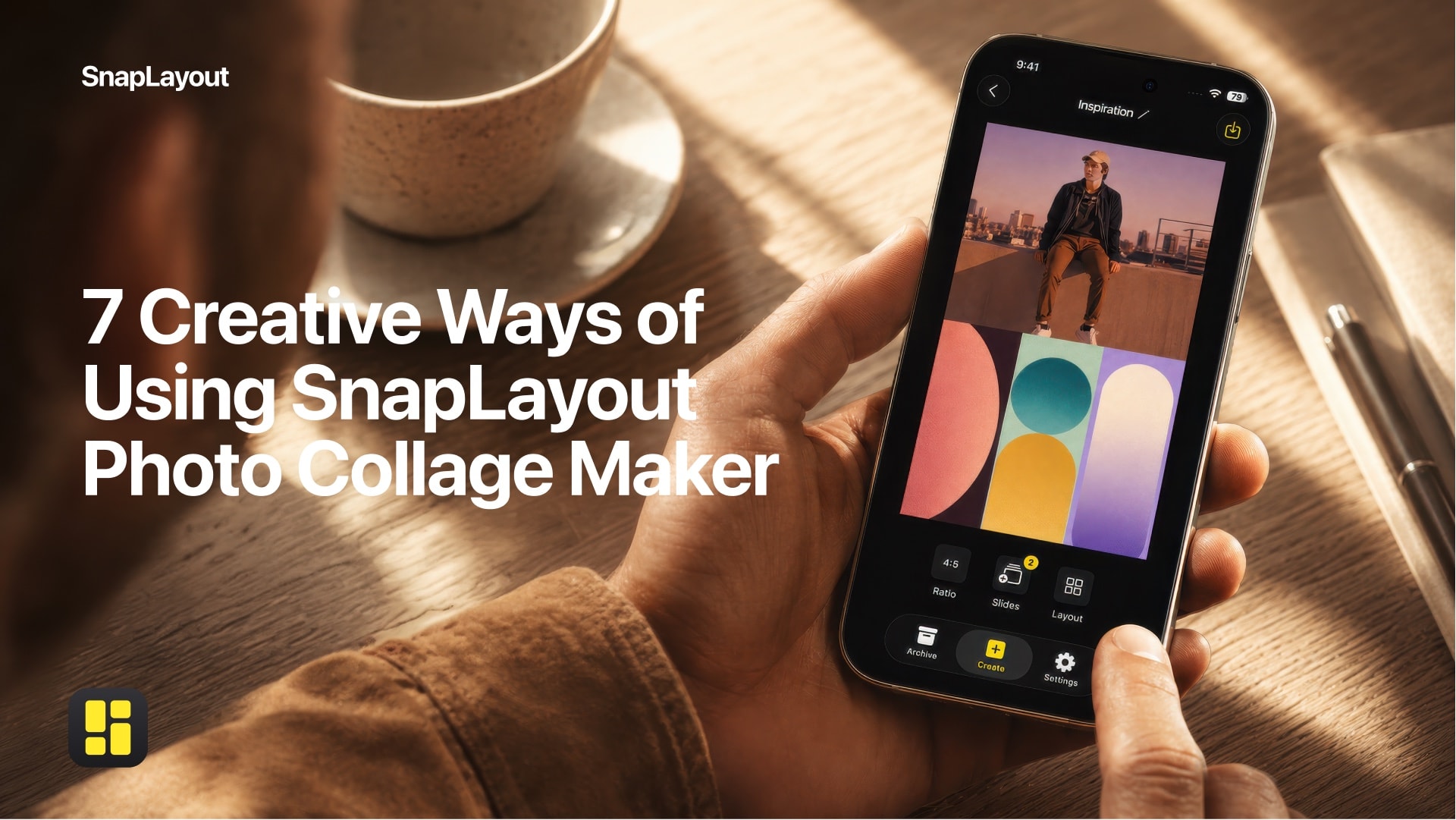
There's a moment every photographer, designer, and passionate phone-camera user knows well: you've got a collection of shots that tell a story together, but no single image does it justice on its own. You want to put them side by side, arrange them into something cohesive, and get it onto Instagram or your portfolio — fast, without fighting with software. That's the exact gap SnapLayout was built to fill.
A Photo Collage Maker Built for Social Media
SnapLayout is a free photo collage maker for iPhone and iPad. It lets you combine multiple photos into a single polished layout — and export the result directly to your camera roll, ready to post wherever you like. It runs entirely on your device, so your photos never leave your phone. No uploads, no cloud processing, no account required.
The app supports every major social media format out of the box: portrait (4:5 and 9:16), square (1:1), landscape (16:9), and custom canvas sizes. You can switch between formats at any point without starting over, which matters more than it sounds when you realize mid-project that your portrait layout would work better as a square.
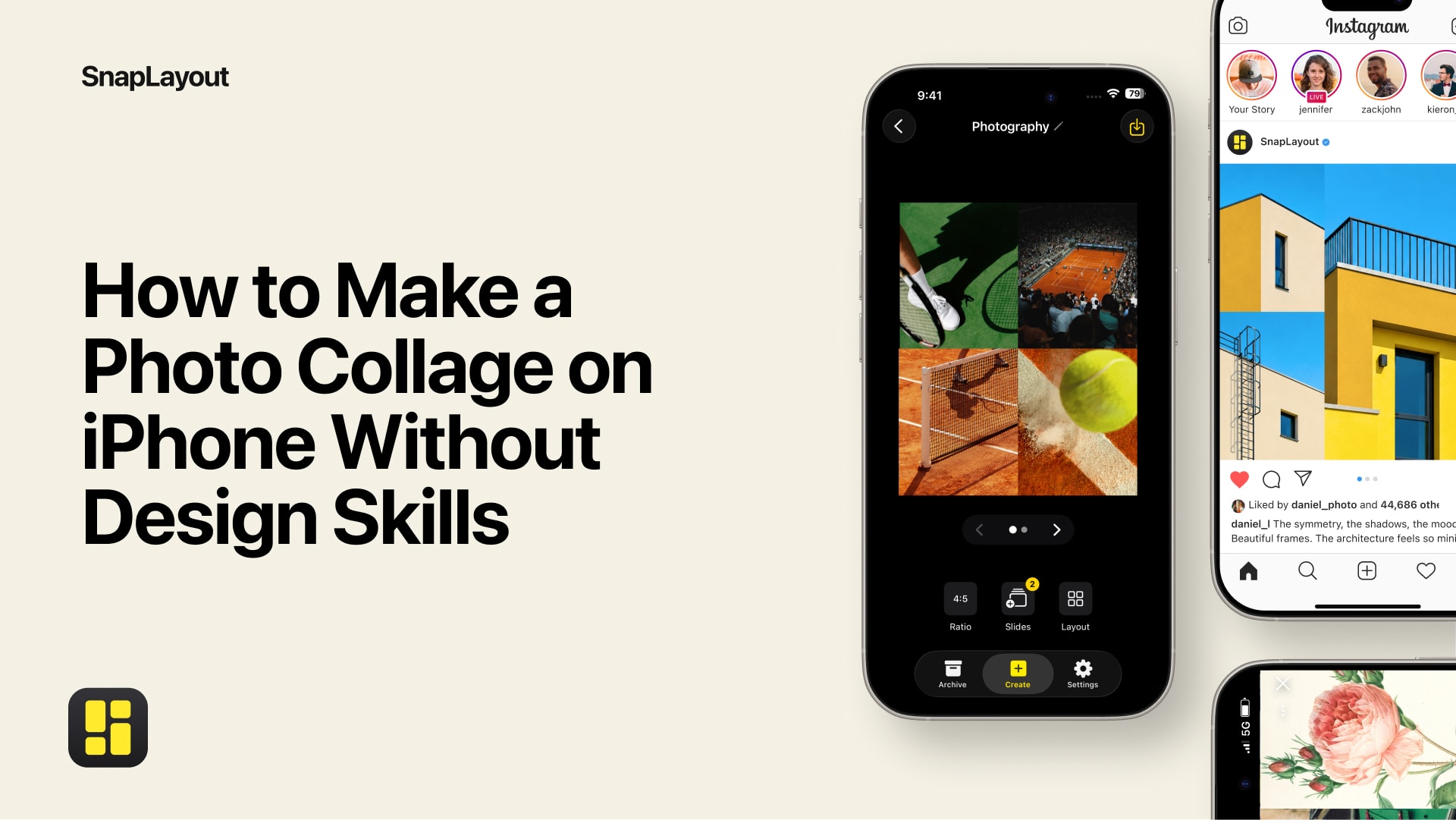
For Instagram specifically, SnapLayout supports carousel posts with up to 20 slides — enough to document a full shoot, walk through a process step by step, or put together a before-and-after series that keeps viewers swiping.
Who Uses SnapLayout — and What They Make
The obvious use case for a collage app is, yes, birthday roundups and vacation dumps. SnapLayout handles those effortlessly. But the people who get the most out of it tend to use it for something a little more intentional.
Interior designers and decorators use it to build mood boards and room concept presentations — pulling together fabric swatches, furniture shots, and inspiration images into a single composed layout. It's faster than any desktop tool and lives in the same device they're already using on-site.
Photographers use it for portfolio teasers and client previews. A tight 2x2 grid of your strongest shots from a session says more, faster, than any single image. Landscape format works well here for gallery-style presentations; portrait format is ideal for Stories and Reels thumbnails.
Food creators use it to document a dish from multiple angles — the prep, the plating, the final overhead shot — in a single post that actually shows their process and craft.
Small business owners and brand accounts use it to put together product collages, promotional layouts, and announcement posts without hiring a designer for every piece of content.
Travel writers and adventure accounts use it to compress a full day or destination into a tight visual narrative — landscape for widescreen scenic shots, portrait for story-format posts.
Artists and makers use it to document their creative process — sketches next to finished work, materials next to the final piece, works-in-progress arranged chronologically.
How to Make a Photo Collage with SnapLayout
Pick your format, select your photos, arrange your layout, export to your camera roll. That's the whole loop. SnapLayout is built around the idea that the creative work should take most of your time — not the setup, not figuring out menus, not re-exporting because you chose the wrong canvas size.
The format-switching feature deserves a mention here: you can start building a layout in square format and switch to portrait or landscape at any point, and SnapLayout preserves your work. It's a small thing that saves real frustration, especially when you're building content for multiple platforms from the same set of images.
Exports go straight to your iPhone or iPad camera roll at full resolution. From there, you post wherever you want — Instagram, TikTok, your website, a client email. SnapLayout doesn't try to be the middleman for that.
Free iPhone Collage App — No Account, No Uploads
SnapLayout is free to download on the App Store. A premium subscription (managed through Apple) unlocks full-resolution export. The free version is fully functional — you can build, arrange, and preview as many collages as you like.
Because everything runs locally on your device, there's no account to create, no data being sent to a server, and no internet connection required. Your photos stay exactly where you put them.
SnapLayout requires iOS 16 or later and works on both iPhone and iPad.
SnapLayout is for anyone who has something worth showing and wants to show it well — whether that's a brand, a craft, a place, or a story that takes more than one frame to tell.
If you've been looking for a collage tool that respects both your time and your photos, this is it. Download it free and build your first collage today.